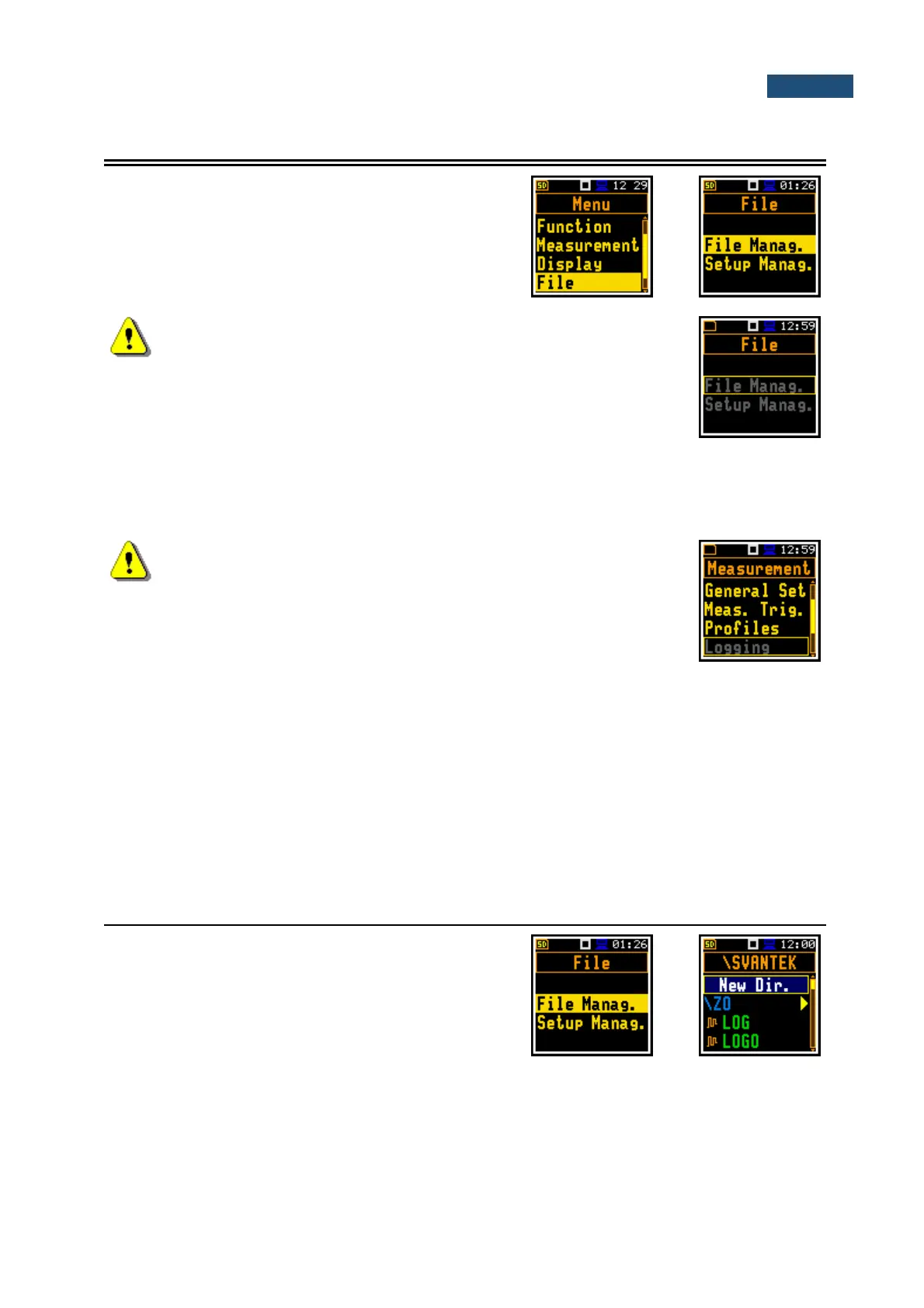
The File section contains the elements that enable
managing the data files saved in the instrument’s memory
– micro SD-card.
The File section contains following positions:
File Manag. allowing to manage result files;
Setup Manag. allowing to manage setup files.
Note: Positions in the File list are active only when an SD-card is
inserted into the card slot behind the bottom cover of the instrument.
There are two types of files that the instrument generates:
• Logger files with measured data (extension .SVL),
• Setup files with measurement configuration settings (extension .SVT).
Detailed description of structures of all file types is given in Appendix B.
Note: Data files can be saved only on the SD-card. So, if there is no
SD-card in the instrument there is no any possibility to create any file.
Therefore, among other things, Logging position in the Measurement
list is not available.
`
Files are saved automatically; you should only define the file name in the Logger Name position (path:
<Menu> / Measurement / Logging / Logger Set.).
Elements of the file structure depend on the selected function (Lev. Met., 1/1 Oct., 1/3 Oct., Dosimeter)
and logging settings and may include:
• main results, including results of statistical analysis,
• time histories of measured results,
• audio waveform recordings,
• results of 1/1 Oct. analysis,
• results of 1/3 Oct. analysis,
• Dosimeter results.
7.1 MANAGING LOGGER FILES – FILE MANAGER
Files are stored in directories, which are organised
hierarchically. The File Manager enables access to files
and directories.
In the File Manager all file and directory names are of
upper case letters and have no extensions. Directory
names are of blue colour and file names are of green
colour with additional icon.



 To Next Page