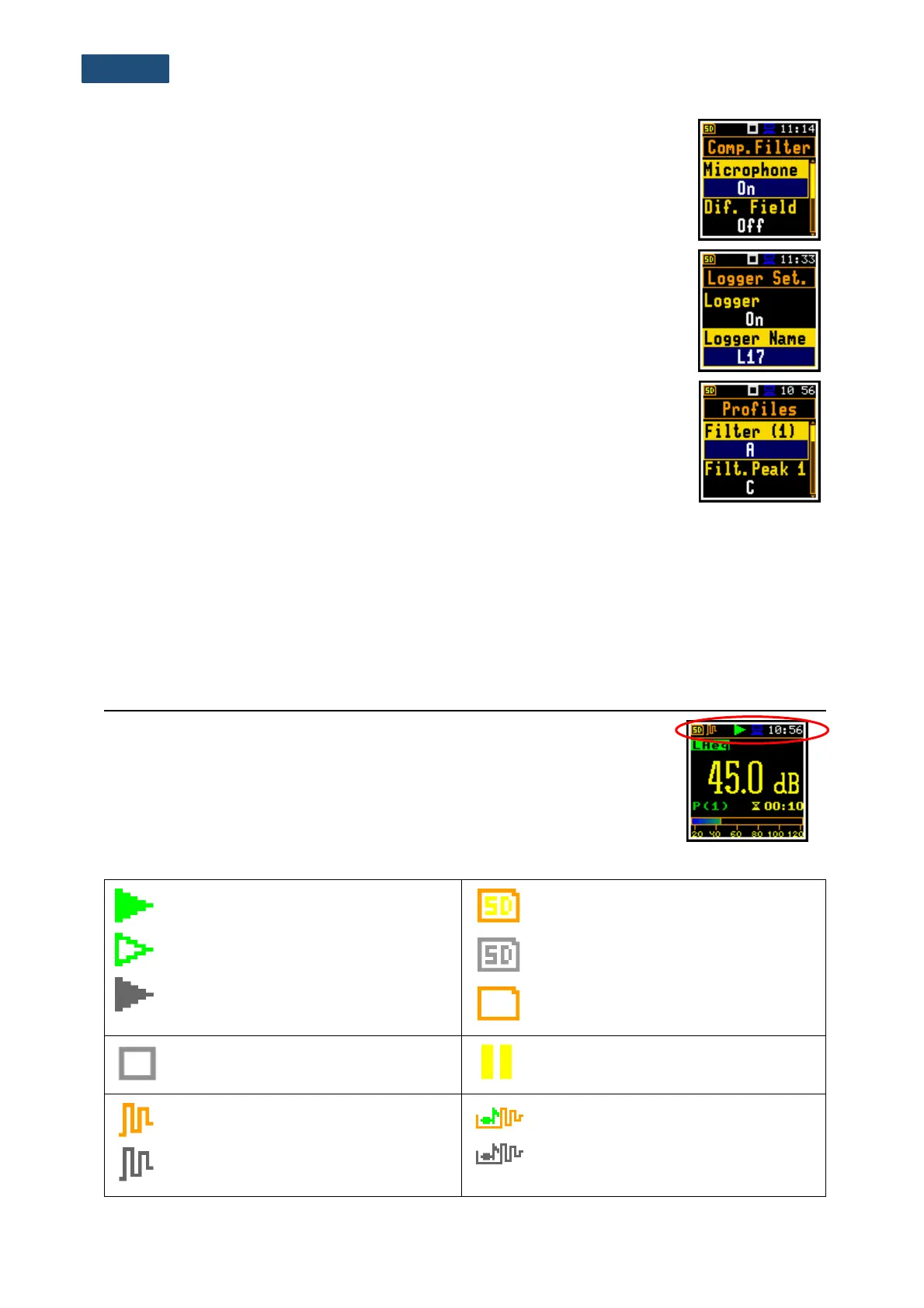
profiles and summary results saving. Other functions are switched off, like:
measurement trigger, logger trigger, event recording and timer.
The logger and summary results will be automatically saved in the file with the
name presented in the Logger Setup list (Logger Name: Lxxxx).
Default Profile settings:
Profile 1 - C weighting filter for Peak result (Filt.Peak(1)=C), A weighting filter
for other results (Filter(1)=A), Fast for the LEQ detector
(Detector(1)=Fast);
Profile 2 - C weighting filter for Peak result (Filt.Peak(2)=C), C weighting filter
for other results (Filter(2)=C), Fast for the LEQ detector
(Detector(2)=Fast);
Profile 3 - Z weighting filter for Peak result (Filt.Peak(3)=Z), Z weighting filter
for other results (Filter(3)=Z), Fast for the LEQ detector
(Detector(3)=Fast);
You can change all above-mentioned settings using the Profiles position of the Measurement section.
The instrument remembers all changes by the next time it is used. You can return to default settings (set
up by the manufacturer) with the use of the Factory Set. position in the Aux. Setup section.
Indicators of the instrument state
Additional information about the instrument’s state gives the row of icons visible
in the top line of the display.
The real-time clock (RTC) is also displayed in the same line together with icons.
Meanings of icons are as follows:
“play” icon is displayed when the
measurement is running, and the icon
shape is changing from self to contoured.
Grey colour of the icon means that the
instrument waits for the measurement
start after pressing <Start> key due to a
start delay or a delay caused by a trigger.
“SD Card” icon is displayed when the
SD-card memory is installed.
Grey colour of the icon means that the
card memory is full.
“no SD Card” icon is displayed when no
SD memory card is installed.
“stop” icon is displayed when the
measurement is stopped.
“pause” icon is displayed when the
measurement is paused.
“curve” icon is displayed when the
current measurement results are logged
into the instrument’s logger file.
“note-curve” icon is displayed during
event recording.
Grey colour of the icon means that the
instrument waits for the event recording



 To Next Page