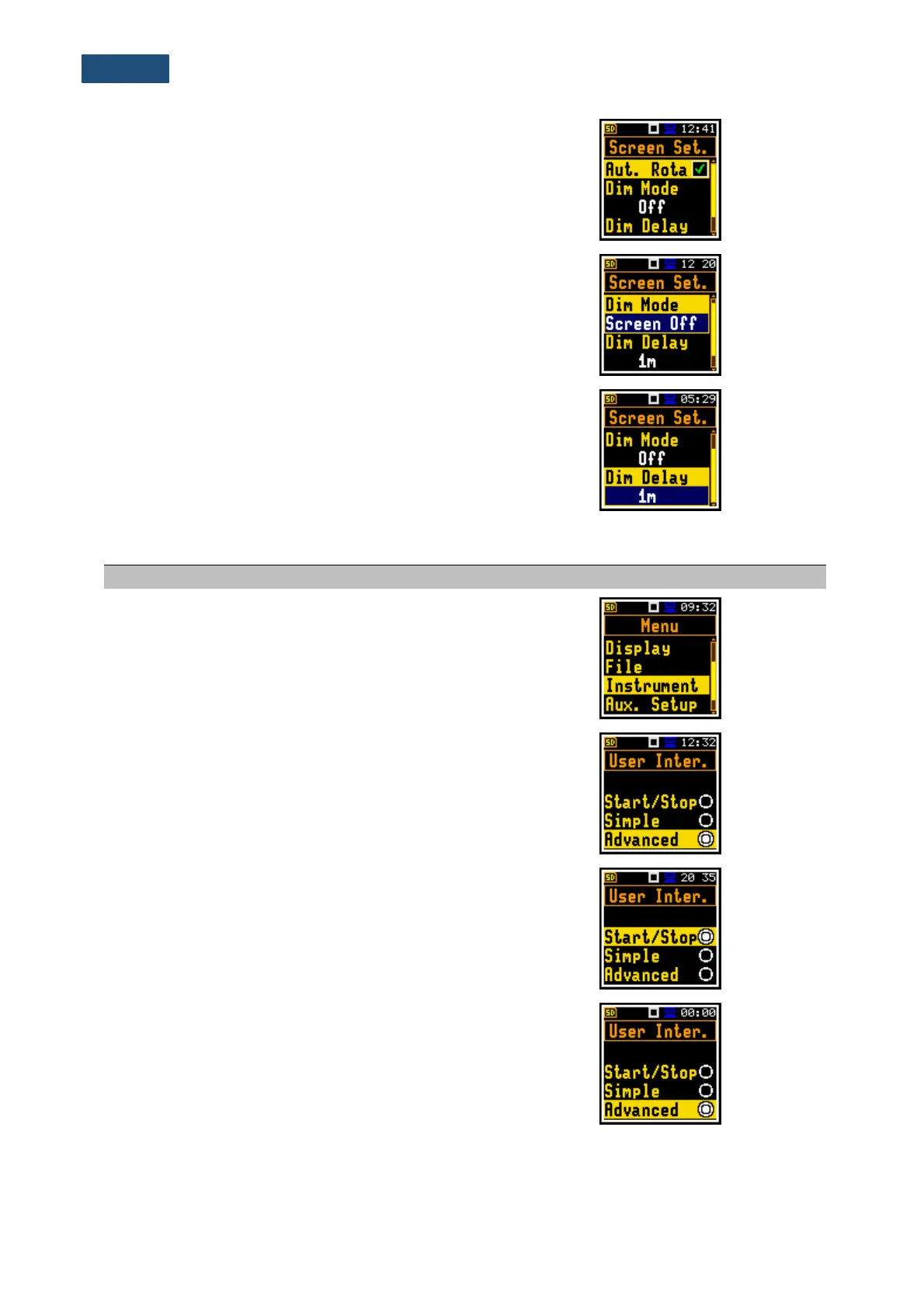
Switching on the adjustment of the screen image on
the display according to the instrument’s physical
orientation in space.
Screen dimming in no activity after delay.
Screen dimming time delay in no activity after last
key pressing.
15.6 INSTRUMENT PARAMETERS
Position in the Main Menu enabling setting of the
hardware components of the instrument.
Instrument’s interface in the form of a set of
functions that are available for the user. Instrument
offers three types of user interface: limited to start
and stop of the measurement (Start/Stop), narrow
set of functions for novice users (Simple) and full set
of functions (Advanced).
User interface mode, that limits the menu to only
one User Interface position in the main Menu and
measurement windows
User interface, that limits instrument’s settings to the
most frequent used positions, hiding other positions.
Before activation of the Simple mode the user may
decide whether to leave settings of hiding positions
as they were set before the activation of the Simple
mode or to reset them to the factory default settings.



 To Next Page