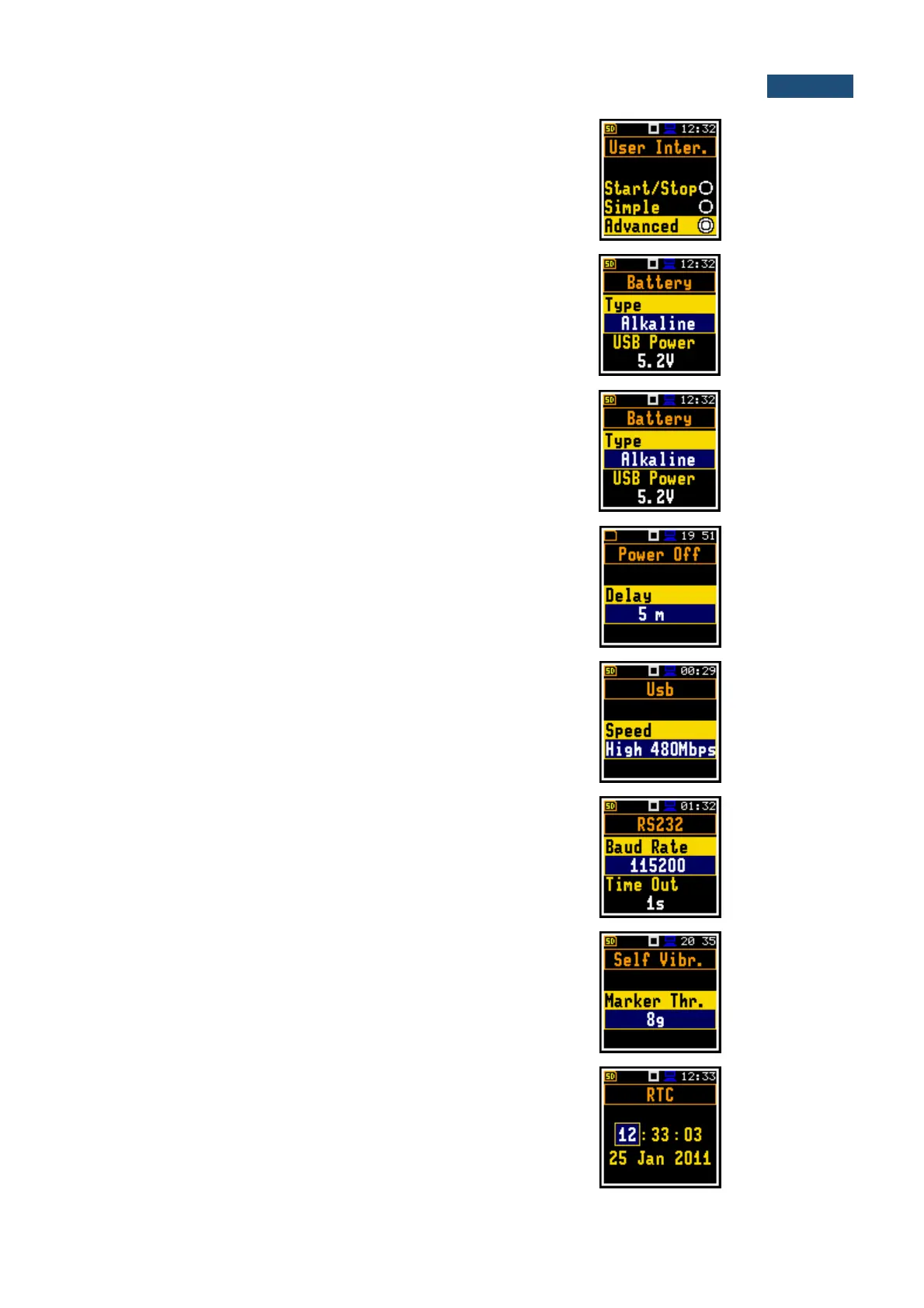
User interface, that allows full scope of instrument
settings.
Position in the Instrument list that enables checking
of the instrument power source status.
Position in the Instrument list that enables setting of
the Shift, Alt, Start, Stop keys functionality and
programming of locking/unlocking the keyboard.
Position in the Instrument list that enables selecting
of the period after which the instrument will
automatically switches off in case there was no any
key pressed during this period.
Position in the Instrument list that enables selecting
the transmission speed of the USB interface. There
are two options: Full 12Mbps and High 480Mbps.
Position in the Instrument list that enables selecting
of the RS 232 interface transmission speed
(Baud Rate) and to set the time limit during which
the communication operation should be performed
(Time Out).
Position in the Instrument list that enables defining
the threshold level for the self-vibration of the
instrument for marker registration. The special
marker will be written to the file when the self-
vibration of the instrument is higher than defined in
the Marker Thr. position.
Instrument's Real Time Clock. This clock is
displayed in the upper right corner places of the
display.



 To Next Page