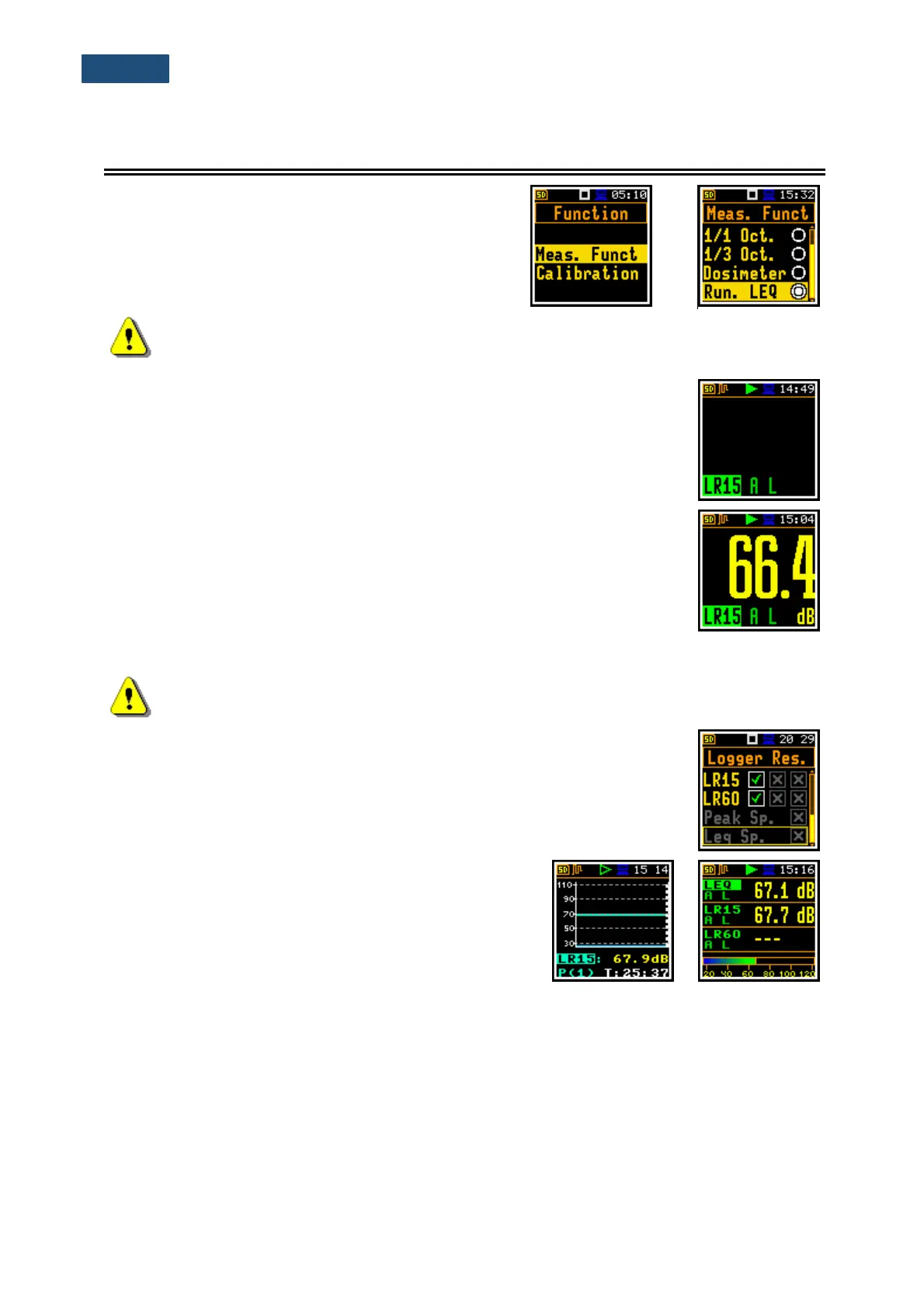
To select the Run. LEQ function, enter the Function
section, select the Meas. Funct position and press the
<Enter> key. In the Meas. Funct window, select the
Run. LEQ position and the <Enter> key.
Note: It is not possible to change the current function during a measurement.
The instrument displays in this case for about 2 seconds the text ”Measurement in
Progress”. To change the current measurement function, the measurement must be stopped!
Running LEQ (Run. LEQ) is a special function of SVAN 971. This function is very
similar to the Level Meter. The difference is that in the Run. LEQ function there
are two additional measurement results: LR15 and LR60. LR15 and LR60 are
calculated as LEQ during last 15 or 60 minutes of measurement. Therefore, these
results are not displayed before the expiration of time (accordingly 15 or 60
minutes).
For example, if LR15 and LR60 are displayed with RTC:15:04:11 it means, that:
- LR15 was calculated as Leq for period from 14:49:12 to 15:04:11, and
- LR60 was calculated as Leq for period from 14:04:12 to 15:04:11.
One second later (RTC:15:04:12) it will mean, that:
- LR15 was calculated as Leq for period from 14:49:13 to 15:04:12, and
- LR60 was calculated as Leq for period from 14:04:13 to 15:04:12.
Note: Results LR15 and LR60 are calculated only in the 1st profile.
Results LR15 and LR60 can be saved in a file as Summary Results with the
Integr. Per step (path: <Menu> / Measurement / General Set), or can be logged
with the Logger Step (path: <Menu> / Measurement / Logging / Logger Set.).
The minimal Logger Step for the Run. LEQ mode is 1s.
Examples of LR15 and LR60 results in different display
modes: Logger and 3 Profiles.



 To Next Page