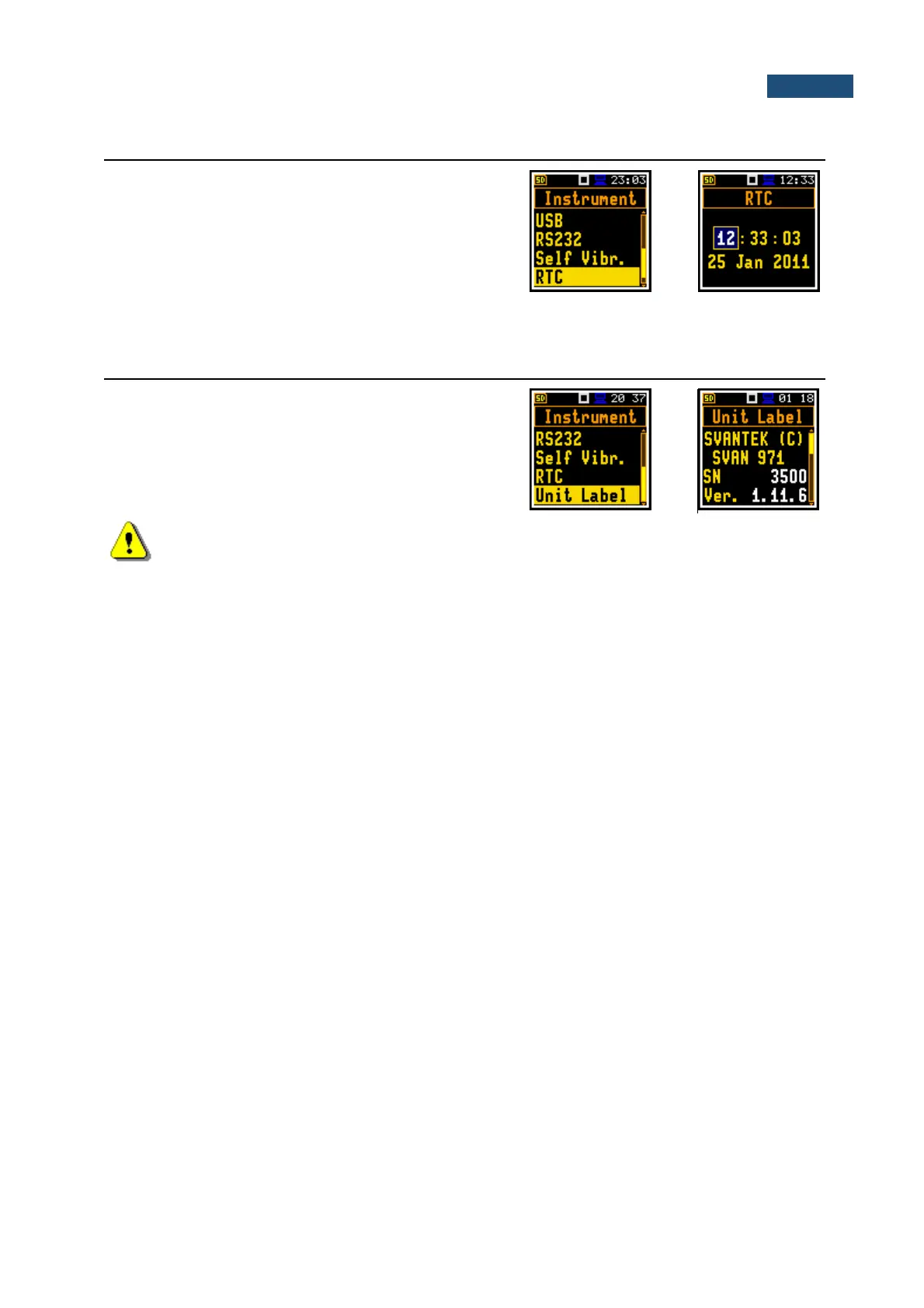
8.8 PROGRAMMING THE INSTRUMENT’S INTERNAL REAL TIME CLOCK – RTC
The RTC position enables programming the internal
Real Time Clock of the instrument. This clock is
displayed in the top right corner of the display.
To set year, month, day, hour, minute or second, select
the appropriate field with the ◄ / ► key, select value with
the ▲ / ▼ key and press <Enter> to confirm the
selection. If you exit this window with <ESC> the new
time will be also saved.
8.9 CHECKING THE INSTRUMENT PROPERTIES - UNIT LABEL
The Unit Label position enables checking the model of
the instrument, it’s serial number, the current software
version installed and the appropriate standards, which
the instrument fulfils.
Note: The contents of the Unit Label should be always sent to the Svantek service
department or official representative in case of any problems faced by the user during the
instrument’s normal operation.



 To Next Page