140 WEB Interface
CP560 DVB-T2 Gateway User’s Manual Rev. 2.2 (3686) ID: um_t2gateway
Column UDP port
The UDP port used for column FEC data.
Row UDP port
The UDP port used for row FEC data.
8.6.6.3 Ping
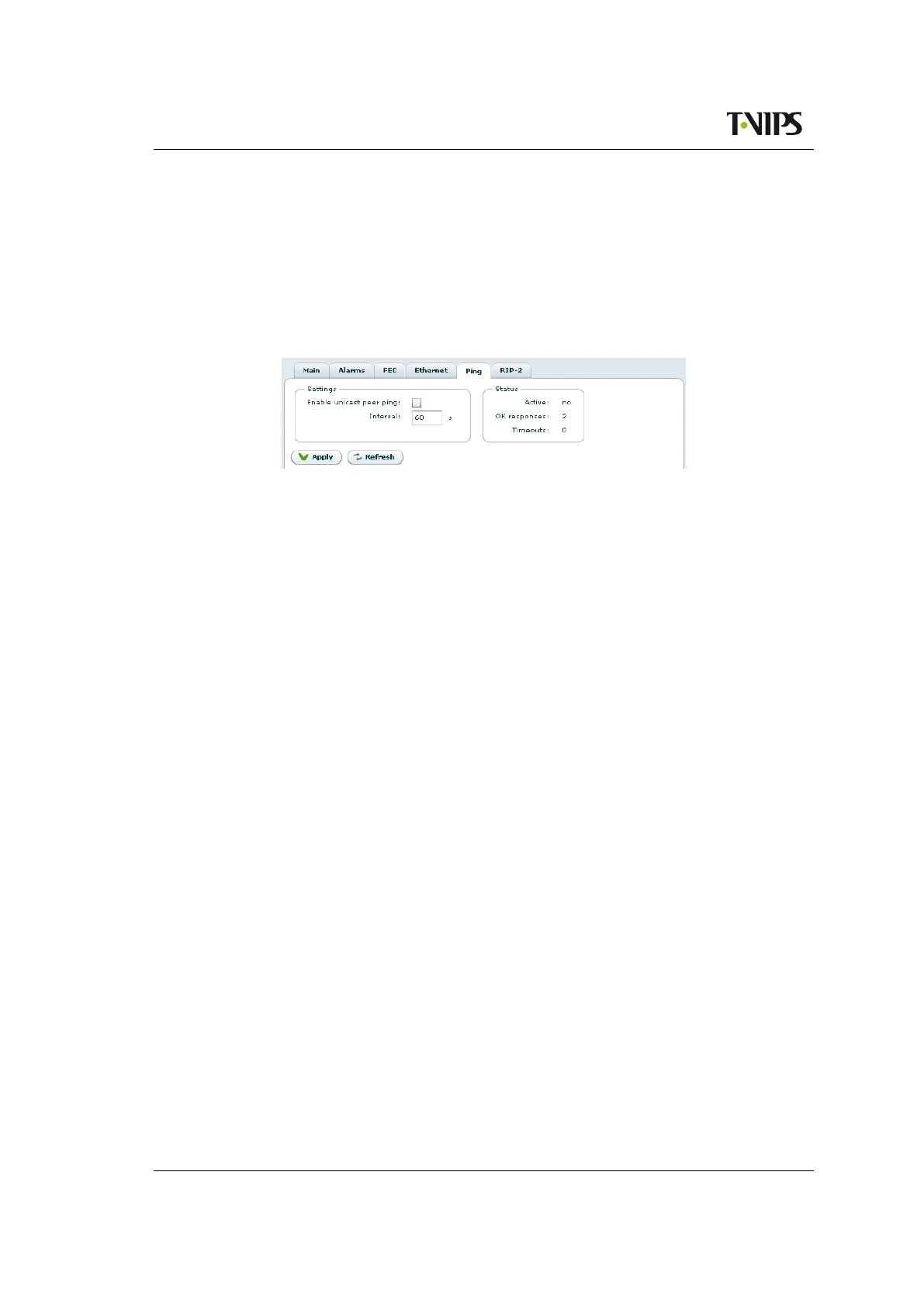
Figure 8.79 Ping page
Ping can be used to resolve network problems, avoid flooding and avoid time-out of MAC
address lookup by the transmitter or a specific network component on the way to the receiver.
Ping helps resolving such issues by sending a short message regularly. This feature also makes
it possible for the receiver to monitor if an active sender is present.
The Settings field:
Enable Unicast Peer Ping
Check this box to enable Unicast Peer Ping. This enables regular pinging of the receiving
device.
Interval
Set the interval in seconds between each Ping.
The Status field displays the status of the on-going pinging session:
IP destination
The address of the device receiving the Ping requests.
Time to live
This figure indicates the number of routing points the Ping message may encounter before
it is discarded.
OK responses
Indicates how many valid Ping responses have been received.
Timeouts
Indicates how many of the sent Ping messages timed out, i.e. did not provide a valid
response within the allowed time.
Last roundtrip
The time taken from last sending the Ping message until the response is received.
Min roundtrip
The minimum time taken from sending a Ping message until the response is received.



 To Next Page