WEB Interface 91
ID: um_t2gateway CP560 DVB-T2 Gateway User’s Manual Rev. 2.2 (3686)
After clicking the Add IP button the Apply button must be clicked before the channel parameters
can be edited. A new channel is shown with a plus sign in the navigator until it has been edited
(and the edit applied).
8.5.1.2 Switch Inputs
If the unit is equipped with the Input switching feature, the Switch Inputs tab is shown on the
Inputs Overview page. The page lists the defined input switches and offers controls to add and
remove switch inputs.
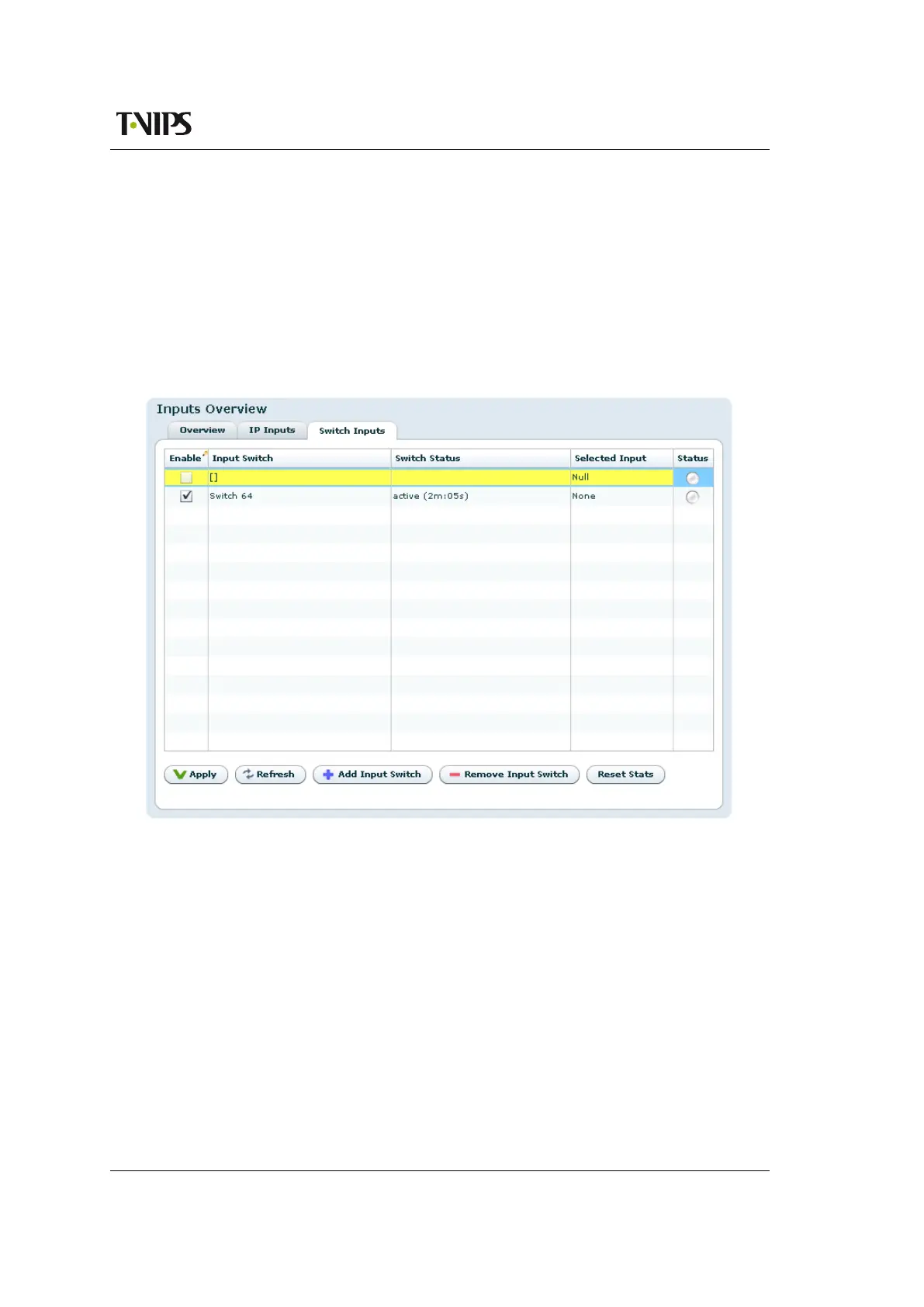
Figure 8.45 Inputs Overview - Switch Inputs
Columns in the grid are:
Enable
This shows whether the switch input is enabled or not. An input is enabled or disabled
by clicking the check box and hitting Apply.
Input Switch
The name of the switch input, consisting of the factory defined label with the logical port
number and the user defined name. The port numbers for switch inputs start at 64.
Switch Status
Status text from the switch state machine. In the normal state, this shows active state and
the time the switch has been in this state.



 To Next Page