58 WEB Interface
CP560 DVB-T2 Gateway User’s Manual Rev. 2.2 (3686) ID: um_t2gateway
8.4.5.1.3 Advanced
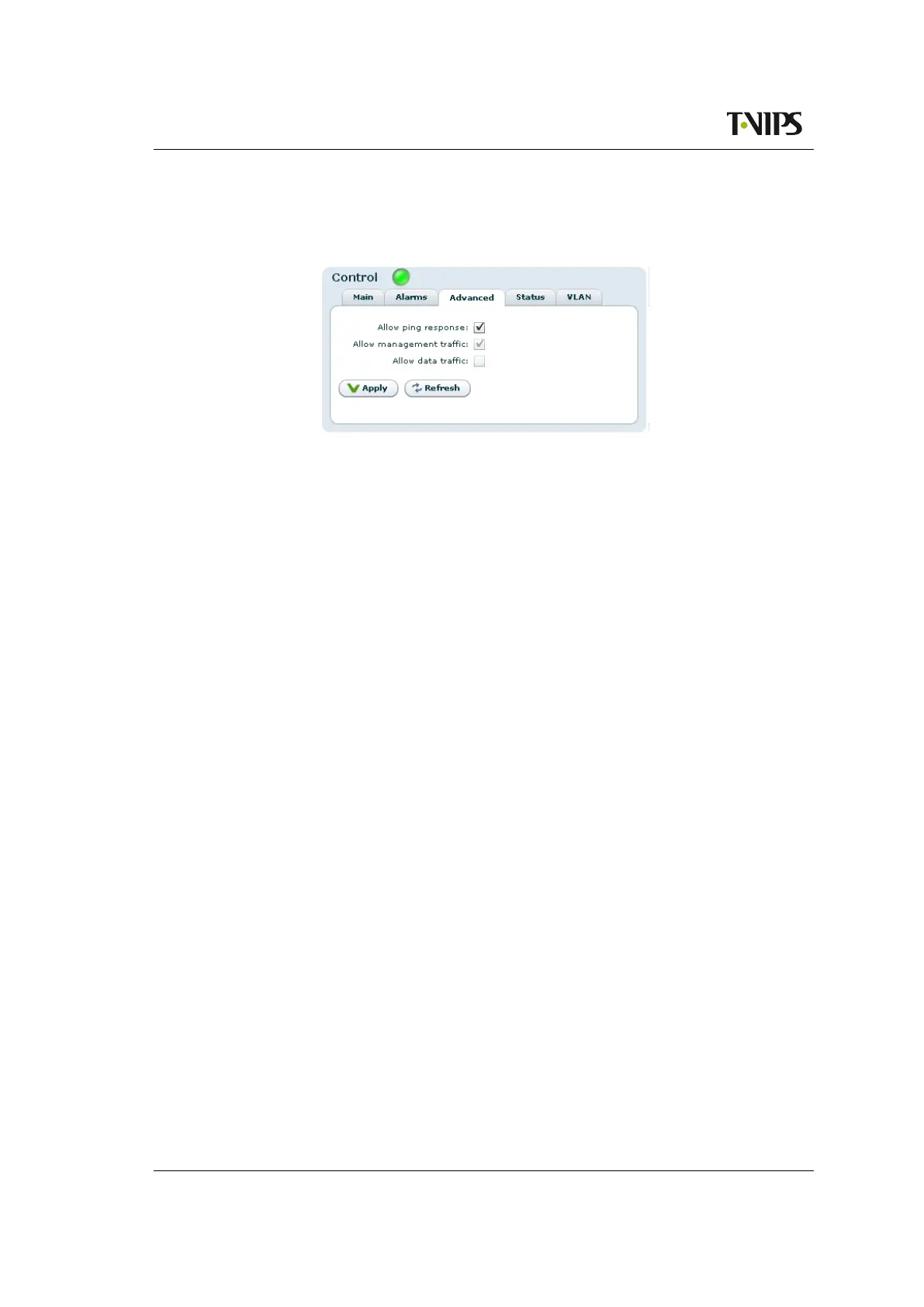
This sub-tab allows configuring advanced IP settings of the interface.
Figure 8.18 Advanced IP settings
Allow ping response
Check this box to filter incoming ICMP messages. If this option is not enabled the device
will not answer ping requests to this port.
Allow management traffic
Tick this box to allow management traffic on this interface. It is not possible to disable this on
the dedicated management interface or on the interface you are currently using for management.
Allow data traffic
Tick this box to allow data traffic on this interface. It is not possible to enable data traffic on
the management interface.
Multicast router
This parameter is not shown in the management interface page.
The IP address of the multicast router. The address here is used in conjunction with the
Use multicast router option in the "IP Output" page,
Section 8.6.6.1.
IGMP version
This parameter is not shown in the management interface page.
The preferred IGMP version to use. If fixed is selected the unit will keep trying to use the
selected version even if it is not supported by the network.
8.4.5.1.4 Status
This page shows detailed status and error information on the selected physical interface. Differ-
ent types of interfaces support different status and error parameters; not all parameters listed
will be shown for all interface types.
The Ethernet Status field:
Link speed
The detected link speed of the interface.



 To Next Page