WEB Interface 73
ID: um_t2gateway CP560 DVB-T2 Gateway User’s Manual Rev. 2.2 (3686)
the Apply button. To delete an entry select a server entry from the list and click the Delete
button.
The Settings group of parameters configures MIB-2 parameters and SNMP password protection.
The SNMP version to use for traps, version 1 or version 2, may be selected. When selecting to
transmit SNMPv2 traps, two additional options are applicable.
Status change traps
Selecting this causes a trap to be transmitted each time the overall device status changes.
Alarm event forwarding
Configures which alarms to forward as SNMP traps. The drop-down list has the following
options:
Disabled
No traps are transmitted when alarms appear or disappear. If the Status change traps
check box is checked, device status traps are still transmitted.
Basic
The device forwards alarm events as SNMP traps. If there are several sub-entries only
a single trap is transmitted.
Detailed
The device forwards alarm events as SNMP traps. If there are several sub-entries, an
SNMP trap is transmitted for each sub-entry.
The table at the bottom of the page shows the most recent SNMP traps sent by the device.
For more information about the configuration settings for SNMP, please refer to
Section 9.4 in
Chapter 9: SNMP.
8.4.5.5 Tools
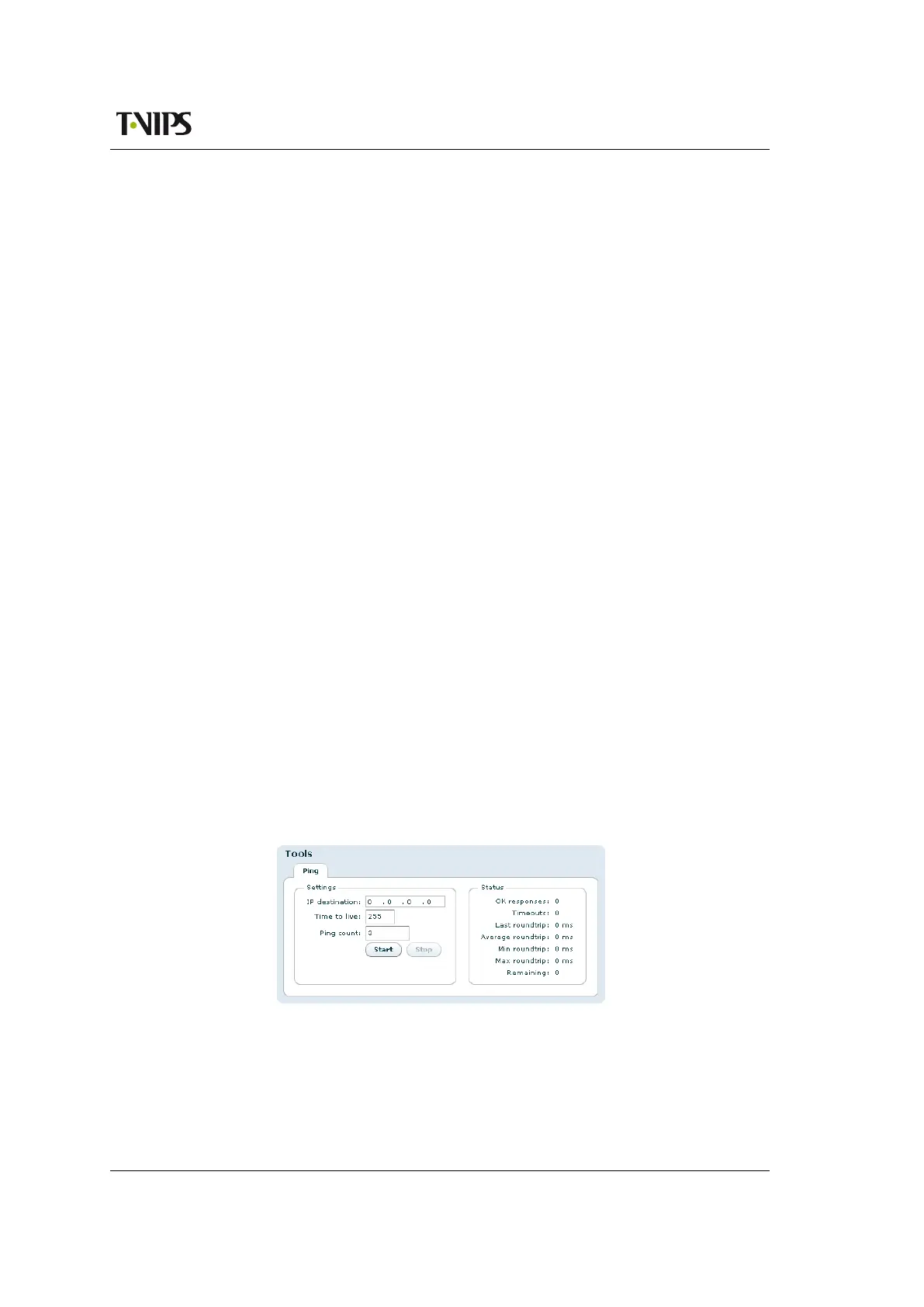
The ping tool can be used to check for connectivity between devices. It is especially useful to
ping the receiving data port from the IP transmitter to see if the receiver can be reached.
Figure 8.28 The Ping tool
IP destination
The IP address of the receiving data port. The ping messages will be routed to the matching
Ethernet port, either data or management, or to the port configured as default management
interface if the specified IP address does not match either of the two sub-nets. Note that



 To Next Page