Installing the Equipment 19
ID: um_t2gateway CP560 DVB-T2 Gateway User’s Manual Rev. 2.2 (3686)
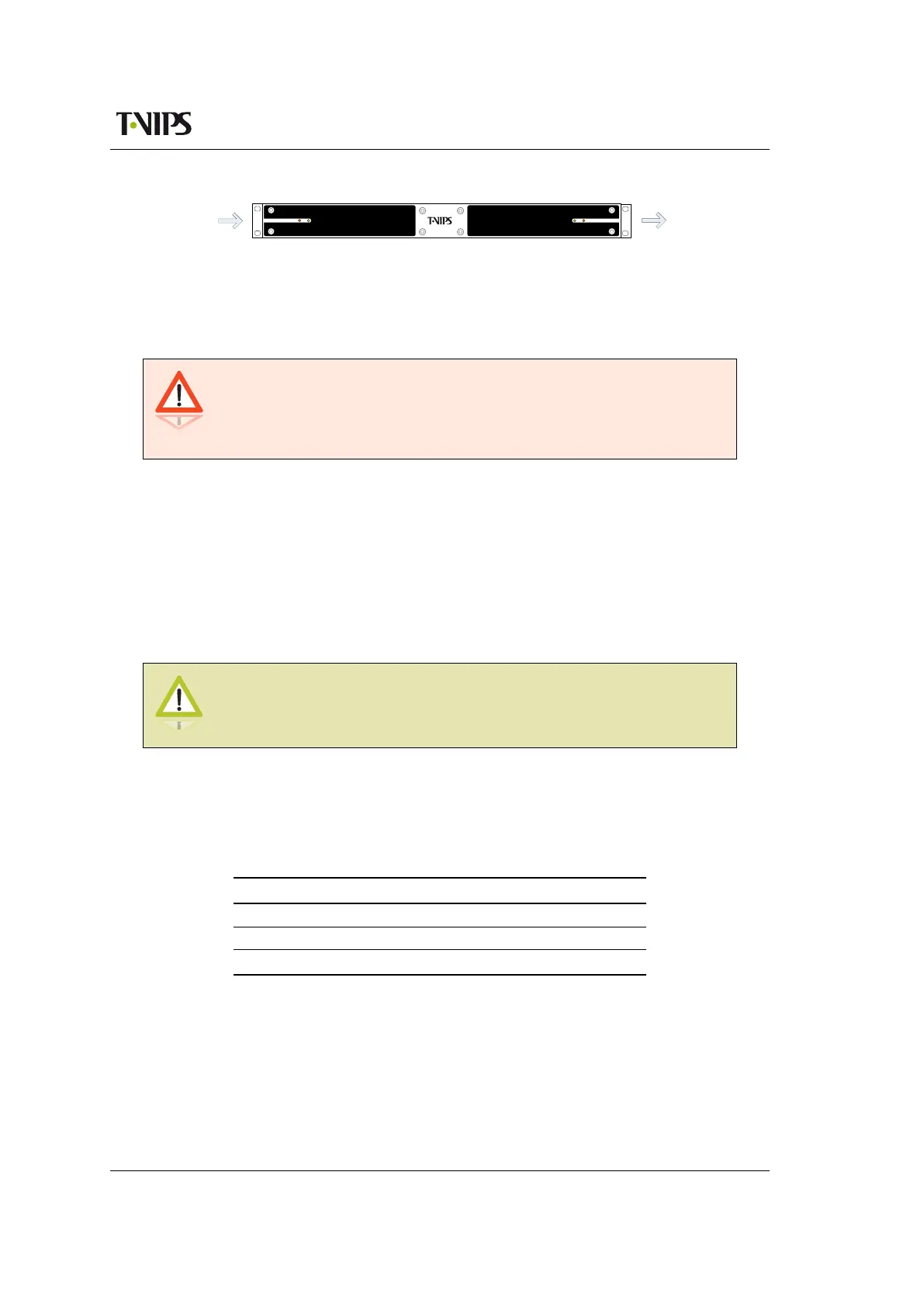
CP541
Cool
Air In
Warm
Air Out
Figure 4.1 Air path through the unit
4.5 Power supply
The CP560 may be delivered rated for AC or DC operation, respectively.
Warning: This product should be operated only from the type of power
source indicated on the marking label. Please consult a qualified electrical
engineer or your local power company if you are not sure of the power
supplied at your premises.
4.5.1 AC power supply
The CP560 has a wide-range power supply accepting the voltage range 100-240 VAC, 50/60 Hz.
Please refer to Appendix B for a detailed specification of the AC power supply.
4.5.1.1 AC power cable
Ensure that the AC power cable is suitable for the country in which the unit is to be operated.
Caution: Power supply cords should be routed so that they are not likely
to be trod on or pinched by items placed upon or against them. Pay
particular attention to cords at plugs and convenience receptacles.
The unit is supplied with a two meter detachable mains supply cable equipped with a moulded
plug suitable for Europe, UK or USA, as appropriate. The wires in the mains cable are coloured
in accordance with the wire colour code shown in Table 4.1.
Table 4.1 Supply cable wiring colours
Wire UK (BS 1363) EUROPE (CEE 7/7) USA (NEMA 5-15P)
Earth Green-and yellow Green-and yellow Green
Neutral Blue Blue White
Live Brown Brown Black
4.5.1.2 Protective Earth/technical Earth
To achieve protection against earth faults in the installation introduced by connecting signal
cables etc., the equipment should always be connected to protective earth. If the mains supply
cable is disconnected while signal cables are connected to the equipment, an earth connection
should be ensured using the Technical Earth connection terminal on the rear panel of the unit.



 To Next Page