WEB Interface 39
ID: um_t2gateway CP560 DVB-T2 Gateway User’s Manual Rev. 2.2 (3686)
8 WEB Interface
The CP560 is entirely controlled through a WEB interface using the web browser’s Flash plugin.
After log-in the main status page appears displaying an overall view of the device functionality
and status. It also displays a number of tabs giving access to all functional controls of the
device.
This chapter goes through the different GUI pages used to control the CP560 and get status
information.
8.1 Login
Access the CP560 by entering its IP address in the address field of your favourite browser. When
accessing the CP560 the first time, the progress bar (Figure 8.1) should appear while the Flash
application is loading from the device.
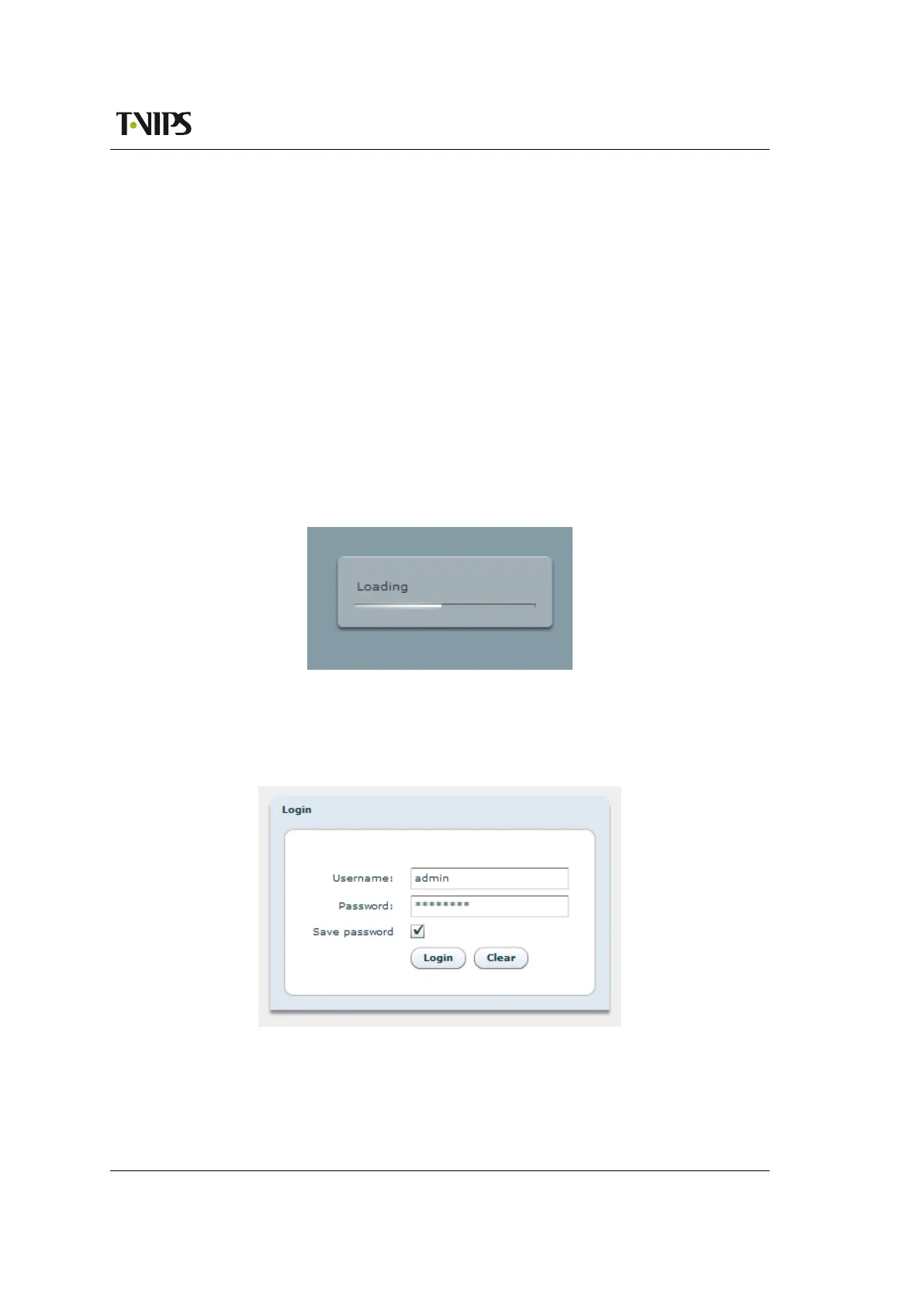
Figure 8.1 Flash application loading
When the loading of the Flash application is finished, the login window (see Figure 8.2) is dis-
played. Type the username and password to enter the GUI application. The default passwords
are listed in Section 7.2.
Figure 8.2 GUI login window
The login dialogue has an option “Save password”, which makes the browser store the username
and password in a cookie and use them as default values at next login.



 To Next Page