86 WEB Interface
CP560 DVB-T2 Gateway User’s Manual Rev. 2.2 (3686) ID: um_t2gateway
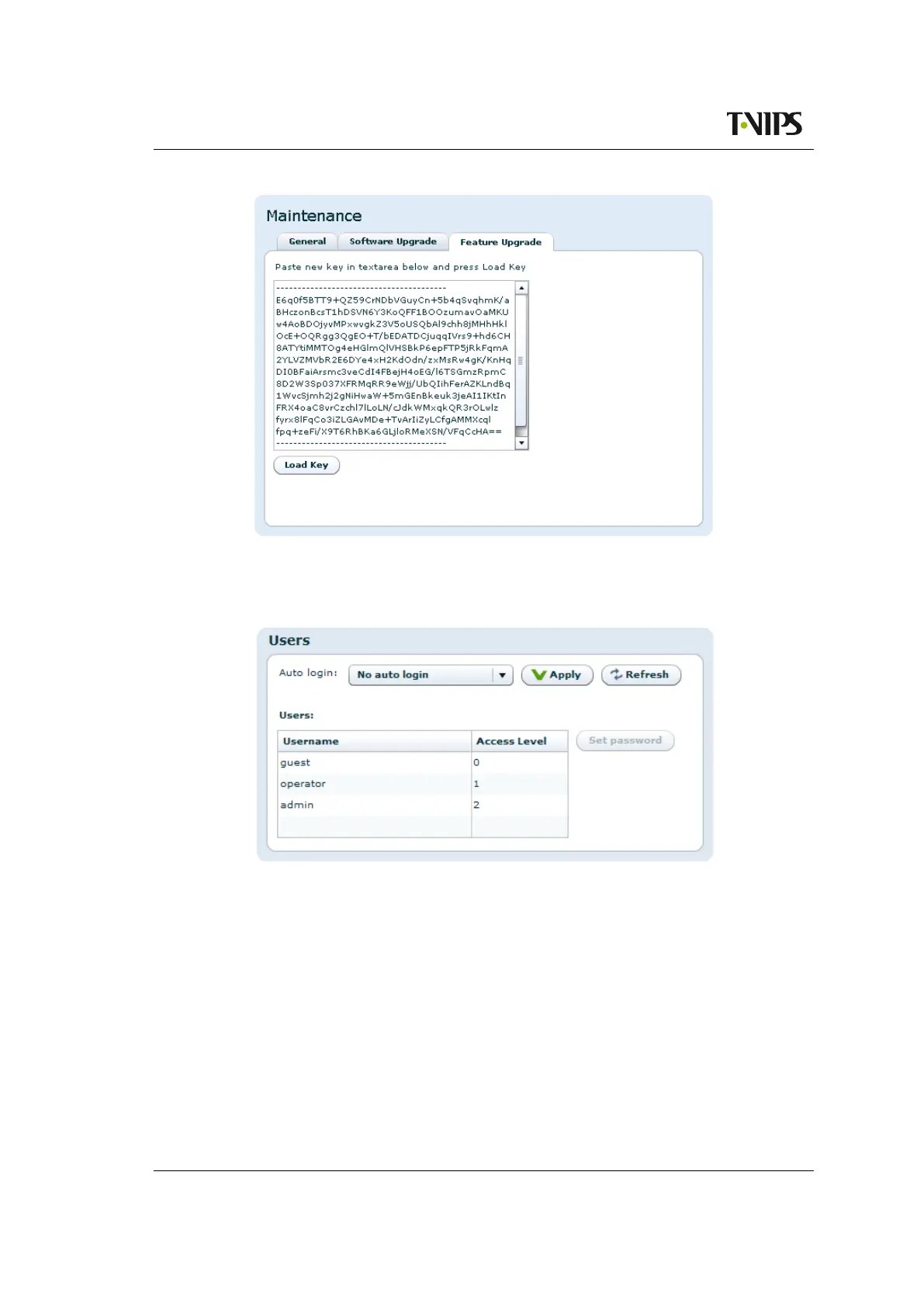
Figure 8.39 Feature Upgrade
8.4.9 Users
Figure 8.40 Users page
The Users page provides a configuration interface for user management. Settings are provided
for configuring a password for each privilege level and for configuring automatic login settings.
You must have administrator previledges to alter the settings.
Auto login
Specifies the user privilege level to use for automatic login to the device. Changing this
feature from the default ("No auto login") to another setting bypasses the initial login screen
(Figure 8.2) encountered by default.
Users
Each user privilege level has an account name and password. The account name is fixed



 To Next Page