WEB Interface 51
ID: um_t2gateway CP560 DVB-T2 Gateway User’s Manual Rev. 2.2 (3686)
Table 8.3 Expression examples
Task Expression Count threshold value
To generate an alarm when any alarm with
ID = 200 turns up (independent on source)
id = 200 1
To generate an alarm when alarm with ID =
200 turns up on port with ID = 1 (subid2 =
1)
(id = 200) AND (port = 1) 1
To generate an alarm when alarm with ID =
200 turns up on both port 1 AND port 2
(id = 200) AND ((port = 1) OR (port
= 2))
2
Note the last example in the table: Here the count threshold value must be set to 2 to get the
expected behaviour. This is because the expression entered matches two different alarm events
(port=1 or port=2), and in order to match them both two matches are required in the global
alarm list.
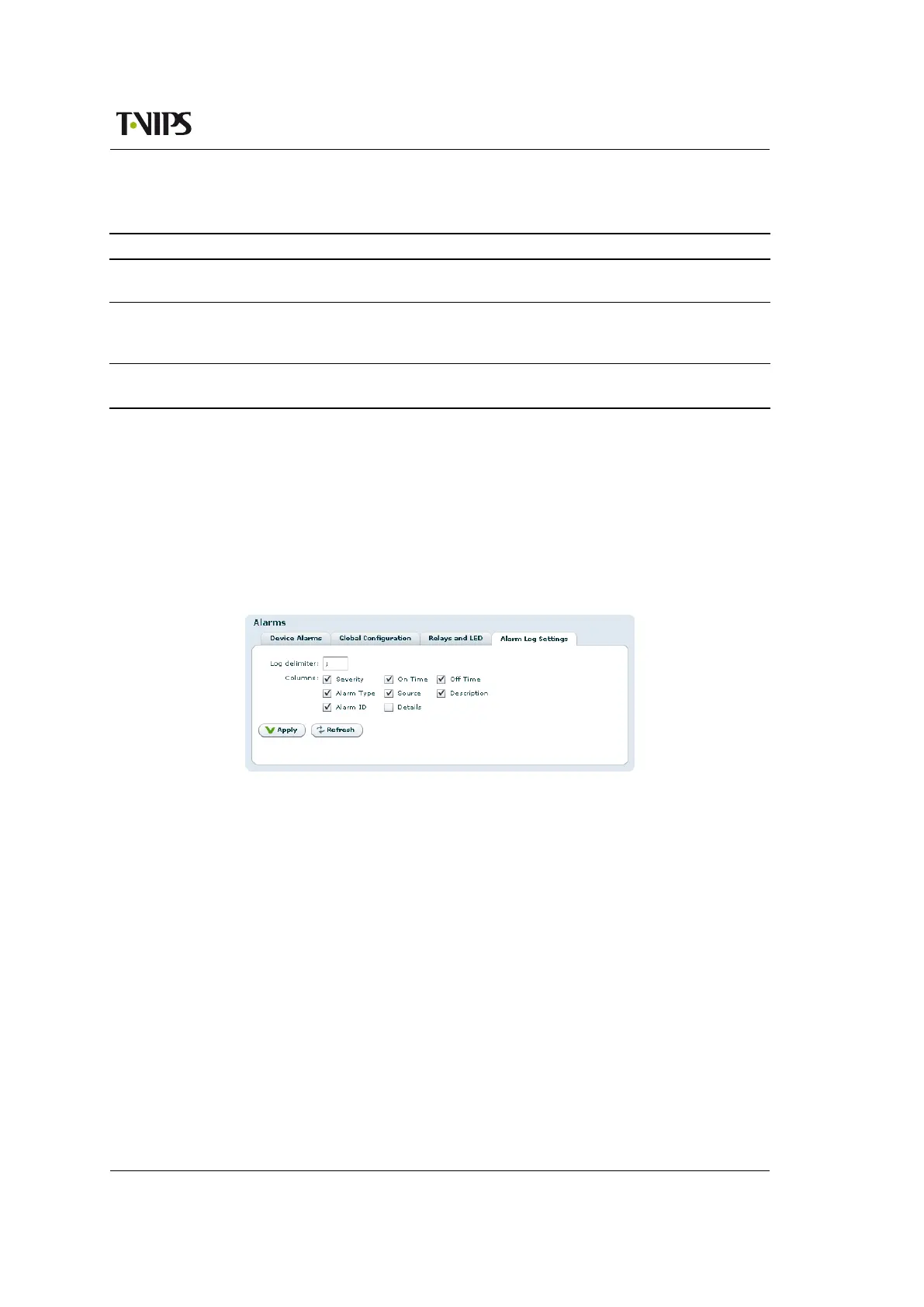
8.4.2.4 Alarm log settings
This page is used to set alarm log properties.
Figure 8.12 Configuring the alarm log
Log delimiter
This parameter is used when exporting the alarm log. It specifies the column separator
character. The default value for the delimiter is ;. The character used may affect auto-
importing of the exported file into your favourite tool used to inspect the file content.
Columns
Each of the columns in the alarm log table has a checkbox. Columns that are selected are
shown on the alarm log page.
8.4.3 Port Mappings
This page offers an interface to configure the direction of the installed ASI ports. The valid
options are visible as selectable radio buttons for each port.
The number of ports shown in the port map grid corresponds to the number of physical con-
nectors installed in the chassis and the meaning of the different choices are:



 To Next Page