80 WEB Interface
CP560 DVB-T2 Gateway User’s Manual Rev. 2.2 (3686) ID: um_t2gateway
8.4.7.4 Emergency Switch
This feature allows the CP560 to communicate with a central emergency switch unit. The
emergency switch unit is designed to facilitate simultaneous configuration switching of all units
under its supervision. In this way the operational mode of a comprehensive system may be
changed at the press of a single button. Contact T-VIPS for further information on the emergency
switch unit.
Communication with the emergency switch is IP based using the UDP protocol. Each unit
enabled for emergency switch control polls the emergency switch repetitively to determine the
switch position. The Emergency Switch tab provides the means to configure the behaviour of
the CP560 under emergency switch control.
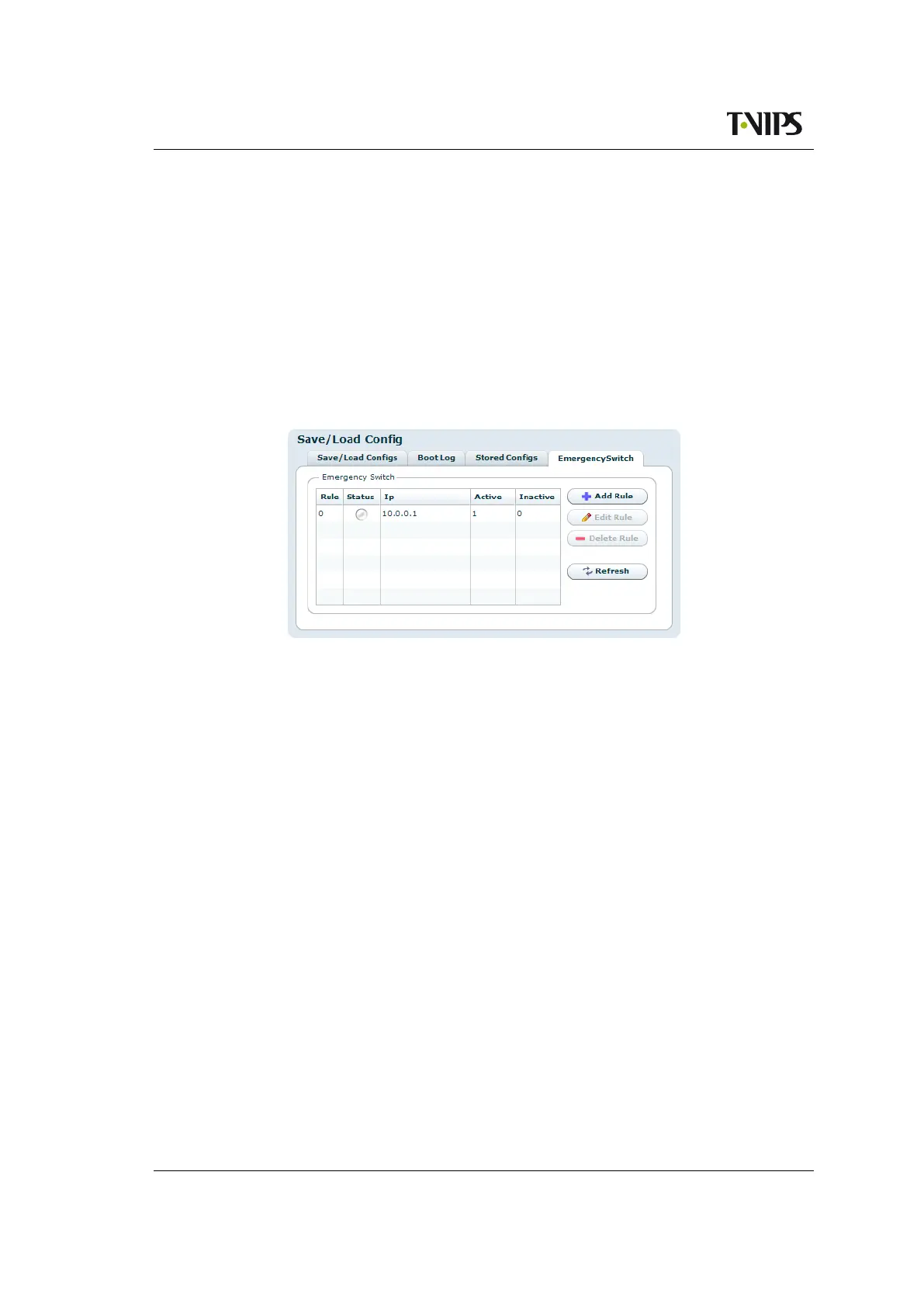
Figure 8.33 Emergency switch
The table lists the rules that have been set up for the emergency switch. Several rules may be
configured, albeit only one should be enabled at any one time.
Rule
The list position.
Status
• Green if the rule is enabled and connection to the switch unit is ok.
• Red if the rule is enabled and the connection to the switch is down.
• Grey if the rule is not enabled.
Ip
The IP address of the Emergency Switch unit.
Active
The ID of the configuration that shall be applied when the switch is in the active state.
Inactive
The ID of the configuration that shall be applied when the switch is in the inactive state.
To the right of the table, buttons are provided to set up the switching rule(s):



 To Next Page