WEB Interface 99
ID: um_t2gateway CP560 DVB-T2 Gateway User’s Manual Rev. 2.2 (3686)
Severity
The current severity of the item.
Overridden
Indicates whether the sub item has been overridden.
If no override already exists an override can be added by right-clicking an item. An item already
overridden can be edited or removed.
The Overridden PIDs/Services section shows currently overridden sub items. The following
columns are found in the table:
Service/PID
The id of the Sub item.
New severity
The new severity, i.e. the severity after the sub item has been overridden.
New limit
If the alarm has a configurable limit, also the limit of the sub item can be overridden and
that new limit will also be shown.
An override can be edited or removed by right-clicking on the entry in the list. Alternatively
this can be done by hitting the Edit and Remove button, respectively. An override can also
be added hitting the Add button and manually entering the ID and overridden values.
8.5.2.3 IP
This tab is only visible if an IP input is selected.
8.5.2.3.1 IP Configuration
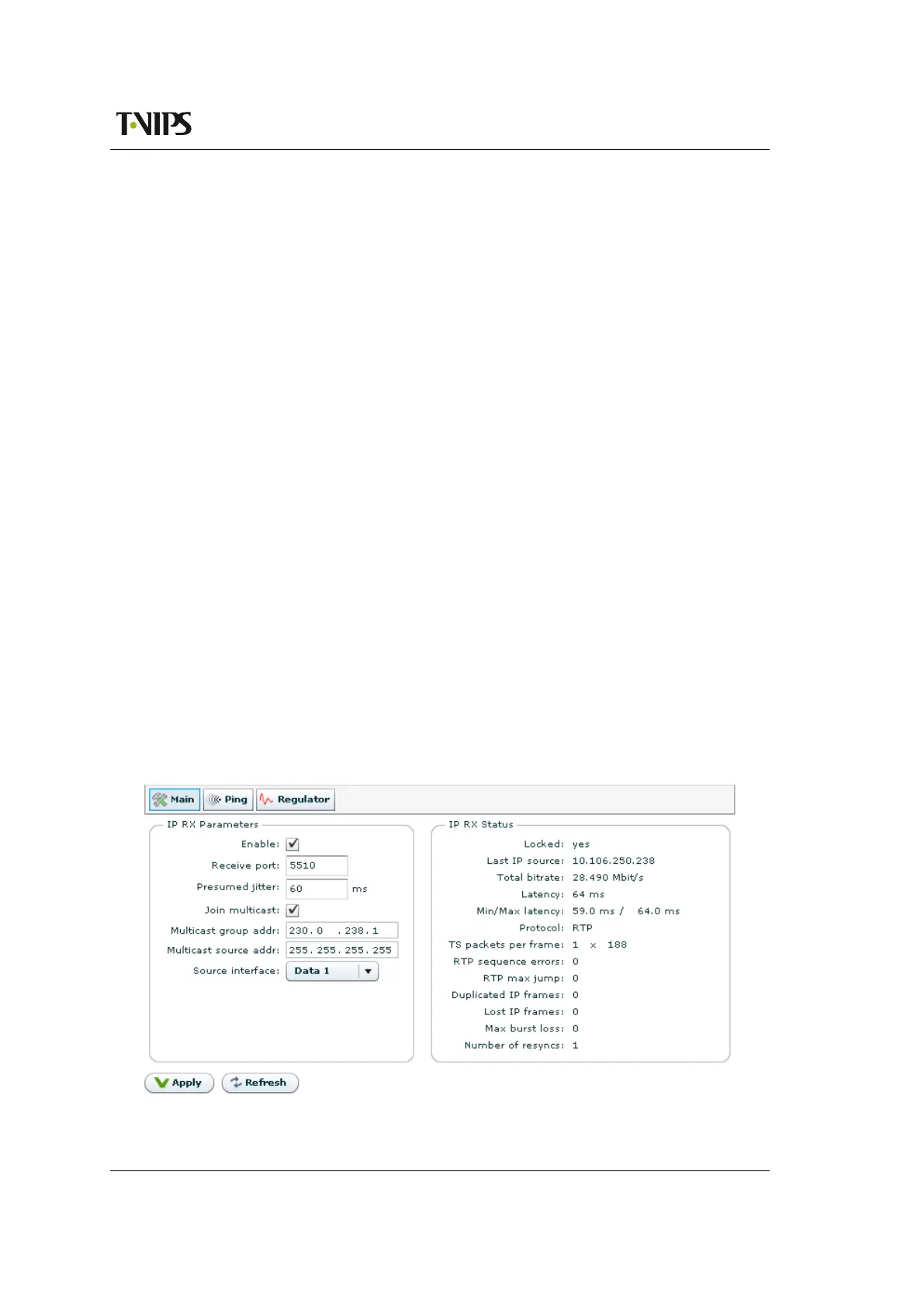
The tab contains three sub pages: IP Configuration, Ping and Regulator.
Figure 8.52 IP Configuration



 To Next Page