Installing the Equipment 21
ID: um_t2gateway CP560 DVB-T2 Gateway User’s Manual Rev. 2.2 (3686)
4.5.2.1 DC power cable
Units delivered with DC power supply have a 3-pin male D-SUB power connector instead of
the standard mains power connector. Also a female 3-pin D-SUB connector is supplied. The
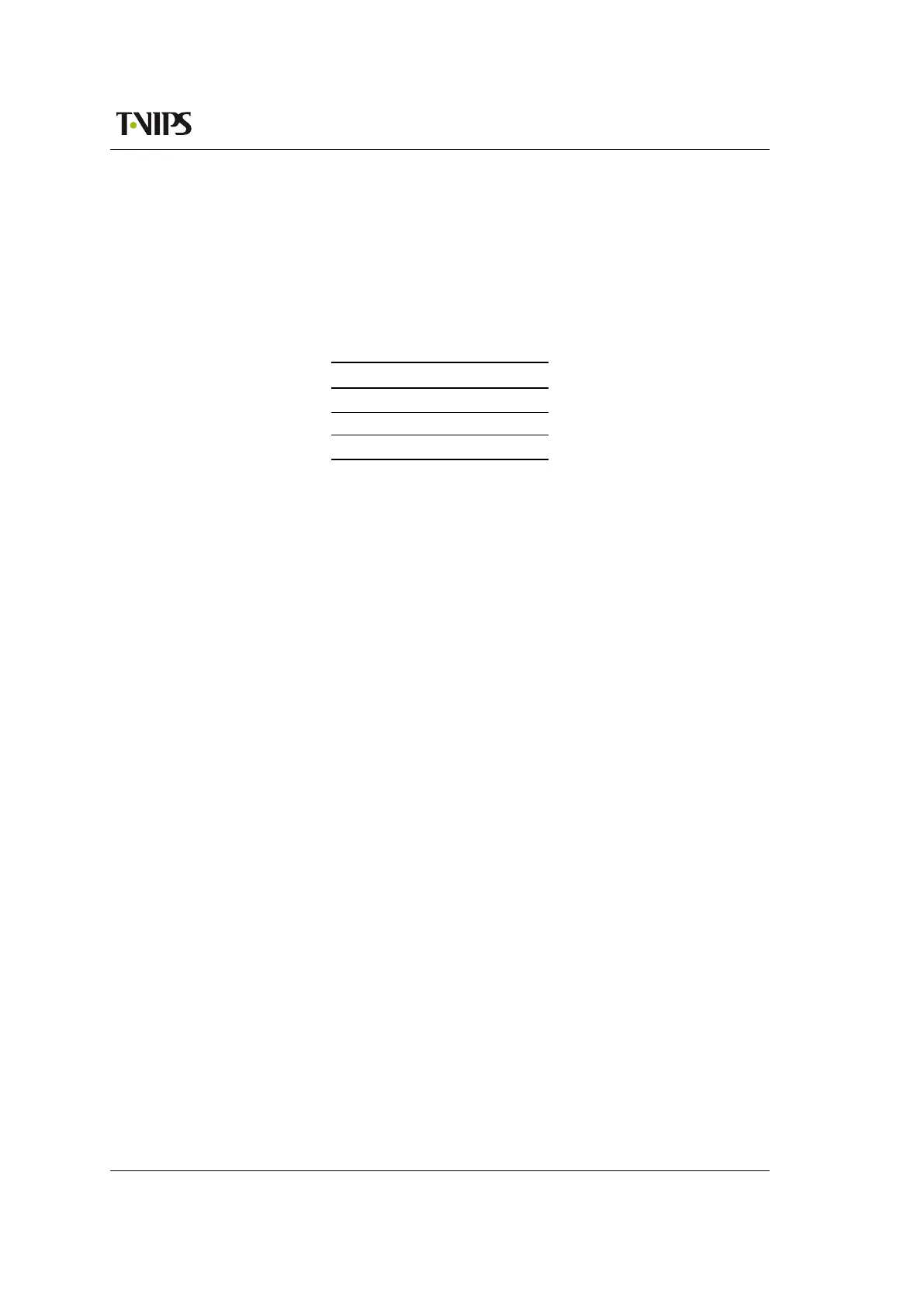
pin assignment is shown in Table 4.2. The power cable itself is not supplied.
Table 4.2 DC power connector pin
assignment
Pin Placement Specification
1 top + (positive terminal)
2 middle - (negative terminal)
3 bottom Chassis Ground
To connect the unit to the local DC power supply:
1. Use an electronics soldering iron or a hot air workstation to attach the supplied female
D-SUB power connector to suitable power leads.
2. Connect the power leads to your local power supply.
3. Connect the DC power connector, with attached power leads, to the CP560 power input
connector.
4.5.3 Powering up/down
Before powering-up the unit, please ensure that:
• The unit is installed in a suitable location
• The unit has been connected to external equipment as required
Power up the unit by inserting the power cable connected to the power source. When the unit
has finished the start-up procedure, the fans will run at normal speed. Please check that all
cooling fans are rotating. If they are not, power down the unit immediately.
Power down the unit by removing the power supply connector at the rear of the unit.



 To Next Page