76 WEB Interface
CP560 DVB-T2 Gateway User’s Manual Rev. 2.2 (3686) ID: um_t2gateway
Current freq. offset
Frequency offset between the internal clock and 1 PPS clock reference.
Current drift
Compensated frequency offset between external and internal reference.
8.4.6.2 Alarms
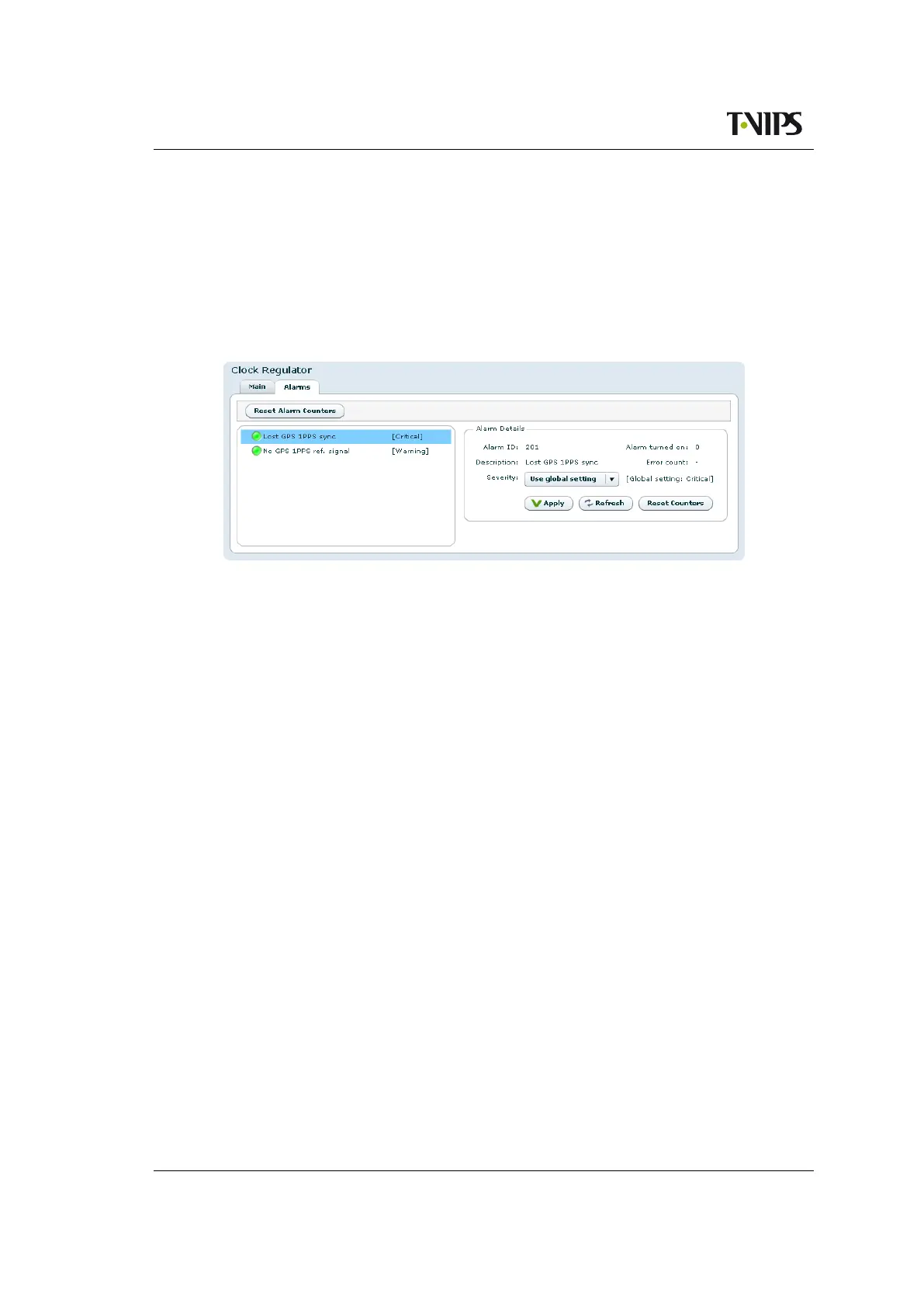
Figure 8.30 Clock regulator Alarms
These are the Clock regulator specific alarms. Clicking an alarm opens the field to configure
the alarm. Please see Section 8.4.2 for alarm configuration details.
8.4.7 Save/Load Config
This page provides an interface for managing the device configuration as “snapshots”. From
here, snapshots of the device configuration settings can be taken and stored locally, or exported
from the device as XML files. Also, previously stored snapshots may be imported and applied.
The device allows for up to 8 configuration snapshots to be stored and managed locally, not
including the current running configuration.
8.4.7.1 Save/Load Configs
This is the interface for exporting the current running configuration as an XML file. Clicking
the Save Config button prompts the user with a standard Save as dialogue requesting a location
to store the configuration file. This location can be any place the user has access permissions to
write files.
During the transfer of the file from the device to the user’s system the user has the ability to
click the Cancel button to cancel the transfer. Note that, depending on the web browser used,
an incomplete file may be left on the user’s system after cancelling.
Upon completion of the transfer the transfer progress bar will turn green. If an error occurs
during the transfer the progress bar will turn red and display an error message.
Files exported from the device using this option contain a complete device configuration and
can be restored to the device at a later time. Or it may be installed on another device using the
Load Configuration option.



 To Next Page