WEB Interface 77
ID: um_t2gateway CP560 DVB-T2 Gateway User’s Manual Rev. 2.2 (3686)
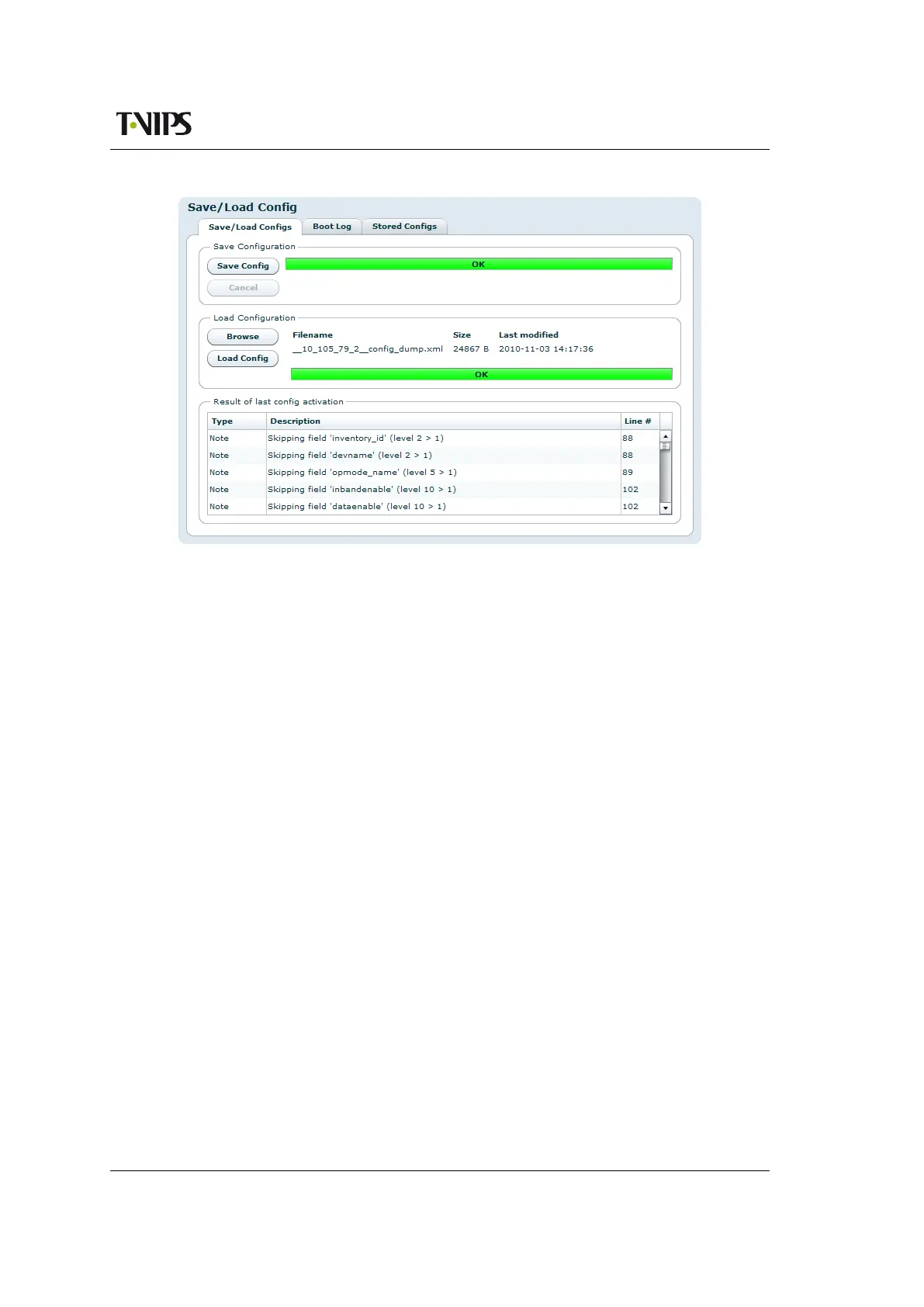
Figure 8.31 Saving and loading of configuration files
The Load Configuration field of the page provides a means to directly import a file-based con-
figuration snapshot as the new running configuration. All options from the snapshot are loaded
and verified before making them active, thereby minimising the risk of errors in the file that
would render the device in a non-operational state.
Clicking the button marked Browse prompts the administrator with a standard system File Open
dialogue allowing the administrator to select the file of his choice to import. Once selected,
clicking Load Config performs the following actions :
• Transfers the configuration snapshot from the administrator’s PC to the device
• Validates the configuration to make sure that all the options in the file are compatible
with each other and with the device itself.
• Presents the user with additional information, such as skipped options
• Activates the configuration
When an import has been successfully completed the progress bar colour turns green and
changes its text to OK. Upon failure at any point the progress bar will turn red, and details of
the reason for the failure will be presented as messages in the Result of last config activation
list.
Options specific to the device, including device name and management port network configu-
ration, are intentionally disregarded during the import process. This is a convenience feature
allowing configurations to be easily moved from one device to another. It also makes man-
agement easier in that the Web UI will continue to communicate with the device after a new
configuration has been loaded.



 To Next Page