Cleaning mode
11/2020 243343V03_EN 19
2.5 Cleaning mode
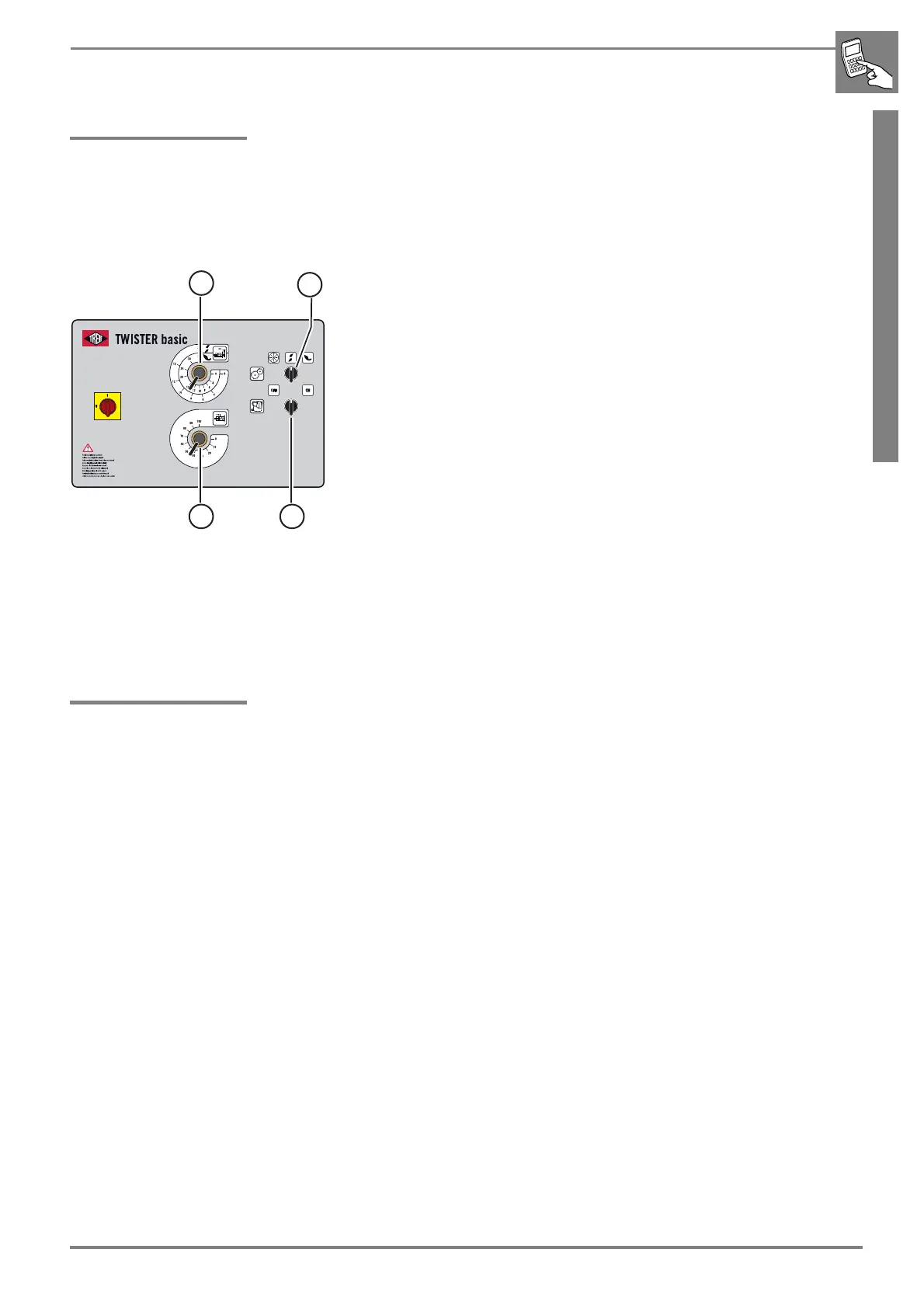
Start the cleaning mode:
The machine is operational. The main switch is switched on.
b Put the cleaning mode switch (5) on the control panel in the "ON" posi-
tion.
b Start a cutting process by opening and closing the feed chamber.
After the completed cutting process, the machine moves into the clean-
ing position.
The machine must be moved to this position before dismantling of the cut-
off knife or cleaning.
The feed moves into the cleaning position and the discharge conveyor
starts.
The discharge conveyor runs when the knife box is open and the cleaning
mode switch is set to "ON".
End cleaning mode:
b Put the cleaning mode switch (5) in the "OFF" position.
2.6 If any malfunction occurs
You can find an overview of faults in ☞ „Troubleshooting at a glance“ on
page 81.
b Inform the responsible employee about the fault.



 To Next Page