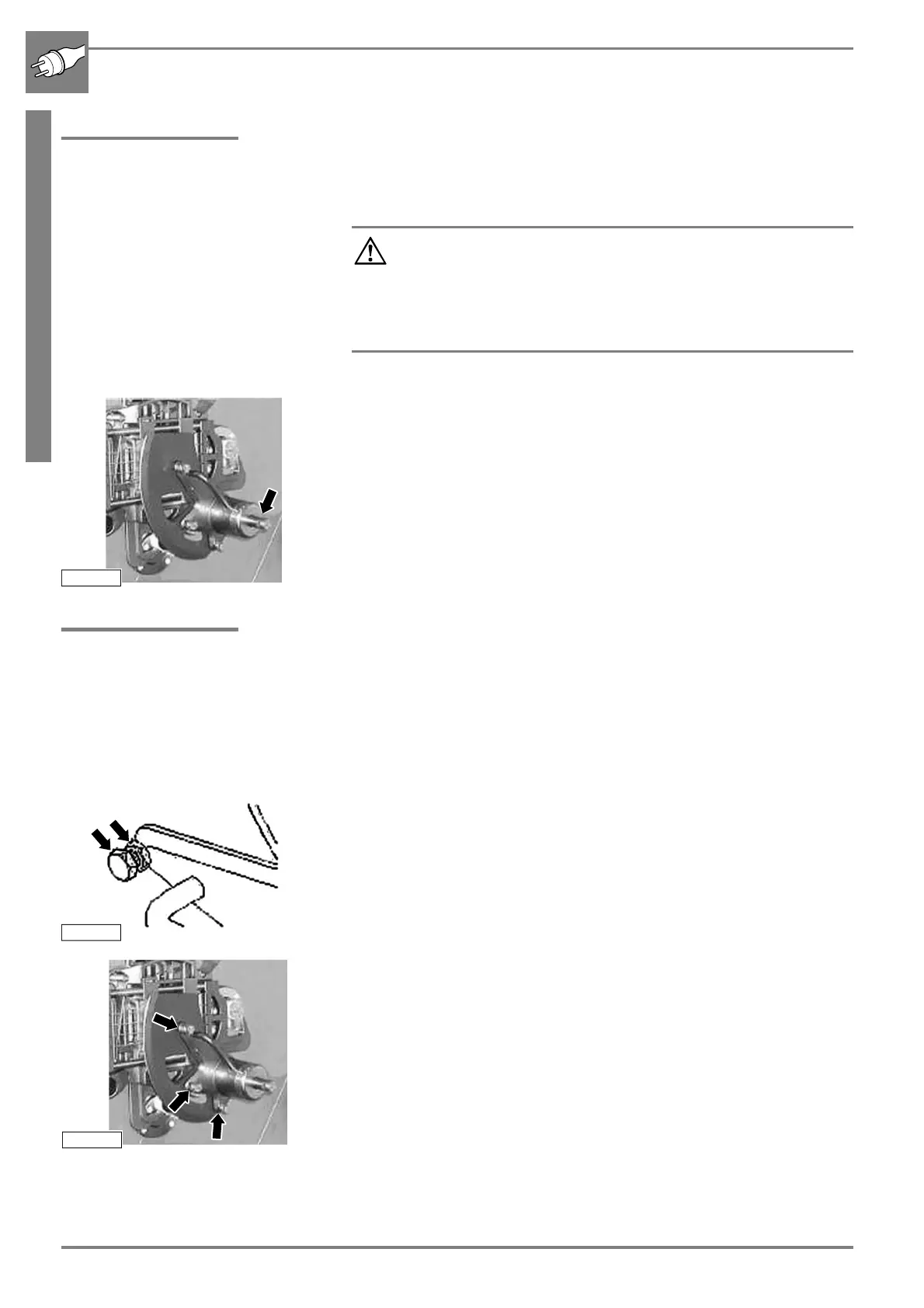
Installing cut-off knife
44 11/2020 243343V03_EN
4.12 Installing cut-off knife
Do not install the cut-off knife until the cutting unit has been installed.
b Push the cut-off knife onto the knife shaft.
b Tighten the central lock by hand. Then tighten it again slightly with the
provided spanner.
b Check that the cut-off knife runs freely. (☞ „Checking that the cut-off
knife runs freely“ on page 54).
4.13 Setting the cutting gap
The cutting gap is the distance of the cut-off knife from the grid. It should
be 0.1 mm to 0.2 mm.
The cutting gap is set by "pushing" the knife.
b Switch off the main switch and unplug the mains plug.
b Open the knife box door.
b Loosen the lock nuts.
b Turn the screws all the way back.
b Hold the knife at the handle and turn it over the grid.
b Set the cutting gap with the screw to 0.1 mm to 0.2 mm.
Start with the innermost screw.
b Tighten the lock nuts.
b Check the cutting gap and repeat the adjustment if necessary.
b Turn the cut-off knife by hand anticlockwise over the grid.
The cut-off knife must not scrape on the grid.
Attention, there is a high risk of cutting yourself on the
knife!
Always wear the specified protective equipment when carrying
out any work in the open cutting chamber and when handling
the knife (☞ „Protective equipment“ on page 4).
Only store the dismantled knives at secured places.



 To Next Page