Chapter 3: System Installation 00.053.204, Revision A SonixTouch Q+ Service Manual
3-8
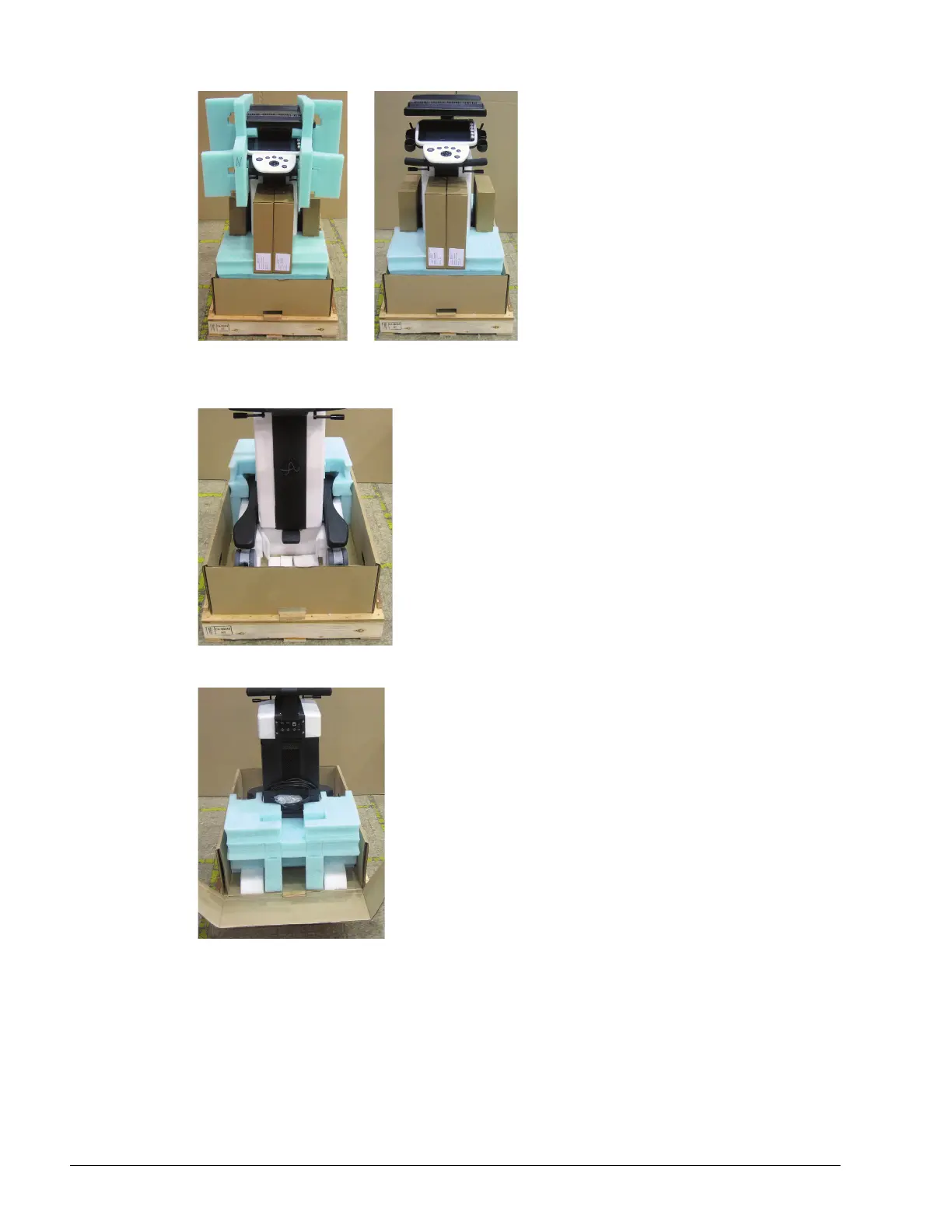
9. Remove the foam packing from the sides of the system.
10. Remove any transducers and biopsy kits packed around the system.
11. Remove the foam packing from around the front wheelbase.
12. Undo the back cardboard flap and remove the foam from the rear of the system.



 To Next Page