88
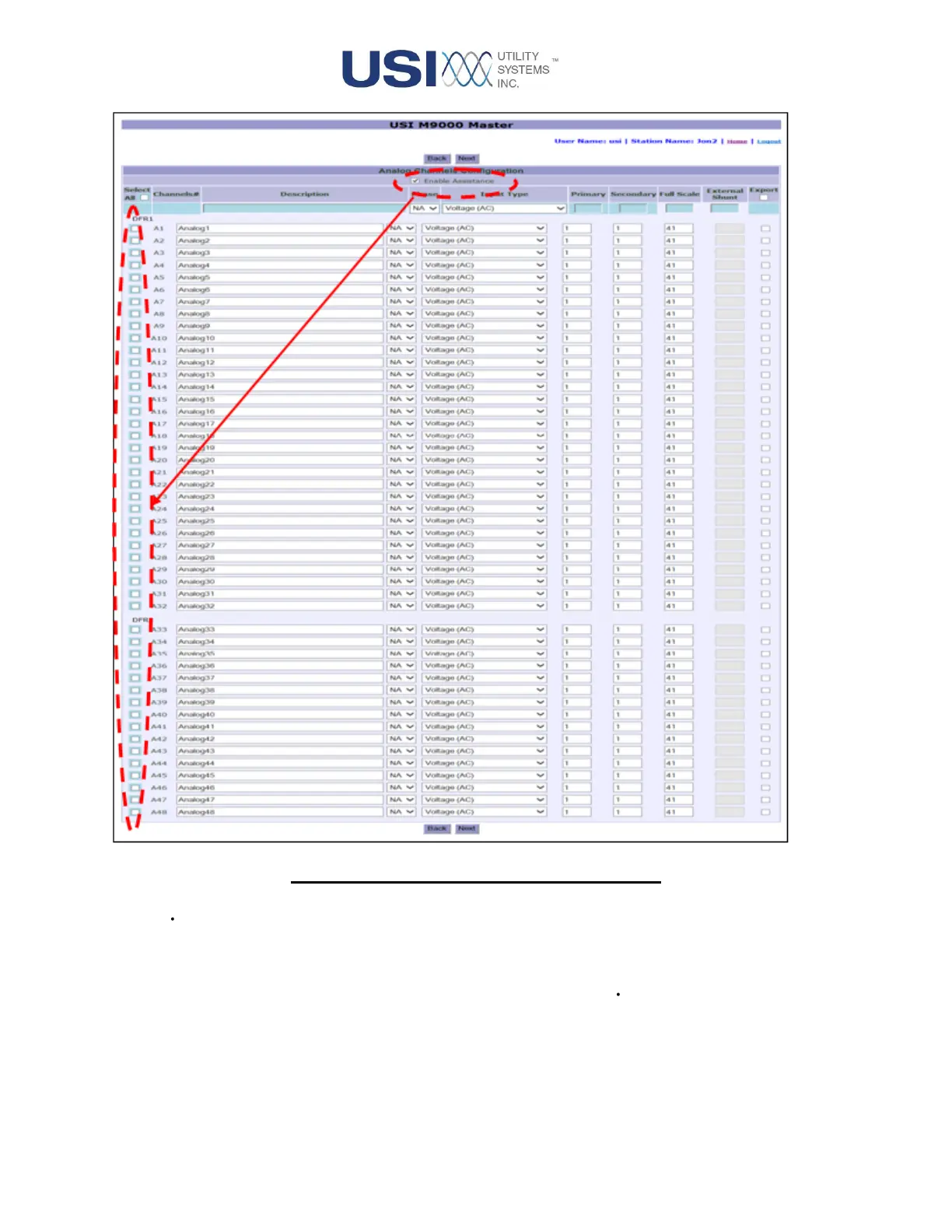
Figure 3-13 Configuration File – Analogs Page
• Enable Assistance
This checkbox is used to enable () the Edit Assistance bar and Select column. This feature is
used to modify multiple analog channels simultaneously. Use the check boxes in the Select
column to choose the channels to be modified. Uncheck this box ( ) to disable the feature.
• Select Column
The checkboxes () in this column are used to select individual analog channels to be modified
simultaneously using the Edit Assistance bar.



 To Next Page