42
Section 2: USI M9000 Master Interface
This section covers the graphic user interface screens for the M9000 master station. The USI M9000
Master is a service which runs on a server and provides a web-based interface accessed through a web
browser.
2.1 Login
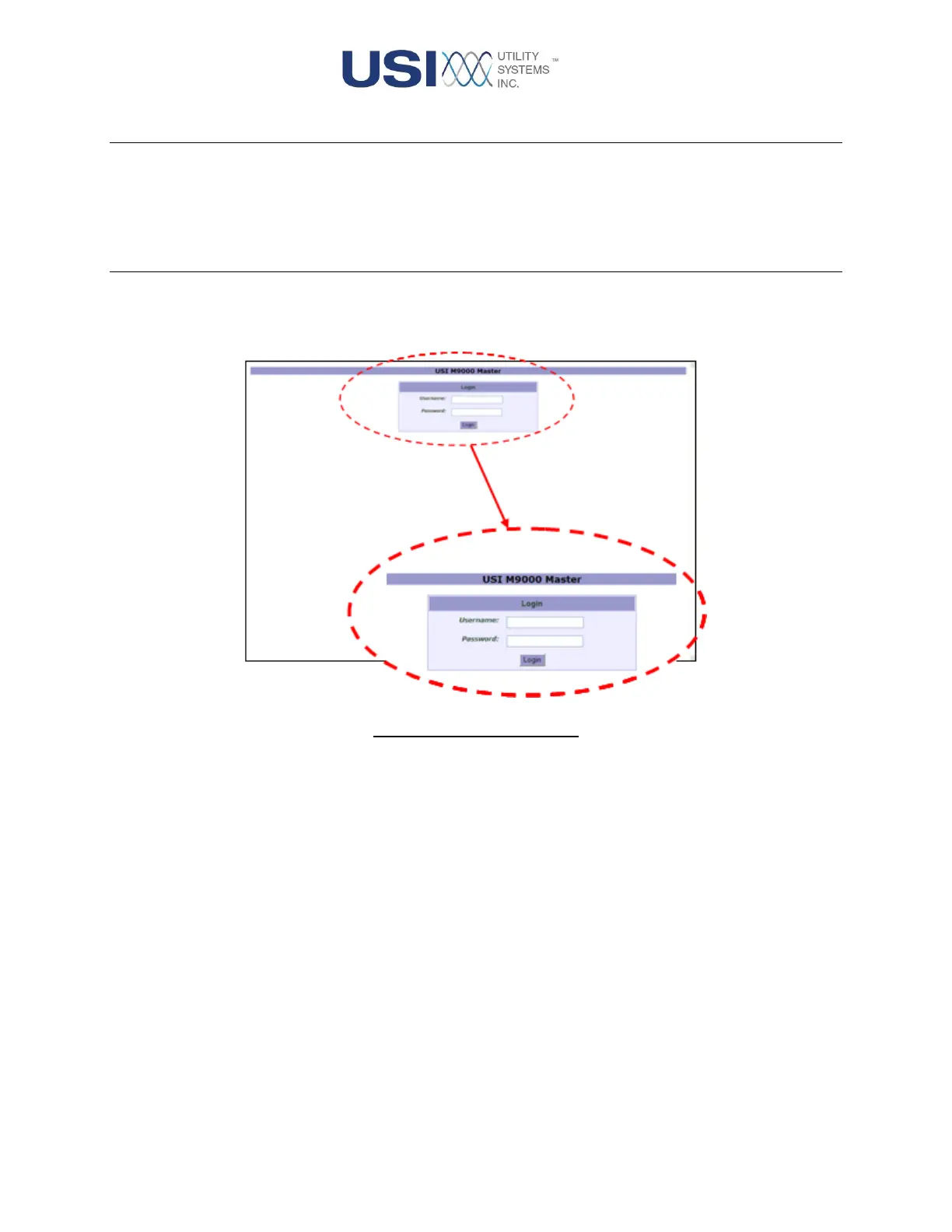
This screen displays when a connection is established between the web server and a client. The login
credentials entered here are used to determine the privileges given to the client requesting access.
Figure 2-1 Login Window
• Username
This field is used to enter the user name being used to access the USI M9000 Master.
Default users are “usi” and “guest”. The “usi” user allows full function access to all areas of
the interface. The guest user allows access to view all areas of the interface, however
privileges to create new configuration files, to save or send configuration files, and
calibration and verification features are not allowed.
• Password
This field is used to enter the password being used to access the USI M9000 Master. The
passwords for the two default users are as follows:
o USI user password is “usi” (case sensitive)
o Guest user password is “guest” (case sensitive)



 To Next Page