44
• User Name
This field displays the name of the user logged into the USI M9000 Master server.
• Station Name
This field displays the name of the selected DME system.
• Home
This selection navigates to the home screen of the USI M9000 Master interface.
• Logout
This selection logs the user out and closes the master station server session.
2.2.2 Stations Panel
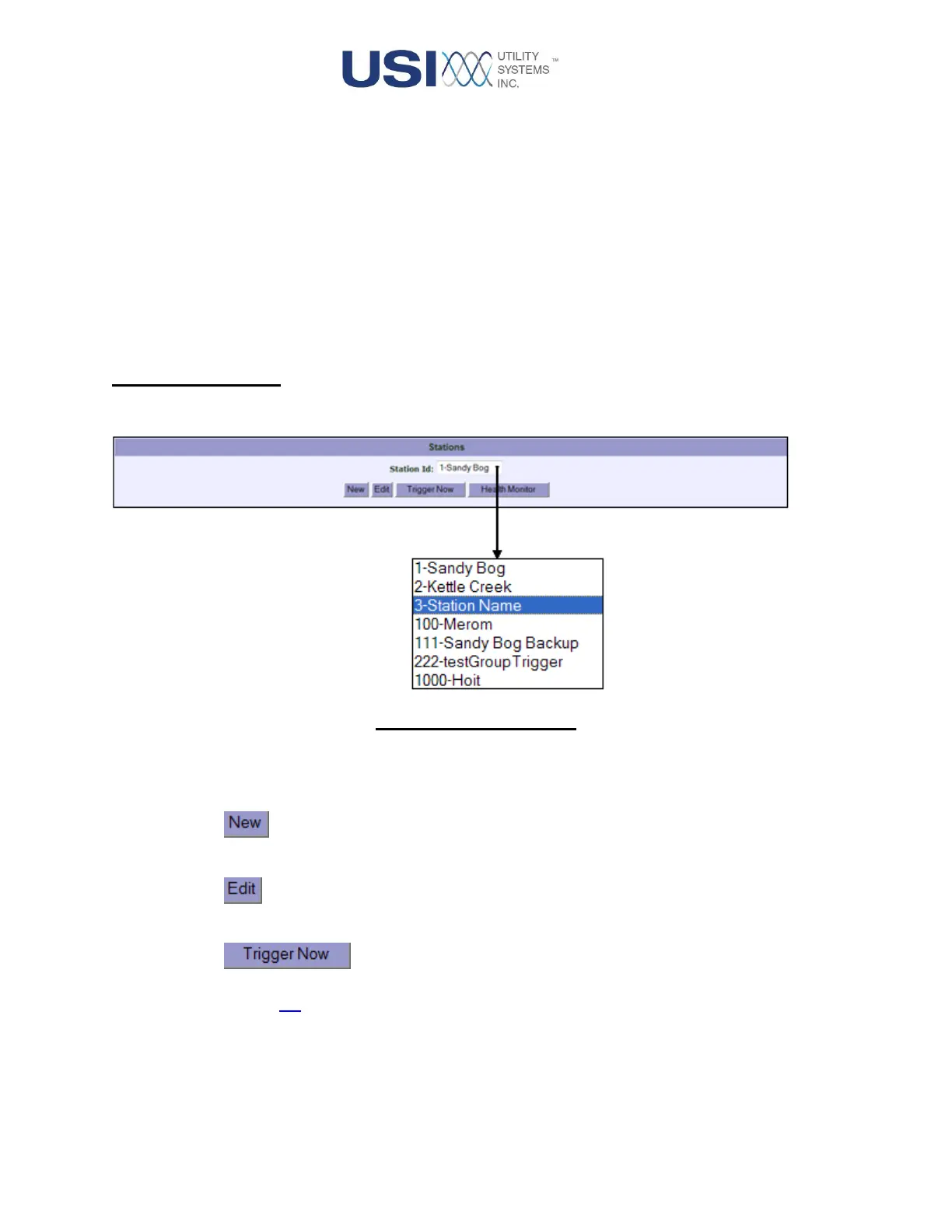
This panel features a drop-down list of available stations and four Function Select buttons:
Figure 2-4 Stations Panel
• Station ID
Use this drop-down menu to display the list of available stations.
•
Use the New button to create a configuration file for a new station.
•
Use the Edit button to edit the configuration file of an existing station.
•
Use the Trigger Now button to initiate a manual recording on the selected station (see
Section 3.3).
o The Successfully triggered message displays in blue when the Trigger Now
function was successful.



 To Next Page