60
Figure 2-26 Continuous Analog Data Screen
• Continuous Analog Data Table
This table displays the following information:
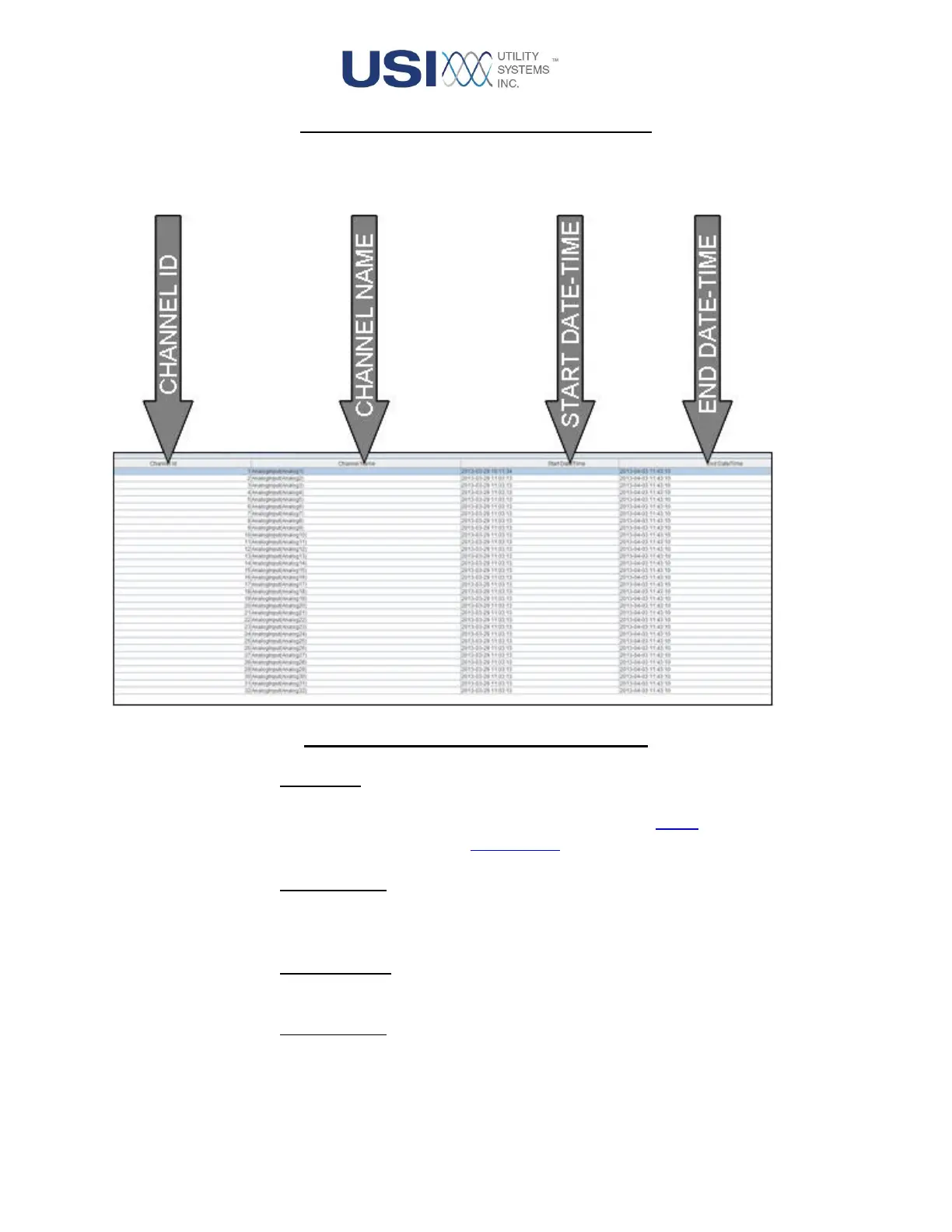
Figure 2-27 Continuous Analog Data Table
o Channel ID:
This column displays the input number for the analog channel in each row. The
channels displayed in this table have been selected for export in the Analog
Channel Configuration (see Section 3.1.2).
o Channel Name:
This column displays the description of the analog input channel as entered in the
Analogs page of the DME configuration.
o Start Date/Time:
This column displays the beginning date and time of the recorded data.
o End Date/Time:
This column displays the ending date and time of the recorded data.



 To Next Page