66
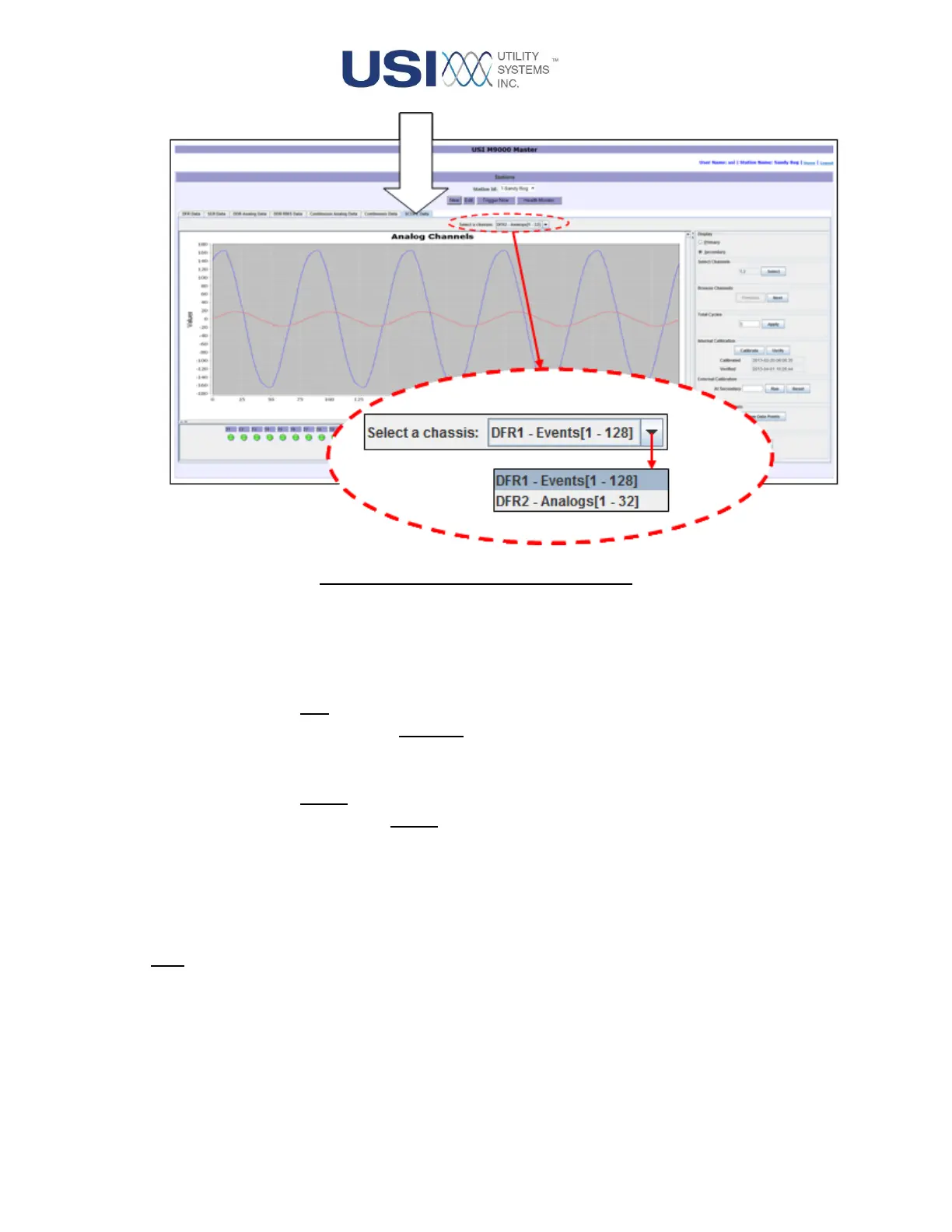
Figure 2-35 Select a chassis Drop-down
• Status Panel
This panel displays status of digital inputs and analog triggers monitored by the selected
chassis using the following legend:
o ● Red:
This indicates an abnormal input as defined by the Event Normal State settings or
the Measurement Trigger settings in the configuration.
o ● Green:
This indicates a normal input as defined by the Event Normal State settings or the
Measurement Trigger settings in the configuration.
When the selected chassis has only digital inputs, the status panel expands to the fill the
screen (see Figure 2-36).
Note: Hover the mouse pointer over a status indicator to display its description.



 To Next Page