84
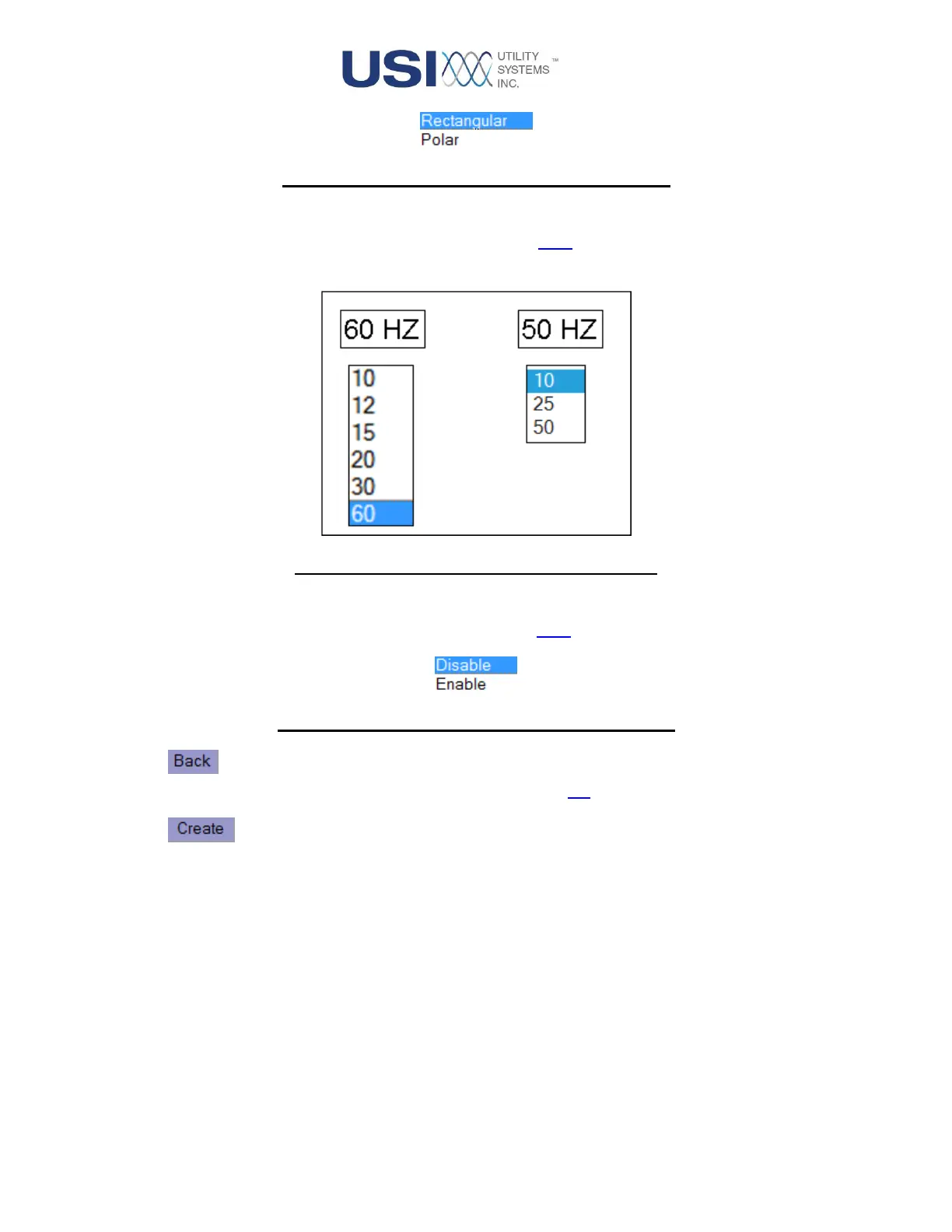
Figure 3-8 PMU Phasor Mode Drop-down Menu
• PMU Data Rate
This drop-down menu is used to select the rate for the PMU data stream. The list displayed is
determined by the Line Frequency selection.
Figure 3-9 PMU Data Rate Drop-down Menu
• PMU Status
This drop-down menu is used to enable or disable the PMU feature.
Figure 3-10 PMU Phasor Mode Drop-down Menu
• Button
This button returns the display to the Home screen (Figure 2-2).
• Button
This button creates a preview of the new configuration.



 To Next Page