46
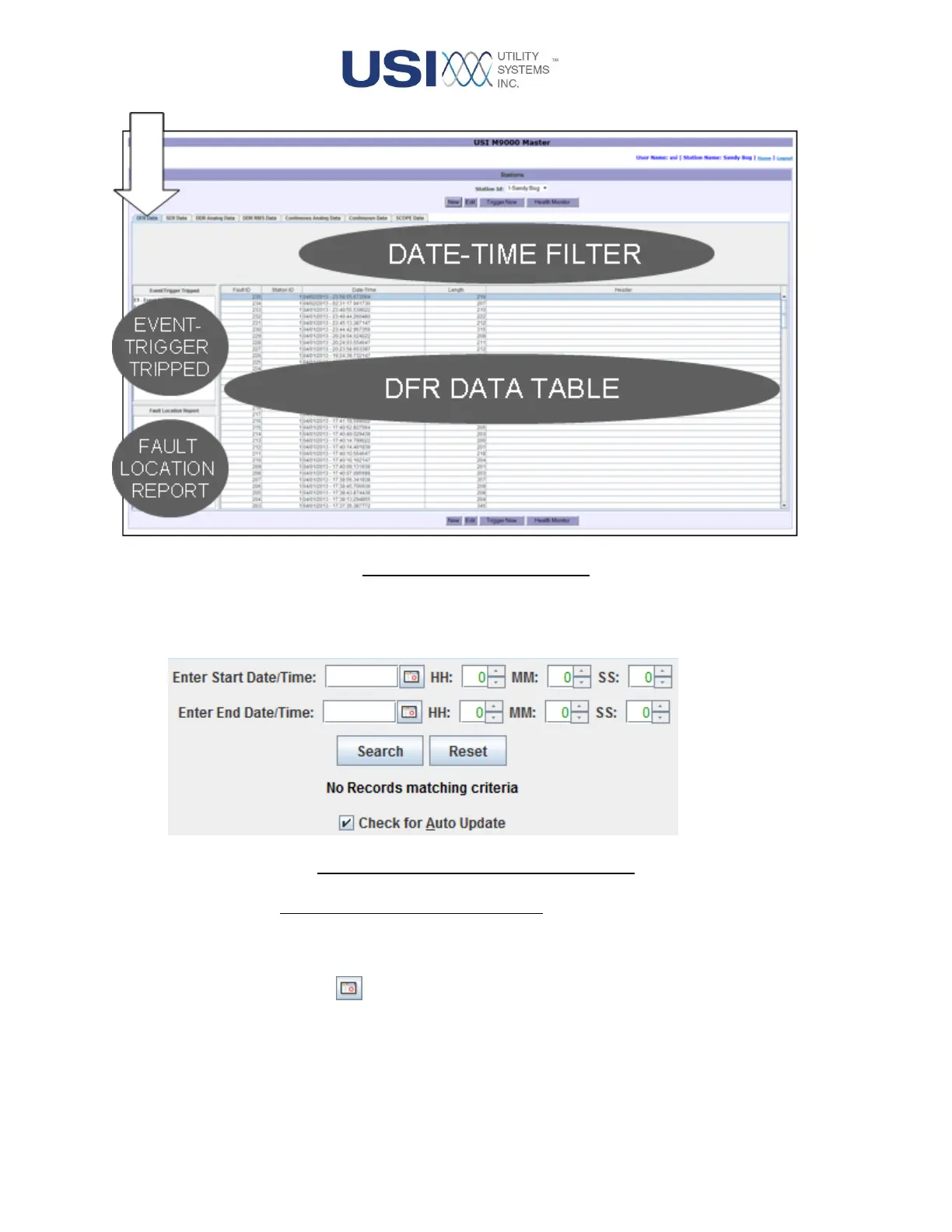
Figure 2-6 DFR Data Screen
• Date-Time Filter
This panel is used to select the records to be displayed in the Data table.
Figure 2-7 Start/End Date/Time Entries
o Enter Start Date/Time, End Date/Time:
These fields are used to select the begin and end dates and times to be displayed
on the DFR Data table.
▪ Calendar button
This button displays the calendar window. This window is used to select
dates for the Start Date and End Date fields.



 To Next Page