100
• Average
This column is used to enter the number of measurement values to be averaged together.
All M9000 algorithms have a data processing window of one power line cycle and a step size of
one power line cycle. This results in one calculated value for every power line cycle.
Average calculates a rolling average of the specified number of values. The numbers entered in
this column determine the window size in power line cycles for each average. The step size is
always one power line cycle.
The output values from the Average algorithm can be exported to Continuous Recording, can be
used to trigger the DME system, or can be streamed out as PMU data.
• Harmonic
This column is used only when the Harmonic measurement type is selected. It is used to enter the
number of the harmonic for measurement (e.g. 2 or 3 or 10 for the second, third or tenth harmonic).
The magnitude of this harmonic can be exported to Continuous Recording. It can also be used to
trigger the DME system or streamed out as PMU data.
• PMU
The checkboxes () in this column are used to select measurements to be streamed out as PMU
data in the IEEE C37.118 format. A PMU device must have a minimum of one Phasor
measurement selected in this column. Other measurements selected in this column will be
streamed out as an analog value in the PMU data stream.
• Freq
The checkboxes () in this column are used to select the frequency measurement to be used as
the frequency reference for the PMU data stream. Only one frequency measurement can be
selected in this column.
Note: If additional frequency values are desired, they can be selected in the PMU column to be
streamed out as an analog value in the PMU data stream.
• Trigger
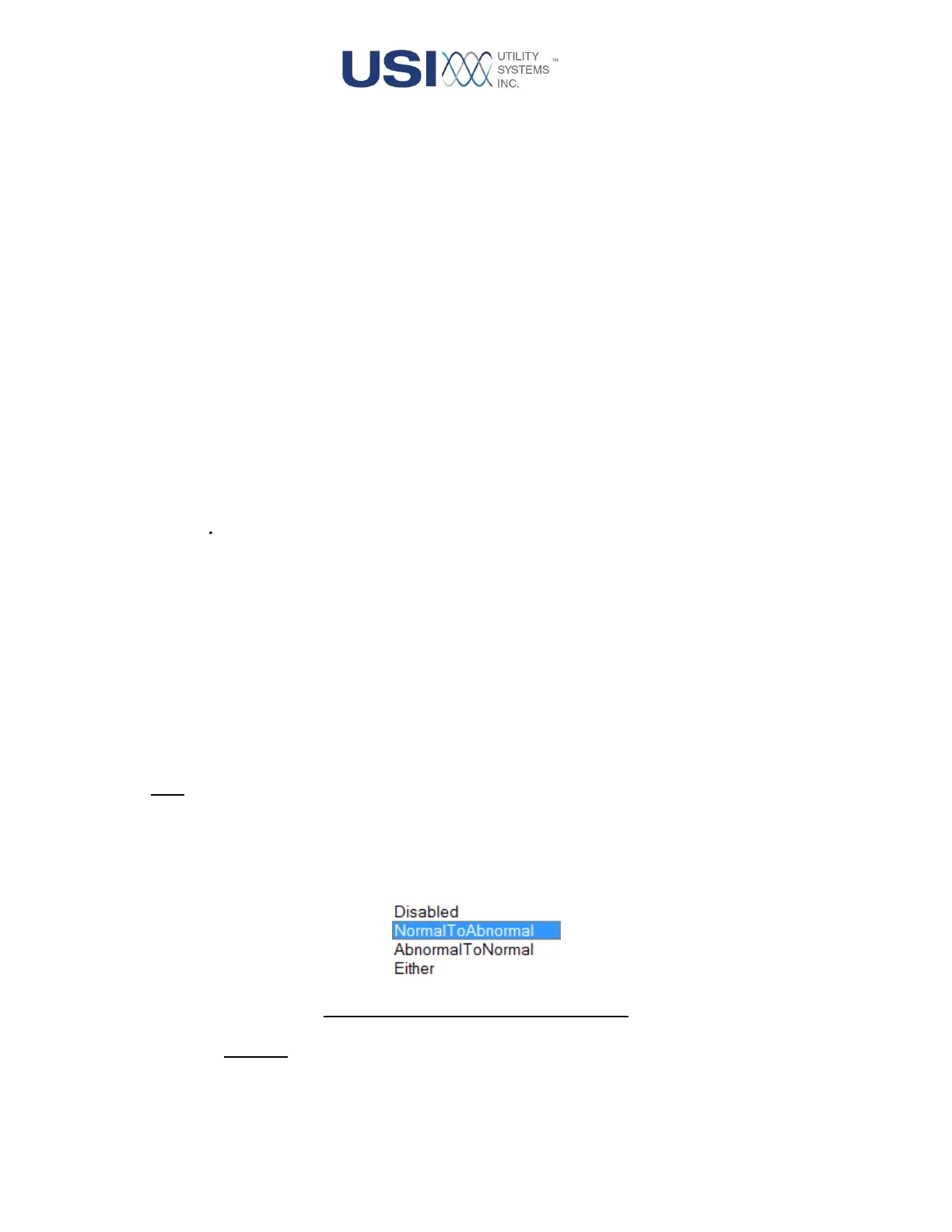
This column provides the drop-down menu to select a trigger mode for the measurement.
Figure 3-23 Trigger Drop-down Menu
o Disabled:
This selection inhibits the DFR trigger function. This is selected when the measurement is
only being exported to Continuous data or output in the PMU data stream.



 To Next Page