71
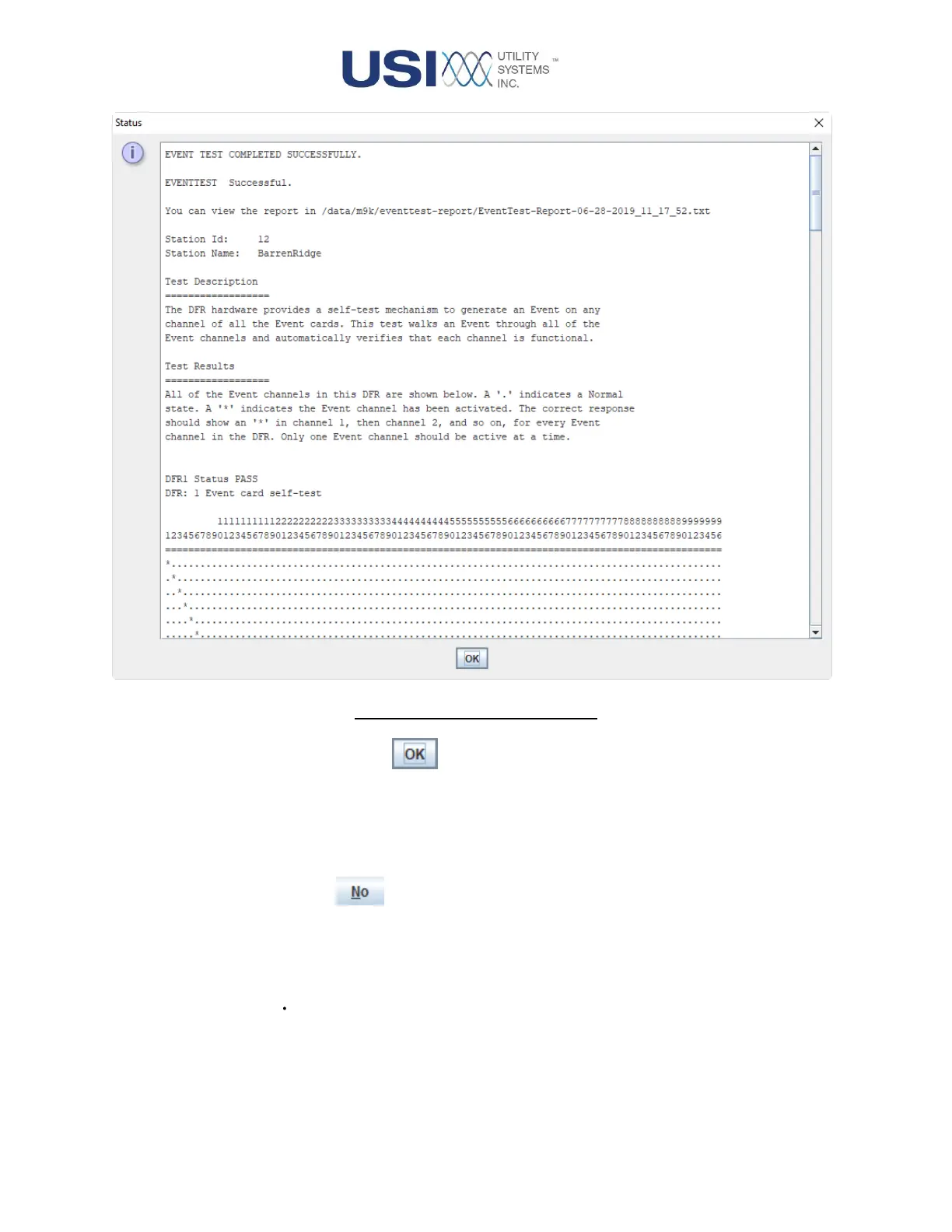
Figure 2-39 Event Test Report
▪ OK Button
This button acknowledges the results of the Event Test, stores the
report for evidence of routine maintenance, and updates the Last
Event Test field displayed in the Events panel. The report is
stored at: /File System/data-m9k/eventtest-report.
No Button
Selecting the No button closes the EventTest Confirmation window
without performing the Event Self-test routine or taking the DME system
off-line.
▪ Enable Transient
This checkbox is used to enable the digital input triggers and allow the self-test
routine to generate DFR and SER data records, in addition to the self-test report.



 To Next Page