70
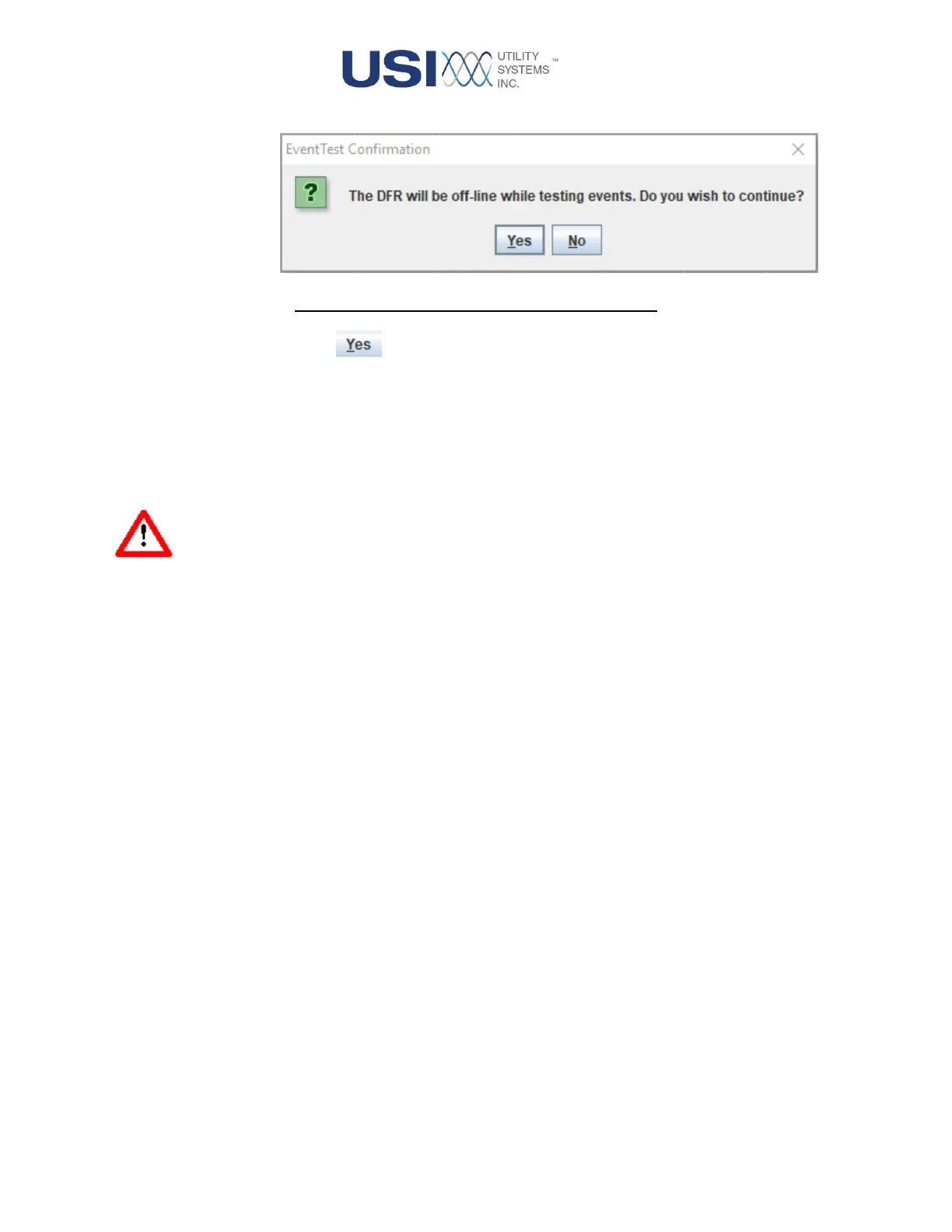
Figure 2-38 EventTest Confirmation Window
Yes Button
Selecting the Yes button activates the Event Self-test routine. This will test
the functionality of all digital inputs. The test will switch, on and off, a DC
test voltage embedded within each digital input channel and confirm each
input reports open or closed accordingly. A Status window is then
displayed to report Event Test details for review. The bottom of this
window displays the OK button.
Warning: The DME system will momentarily be off-line for the duration of this routine,
typically 5 seconds or less.



 To Next Page