117
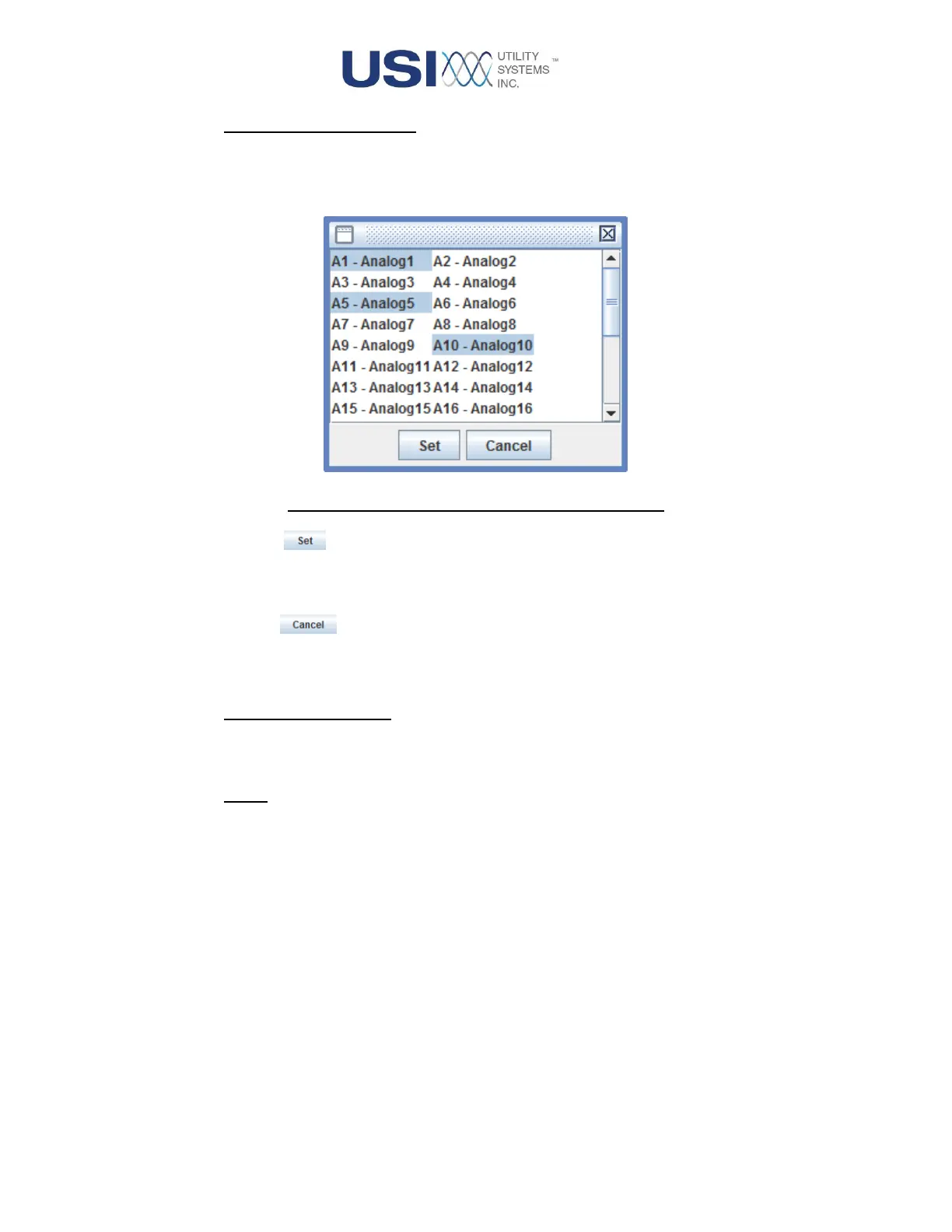
o Select Channels To Display:
This selection displays the window below. This window is used to select the specific
channels to display in the COMTRADE Display. Multiple selections can be made by
Ctrl+Left-click or Shift+Left-click. The hotkey for this function is Ctrl+A.
Figure 4-4 Select Channels To Display Window
▪ Button
This button applies the selections and displays the channels in the COMTRADE
Display window.
▪ Button
This button cancels the selections and displays the original channels in the
COMTRADE Display window.
o Reset to original display:
This selection resets all display modifications and returns to the original view. The hotkey
for this function is Ctrl+R.
o Close:
This selection closes the COMTRADE Display browser window. The hotkey for this
function is Ctrl+X.
• Edit
This menu offers the following selections:



 To Next Page