65
2.3.7 Scope Data Screen
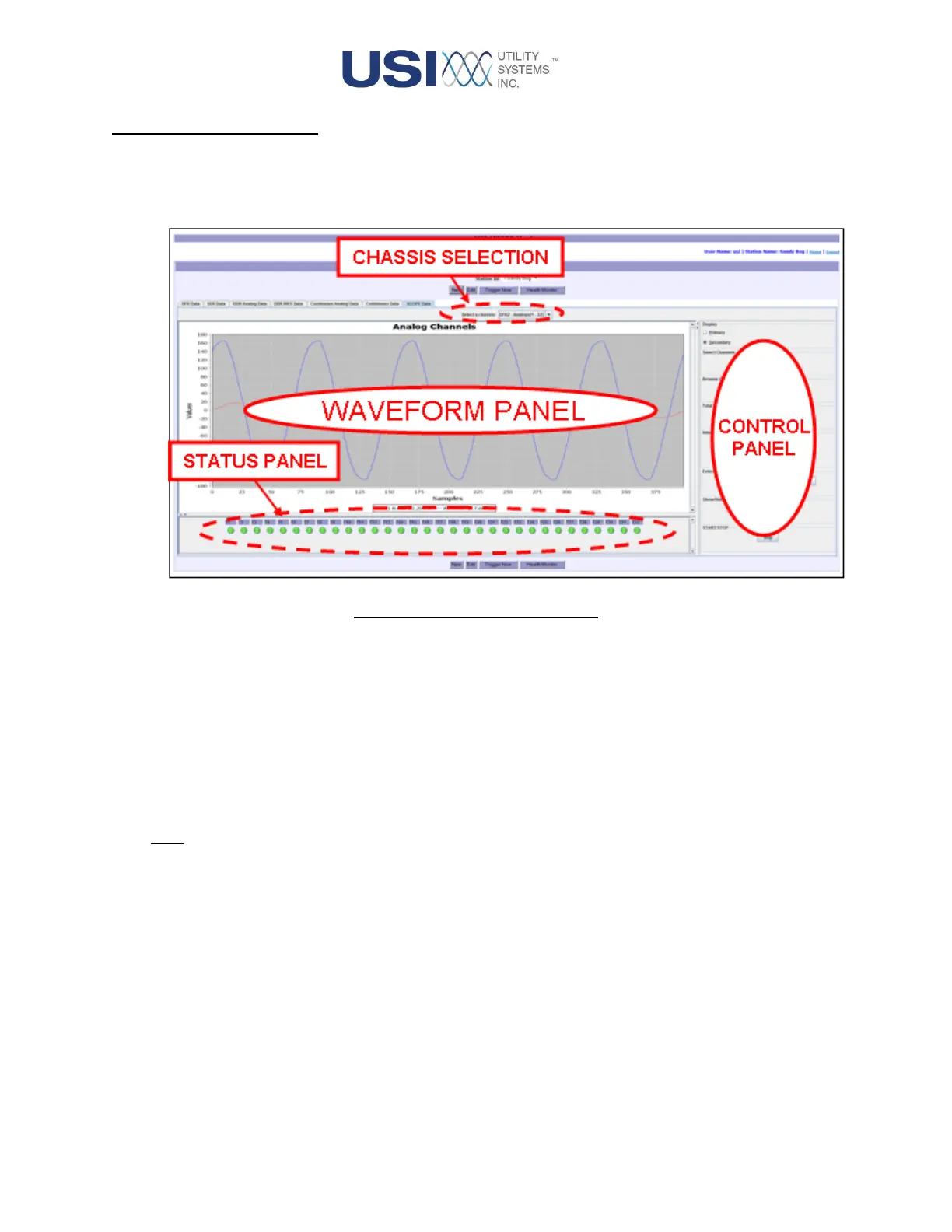
This screen is used to view live analog and digital inputs, to display measurement values, and to calibrate
the analog inputs. It has four main sections: Chassis Selection, Waveform Panel, Status Panel, and Scope
Panel.
Figure 2-34 Scope Data Screen
• Chassis Selection
This selection restricts displayed data to inputs coming from a single chassis. This drop-down
displays a list of chassis as defined in the configuration and is used to select a data source to be
displayed.
Each chassis may have different analog and digital input configurations. The Scope Data screen
adapts to the configurations of the selected chassis.
Note: The numbers displayed next to the listed chassis refer to the systems global input number
for that chassis.



 To Next Page