45
o The Unable to trigger message displays in red when the Trigger Now function
was unsuccessful.
•
Use the Health Monitor button to display the health monitor screen (See Section 3.4).
2.3 Screen Tabs
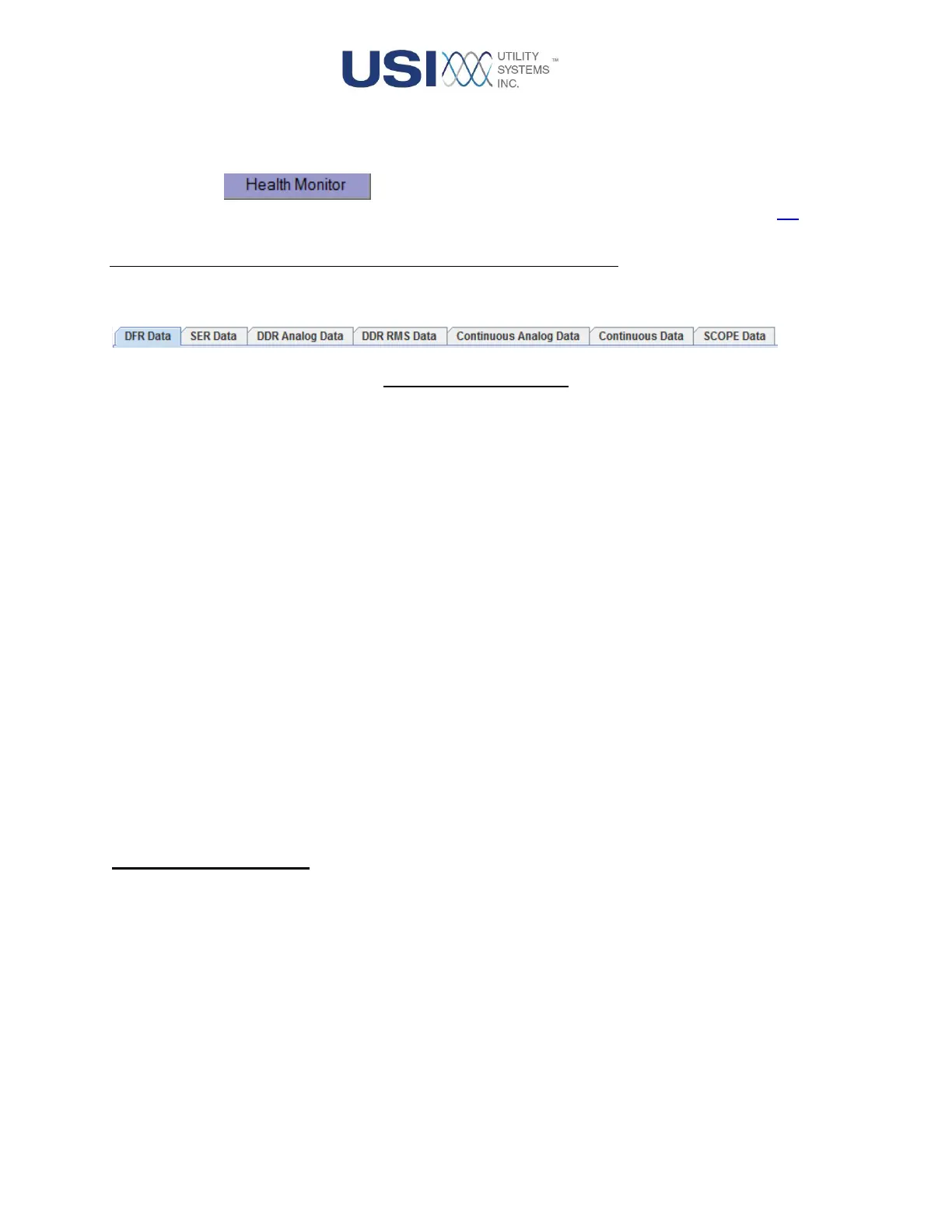
This panel presents the screens available for selection:
Figure 2-5 Screen Tabs
• DFR Data
This screen tab displays a table of DFR data files.
• SER Data
This screen tab displays a table of stored SER data.
• DDR Analog Data
This screen tab displays a table of DDR analog data files.
• DDR RMS Data
This screen tab displays a table of DDR RMS data files.
• Continuous Analog Data
This screen tab displays a table of Continuous Analog data files.
• Continuous Data
This screen tab displays a table of Continuous data files.
• Scope Data
This screen tab displays the Scope toolbox.
2.3.1 DFR Data Screen
This screen tab displays a table of DFR data files for analysis:



 To Next Page