52
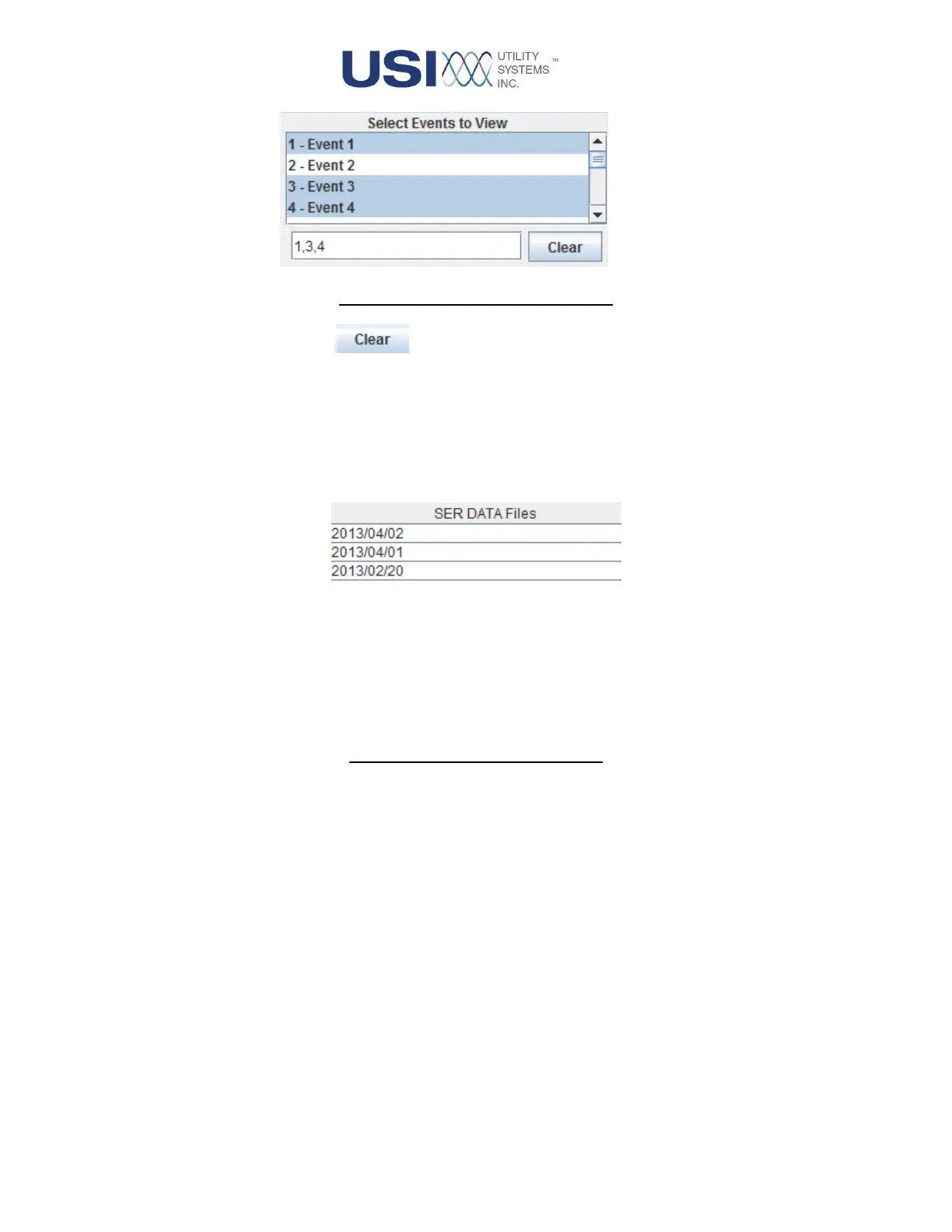
Figure 2-15 Select Events To View
▪ This button is used to clear inputs in the Select Events to View
sub-panel.
• SER DATA Files
This panel displays a list of SER data files by date. Data files can be selected by Ctrl+Left-
click or Shift+Left-click. SER data from the selected files is displayed in the SER Data
table.
Figure 2-16 SER Data Files List
• SER DATA Table
This table displays the selected SER data files. The SER data can be sorted in ascending
or descending order by clicking the header for one of the following columns:



 To Next Page