73
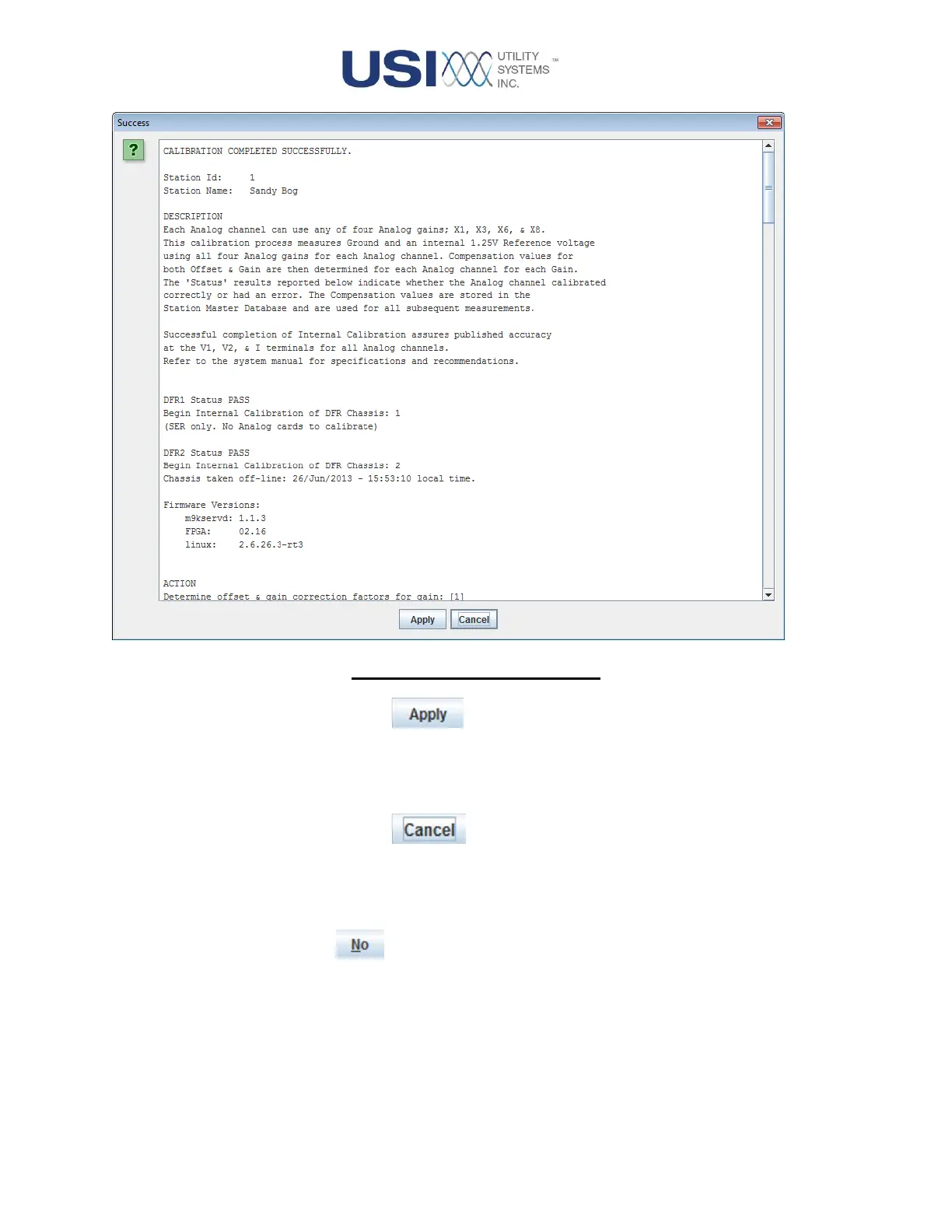
Figure 2-41 Calibration Report
▪ Apply Button
Click this button to apply the new calibration correction
coefficients and save the Calibration Report. The report is stored
at: /File System/data-m9k/calibration-report.
▪ Cancel Button
Click this button to discard the new calibration correction
coefficients and to leave the previously applied calibration
coefficients in effect.
No Button
Selecting the No button closes the Calibration Confirmation window
without performing the internal calibration routine or taking the DME
system off-line.



 To Next Page