72
▪ Last Event Test
This field is populated with the date and time that the Event Self-test report is
acknowledged. This date and time are also displayed on the Health Monitor
screen (See Section 3.4).
o Internal Calibration:
This panel provides the following controls:
Calibrate Button
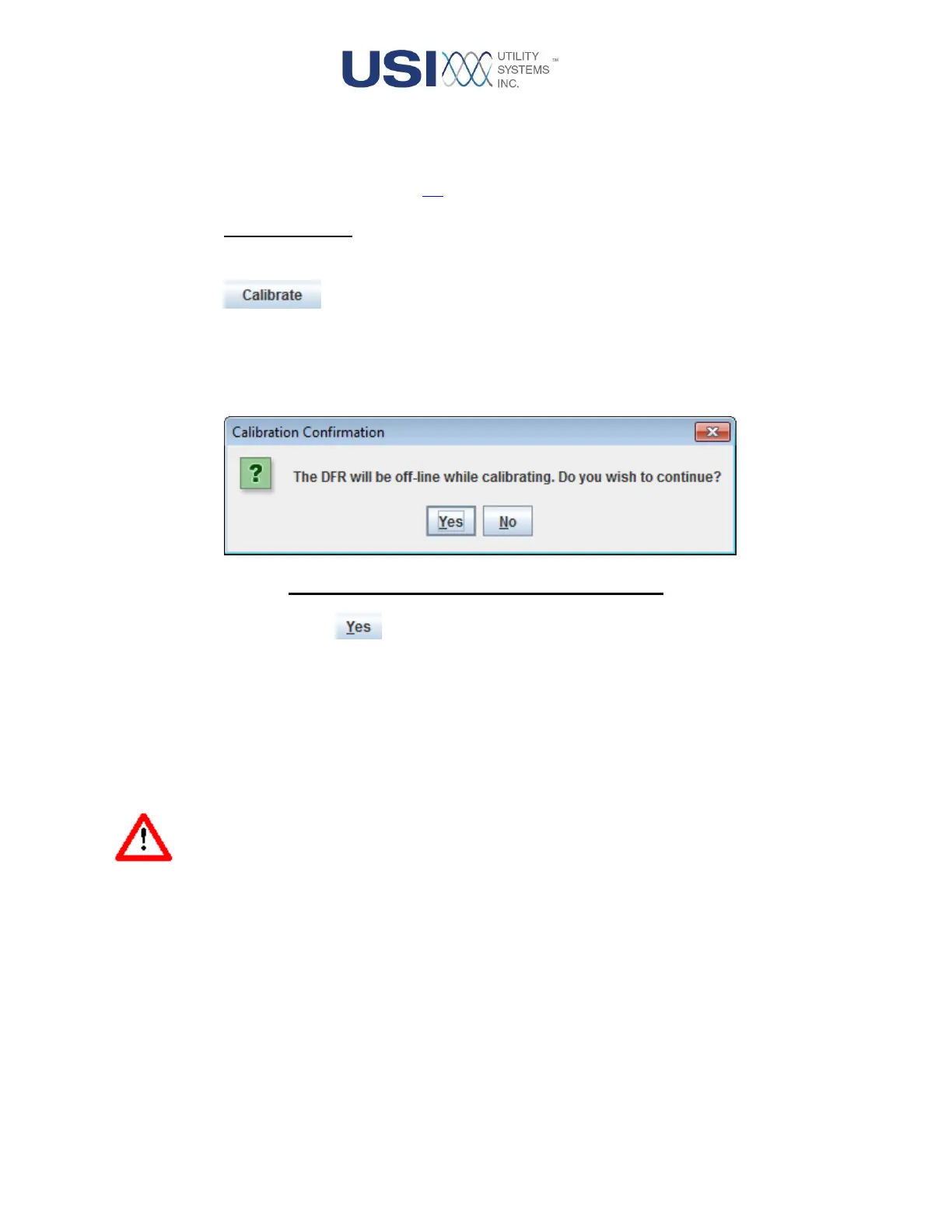
This button displays the Calibration Confirmation window and is used to initiate the internal
calibration routine for all analog inputs. This function is only intended to be exercised at the
time of commissioning or a routine maintenance cycle of the system. For an arbitrary test
of system calibration, the Verify button is recommended.
Figure 2-40 Calibration Confirmation Window
Yes Button
Selecting the Yes button activates the internal calibration routine. This
routine calibrates all input ranges of all analog inputs. Calibration is done
by comparing measurements from a precision reference source,
embedded within each analog channel, with expected values. Corrective
calibration coefficients are then calculated. A Success window is then
displayed to report calibration details for each analog input for review. The
bottom of this window displays the Apply and Cancel buttons.
Warning: The DME system will be taken off-line for the duration of this routine, typically 45
seconds.



 To Next Page