74
▪ Verify Button
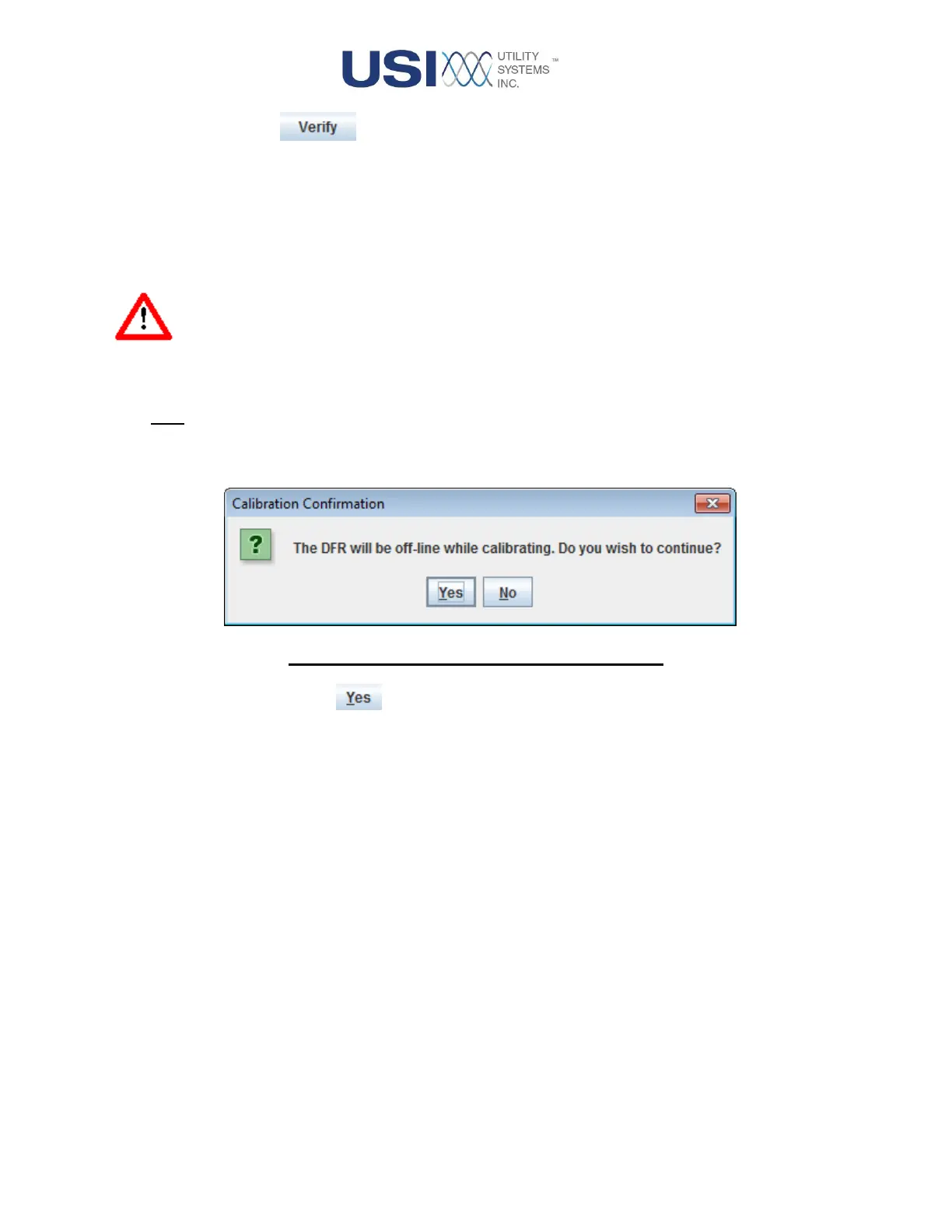
This button displays the Calibration Confirmation window. This function is intended
to be exercised at any time for an arbitrary verification of system calibration. This
feature can be used to test that the calibration for all input ranges of all analog
inputs has not changed by more than 0.25%. This is done by comparing
calibration factors calculated during this routine, with calibration factors that were
applied during the previous Internal Calibrate function.
Warning: The DME system will be taken off-line for the duration of this routine, typically 45
seconds.
Note: The Verify routine does not make any changes to the applied DME system calibration.
Figure 2-42 Calibration Confirmation Window
Yes Button
Selecting the Yes button activates the calibration verification routine.
Upon completion, the verification status report is displayed.



 To Next Page