59
o Station ID:
This column displays the identification number associated with the selected DME
system.
o Long Term Type:
This column displays the unit of measurement for the record.
o Date-Time:
This column displays the date and time that each record was triggered.
o Length:
This column displays the length in milliseconds of each record.
o Header:
This column displays the contents of the COMTRADE header file. The header file
stores comments about the record. To enter or edit the header content, left-click
this cell and type the information to be stored.
o Right-click menu:
This menu displays the following selections. These selections open the
COMTRADE Display window (see Section 4).
▪ View
This displays the selected DDR RMS data.
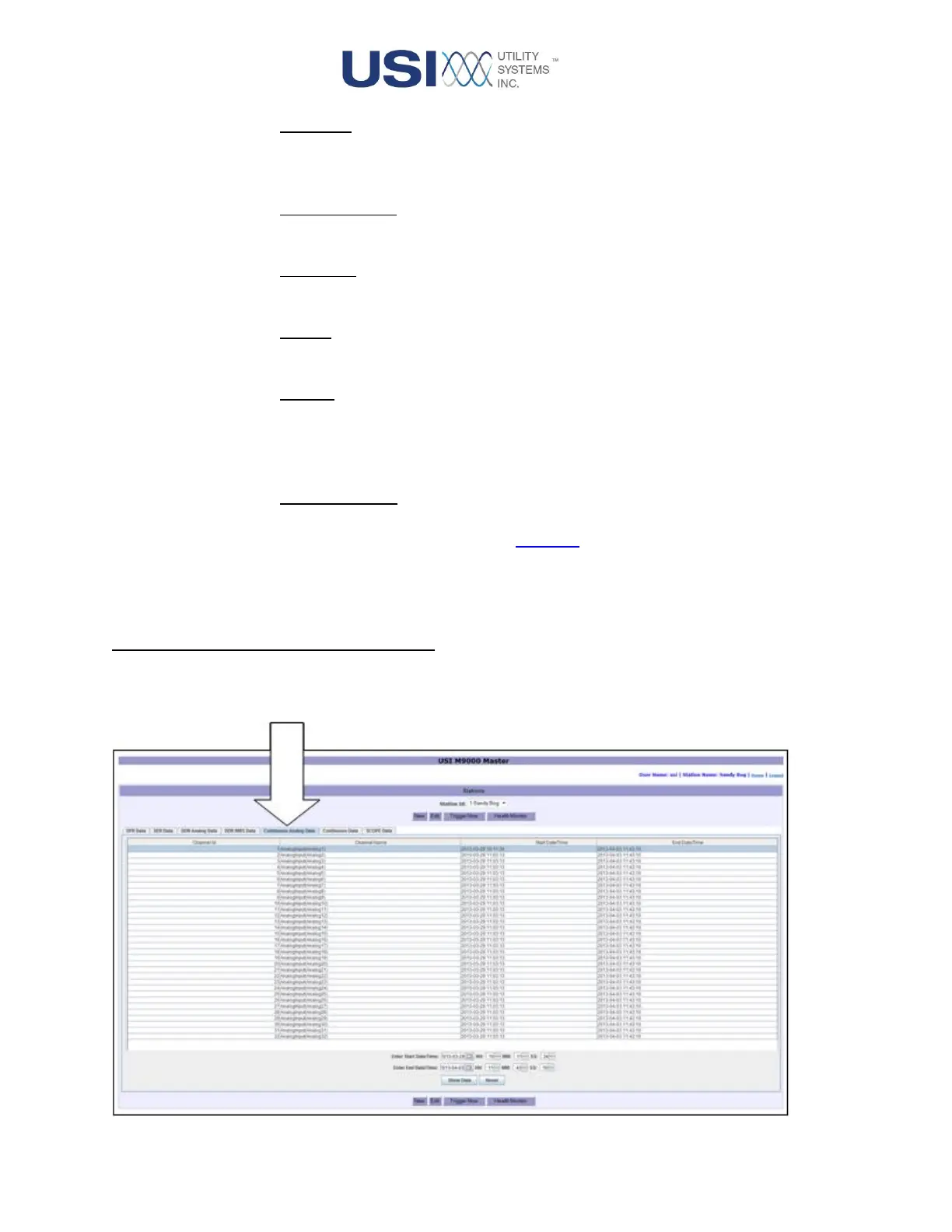
2.3.5 Continuous Analog Data Screen
This screen tab displays a table of Continuous Analog data available from the selected DME system. This
data is retained in the DME storage drives for five days.



 To Next Page