75
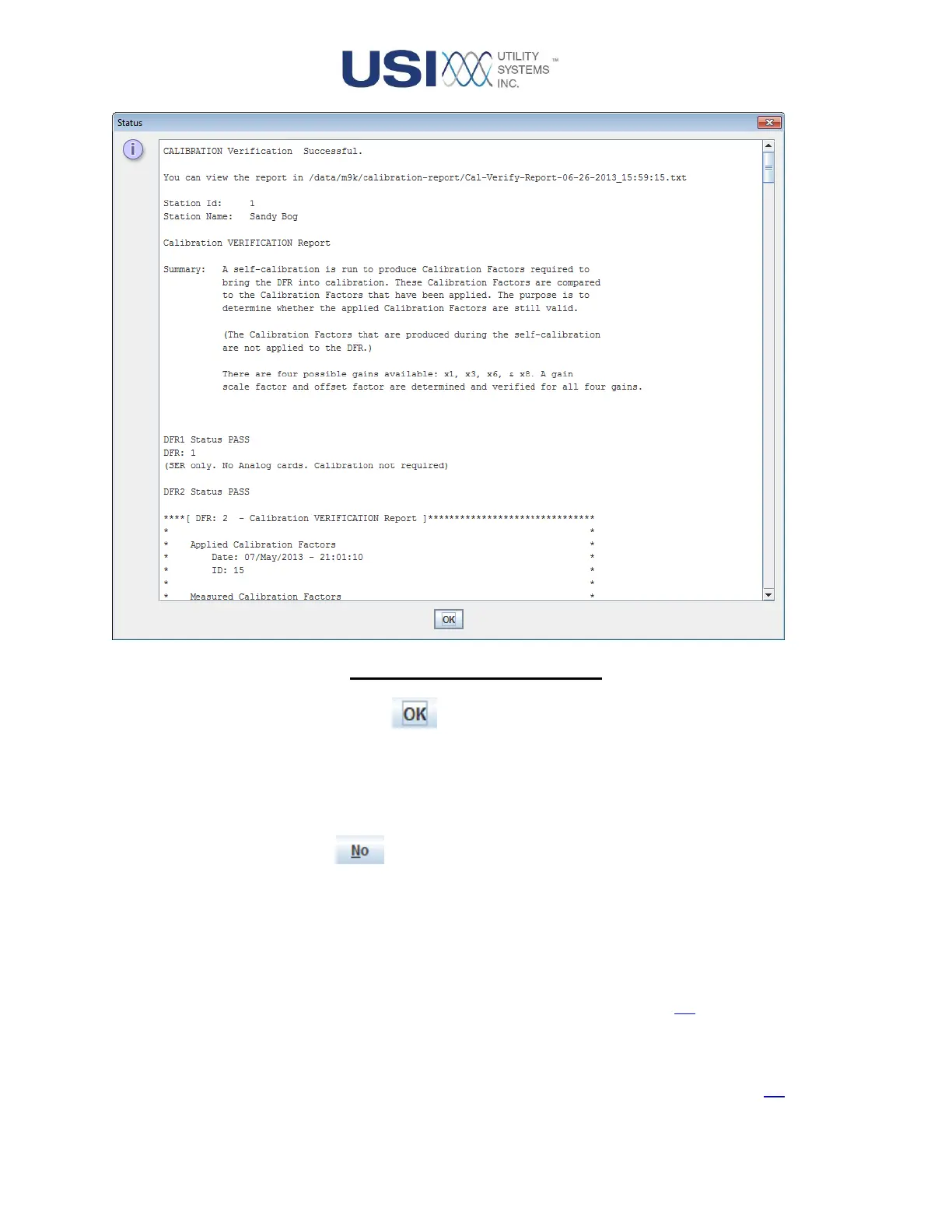
Figure 2-43 Verification Report
▪ OK Button
This button acknowledges the results of the Calibration
Verification and stores the report for evidence of routine
maintenance. This report is located at: /File System/data-
m9k/calibration-report.
No Button
Selecting the No button closes the Calibration Confirmation window
without performing the analog calibration verification routine or taking the
DME system off-line.
▪ Calibrated Field
This field displays the date and time of the last calibration. This date and time are
also displayed on the Health Monitor screen (See Section 3.4).
▪ Verified Field
This field displays the date and time of the last calibration verification. This date
and time are also displayed on the Health Monitor screen (See Section 3.4).



 To Next Page