HP10E / HP12E / HP15E / HP20E - Dairy design 8. Maintenance
8-17© VEMAG 2013
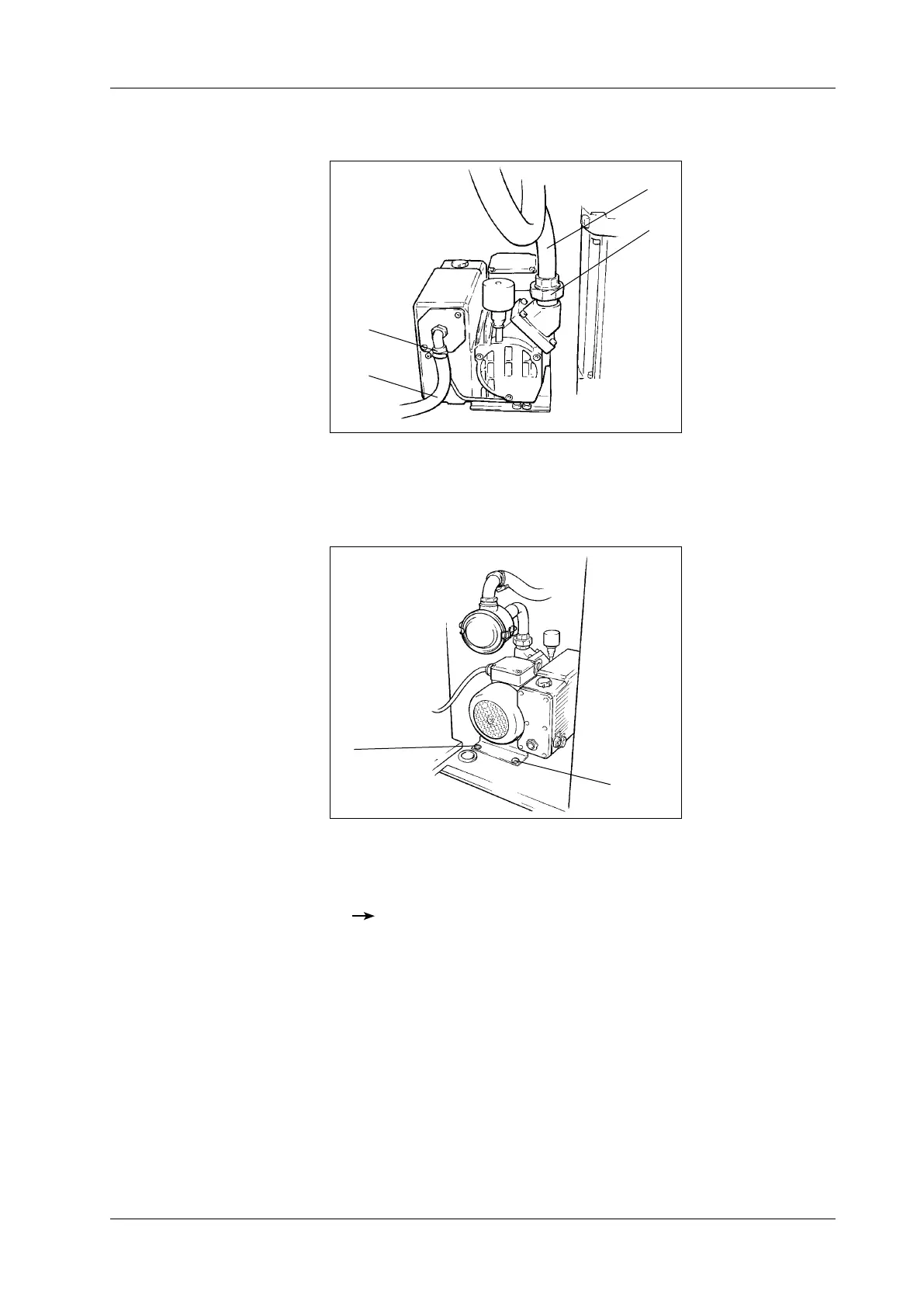
• Undo the two hose clamps (1) and pull off the two hoses (2).
1 Hose clamp
2 Hose
Fig. 8-17
Removing the vacuum
pump
1
2
1
2
• Undo the two assembly bolts (1) used to x the vacuum pump to the
base plate.
1 Assembly bolt
Fig. 8-18
Removing the vacuum
pump
1
1
• Lift the vacuum pump forwards out of the machine.
• Perform the necessary maintenance tasks on the vacuum pump.
Operating instructions for vacuum pump
• Put the vacuum pump back in the machine and tighten the two assem-
bly bolts in the base plate back up.
• Reattach the connecting cable and the hoses.
• Swing the front door closed and tighten up the two assembly bolts.



 To Next Page