HP10E / HP12E / HP15E / HP20E - Dairy design 3. Installation and commissioning
3-5© VEMAG 2013
3.4 Checking direction of rotation
Warning!
To avoid damage to the machine, the machine may not be operated for
more than 10 seconds in the wrong direction of rotation.
This is why it is essential to check whether the individual phases of the
alternating current supply have been connected according to specication
after the machine has been electrically connected; if the phases have
been switched, the motors start up in the wrong direction of rotation.
To check the direction of rotation, proceed as follows:
• Remove vacuum pot.
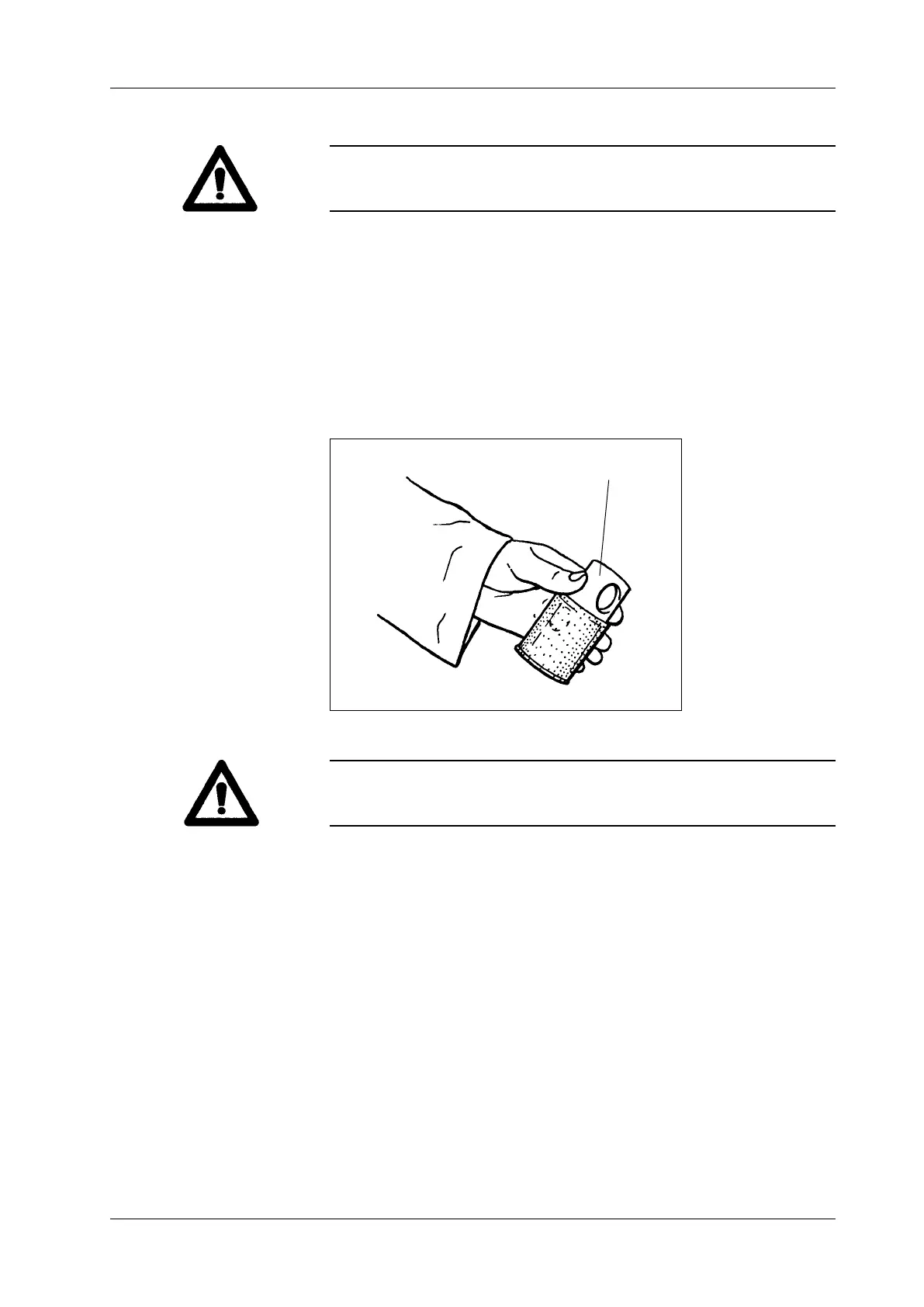
• Take hold of the oat valve on valve body (1) and pull it horizontally off
the vacuum line.
1 Valve body
Fig. 3-6
Float valve
1
Warning!
Do not take hold of the oat valve at the bottom at the screen to avoid
tilting when pulling off the valve.
• Switch on the machine and check whether air is being drawn in by the
vacuum line. If air is being drawn in, the motors are running in the cor-
rect direction of rotation. If no air is drawn in, the motors are running in
the incorrect direction of rotation.
• In this case, stop the machine immediately and have the alternating
current supply connected in correct phase by authorised specialist
staff or a specialist company.
• Repeat the check on direction of rotation if appropriate.
• Put the oat valve back on the vacuum line.
• Put the vacuum pot back on.



 To Next Page