HP10E / HP12E / HP15E / HP20E - Dairy design6. Graphical control
6-26 © VEMAG 2013
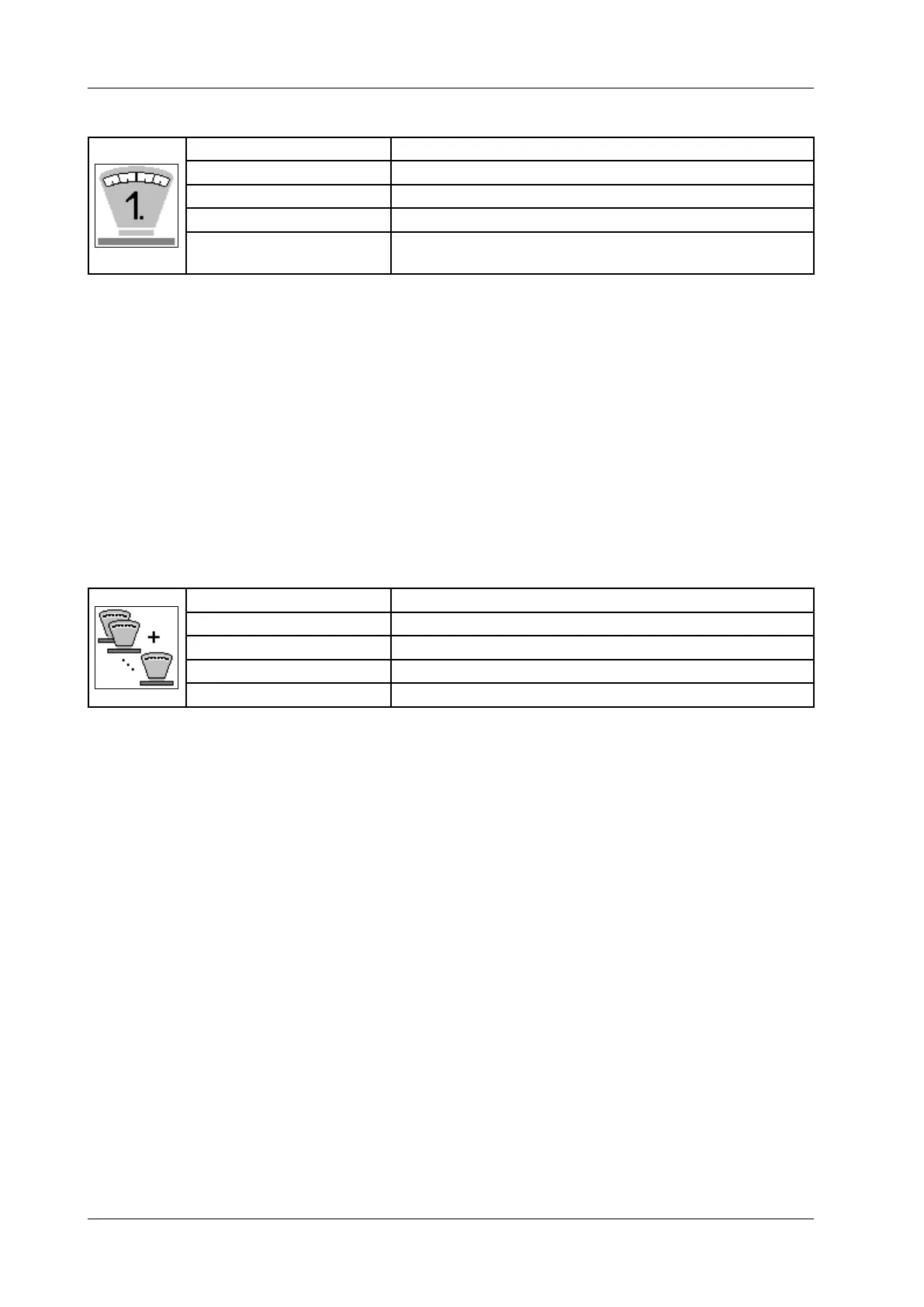
6.6.3.2 First portion
Display: First portion
Unit: Gramme [g]
Resolution: 0.1 g/1 g
Setting range: 0 – 999 g
Application: Portioning programs (not for weight groups, “Continuous”
and “Portions per minute”)
• Enter the weight for the rst portion.
• Press Enter.
Depending on lling weight, you may also be able to enter negative
values here.
The addition to the rst portion is made only after a pause of approx. 4
seconds until the machine is restarted by the knee lever or by remote
control.
A tick should be placed next to „always“ by pressing the Enter key if an
addition is always to be made to the rst portion. In this case, the additi-
on to the rst portion is made following a restart by the knee lever or by
remote control.
6.6.3.3 Total weight (only for weight groups)
Display: Total weight
Unit: Gramme [g]
Resolution: 1 g
Setting range: -99,999 – +99,999 g
Application: Weight groups
• Enter correction value with symbol in front.
• Press Enter.
You can correct the total weight of the weight group (e.g. kebab stick).
The portioning computer automatically recalculates the weights of the
individual slices.



 To Next Page