HP10E / HP12E / HP15E / HP20E - Dairy design6. Graphical control
6-8 © VEMAG 2013
6.4 Status and error messages
The footer displays status and error messages. You can use the arrow
keys in the footer to scroll through the last 100 messages. To do this,
you need to activate the footer using the cursor keys.
There are six different kinds of message.
• Fault (red and white)
• Fault eliminated (blue and white)
• Warning on display (yellow and black)
• Service message on display (yellow and black)
• Information on display (white and blue)
• Standby indicated (white and green)
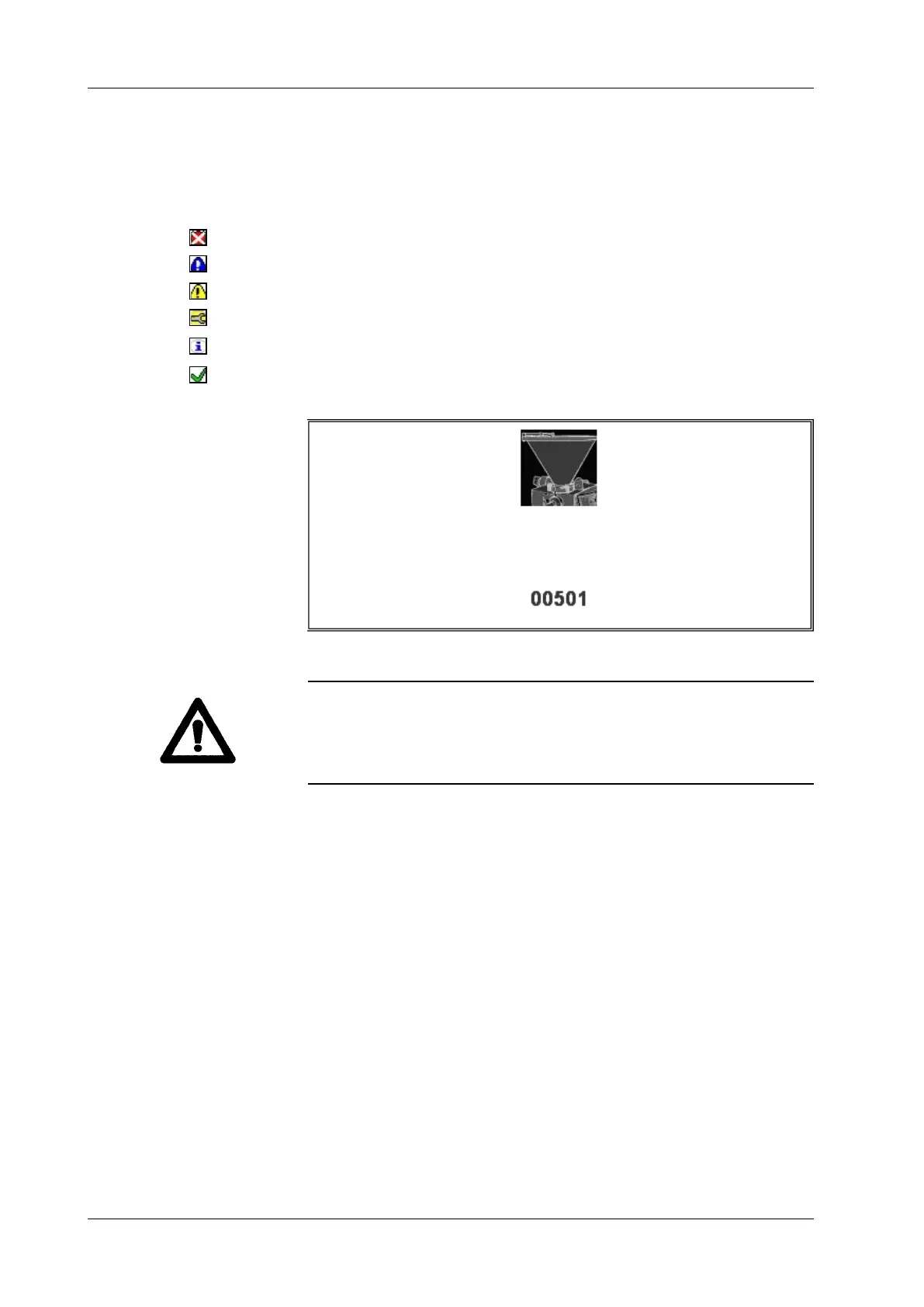
Outstanding messages are also displayed in a red and blue window.
Warning!
The graphical control cannot be operated if there are outstanding
messages. The fault must be eliminated or the message acknowledged
rst. You can hide the message by opening a Service page (bottom left
function key + number).
Hopper



 To Next Page