HP10E / HP12E / HP15E / HP20E - Dairy design6. Graphical control
6-52 © VEMAG 2013
Working with special devices
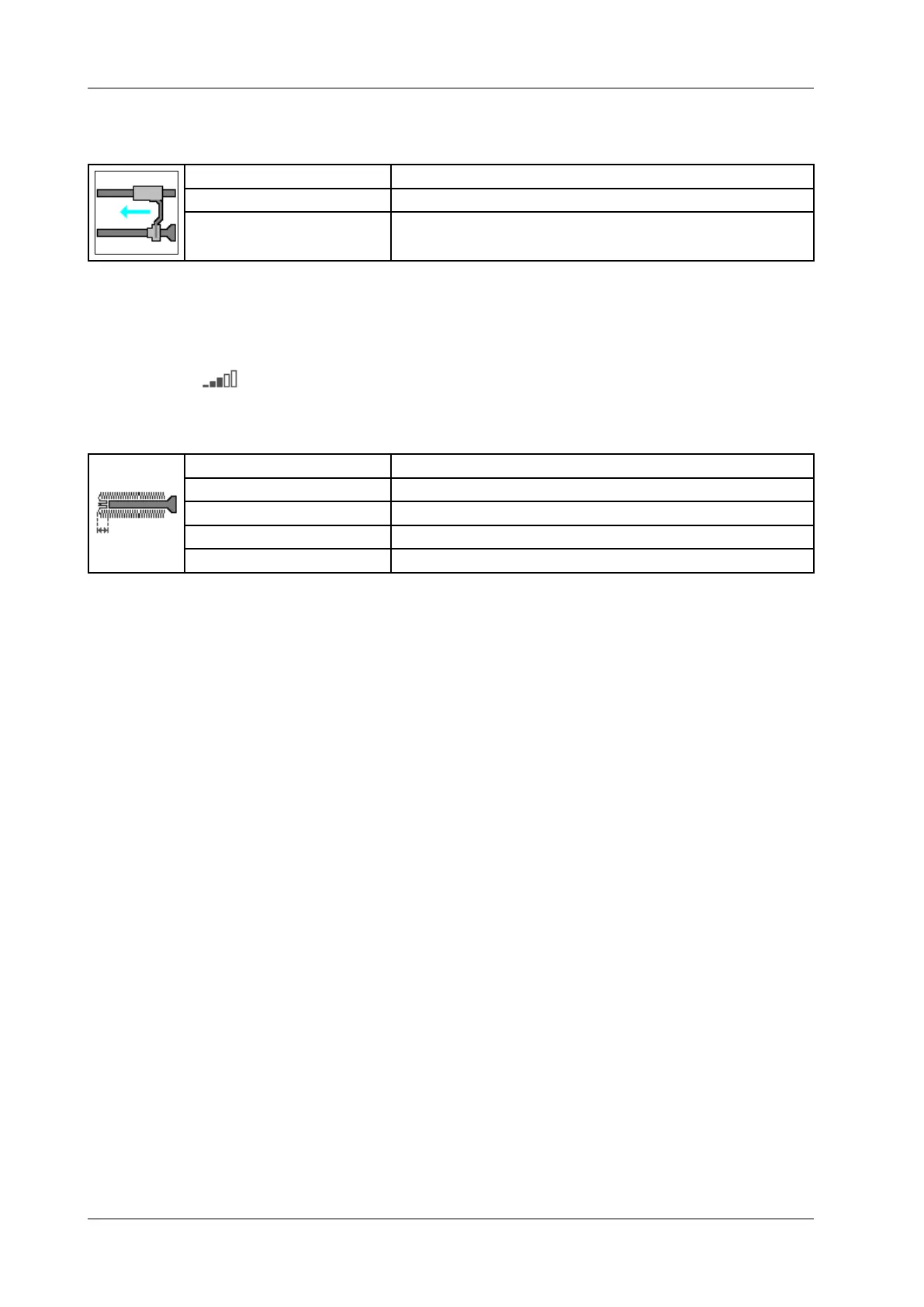
6.6.4.52 Casing pusher
Display: Casing pusher
Selection: Off / On
Application: Automatic casing pusher (LPG 208, LPG 209)
• Switch casing pusher on or off.
• Press Enter.
If you activate this parameter, the lling machine stops when it reaches
the end of the casing.
The thrust of the casing feed can be set between 0 and 100%.
6.6.4.53 Pushback
Display: Push-back length
Unit: Millimeter [mm]
Resolution: 1 mm
Setting range: 0 – 30 mm
Application: Automatic casing pusher (LPG 208, LPG 209)
Enter push-back length.
• Press Enter.
Select the „0“ setting for knotted casings.



 To Next Page