HP10E / HP12E / HP15E / HP20E - Dairy design 6. Graphical control
6-43© VEMAG 2013
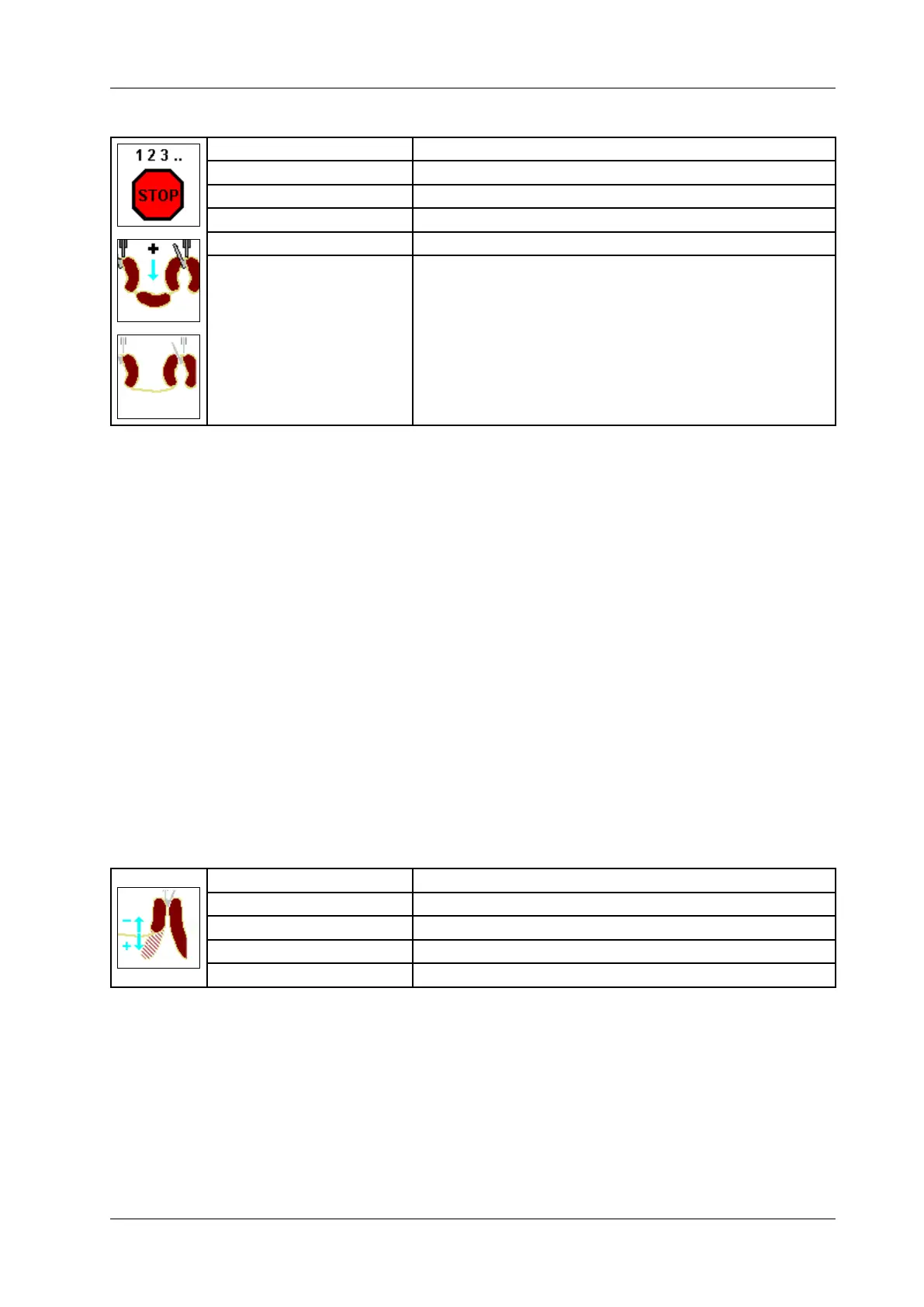
6.6.4.32 End of stick
Display: End of stick
Selection: Stop / lled portions / empty casing
Unit: Number / Millimeter [mm]
Resolution: 1 / 1 mm
Setting range: 0 – 10 (default = 0)
Application: AH 204, AH 212
• Enter the number of sausages or empty casings that are to be used to
create a gap between two sections (sticks).
• Press Enter.
Selecting "Stop" makes this parameter into the stop counter.
If “Filled portions” has been selected, you must specify the number of
portions to hang between the last hook of the previous stick and the rst
hook of the next stick.
If “Empty casing” has been selected, you must specify the length in milli-
metres of the empty casing to hang between the last hook of the previous
stick and the rst hook of the next stick. For LPG and synchronizing FSL,
only a multiple of the sausage length can be entered. Where the FSL
runs continuously, values can be entered freely. The rst portion after the
empty casing is corrected using the “Stick restart” parameter.
In addition, a stop counter can be dened for “Filled portions” and “Empty
casing”, so that a stop is possible irrespective of the “Sausages per stick”
parameter.
The parameter is only displayed if “Hooks per stick” has been dened.
6.6.4.33 Stick restart
Display: Stick restart
Unit: Gramme [g]
Resolution: 0,1 g
Setting range: 0,0 – 200,0
Application: AH 204, AH 212
• Enter the weight correction for the rst portion after the empty casing
• Press Enter.
This parameter only appears if an empty casing has been dened for
“End of stick”.
Negative values can also be entered, depending on the weight of the por-
tion.



 To Next Page