HP10E / HP12E / HP15E / HP20E - Dairy design6. Graphical control
6-54 © VEMAG 2013
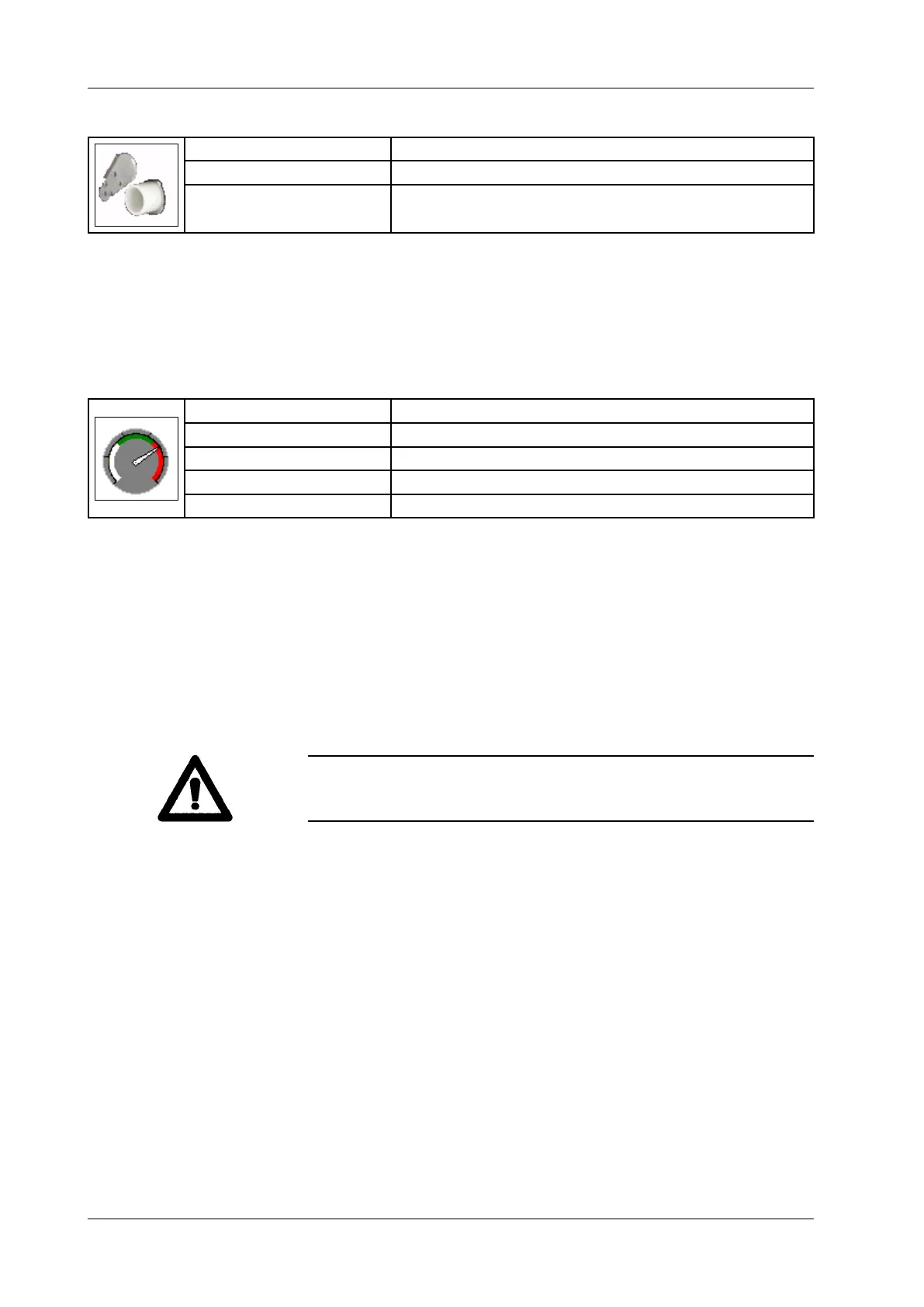
6.6.4.56 Knife (cutter)
Display: Knife
Selection: Portion end closed / Portion end open
Application: Servo cutter 808
• Select whether the knife leaves the outlet open or closes it at the end
of the portion.
• Press Enter.
The portion is only started when the knife has cleared the outlet.
6.6.4.57 Maximum lling pressure (pressure monitoring on grinding system)
Display: Max. lling pressure
Unit: Bar [bar]
Resolution: 0.1 bar
Setting range: Off / 10 – 50 bar (depending on the machine)
Application: Separation grinder 982, separation attachment 801
• Enter max. lling pressure which, when reached, will cause the
machine to stop.
• Press Enter.
This function monitors pressure in separation grinder 982/ separation
attachment 801. Current pressure is displayed in bar. When the maximum
pressure entered is reached, the machine is stopped. Pressure can be
reduced by reducing speed.
The pressure is monitored even if these settings are deactivated. In this
case, the monitoring refers to the maximum value set in the machine
conguration settings.
Warning!
The machine stopping can be an indication that blades and hole plates
are blocked with sinew. In this case, clean the blade set.



 To Next Page