HP10E / HP12E / HP15E / HP20E - Dairy design 2. Description
2-5© VEMAG 2013
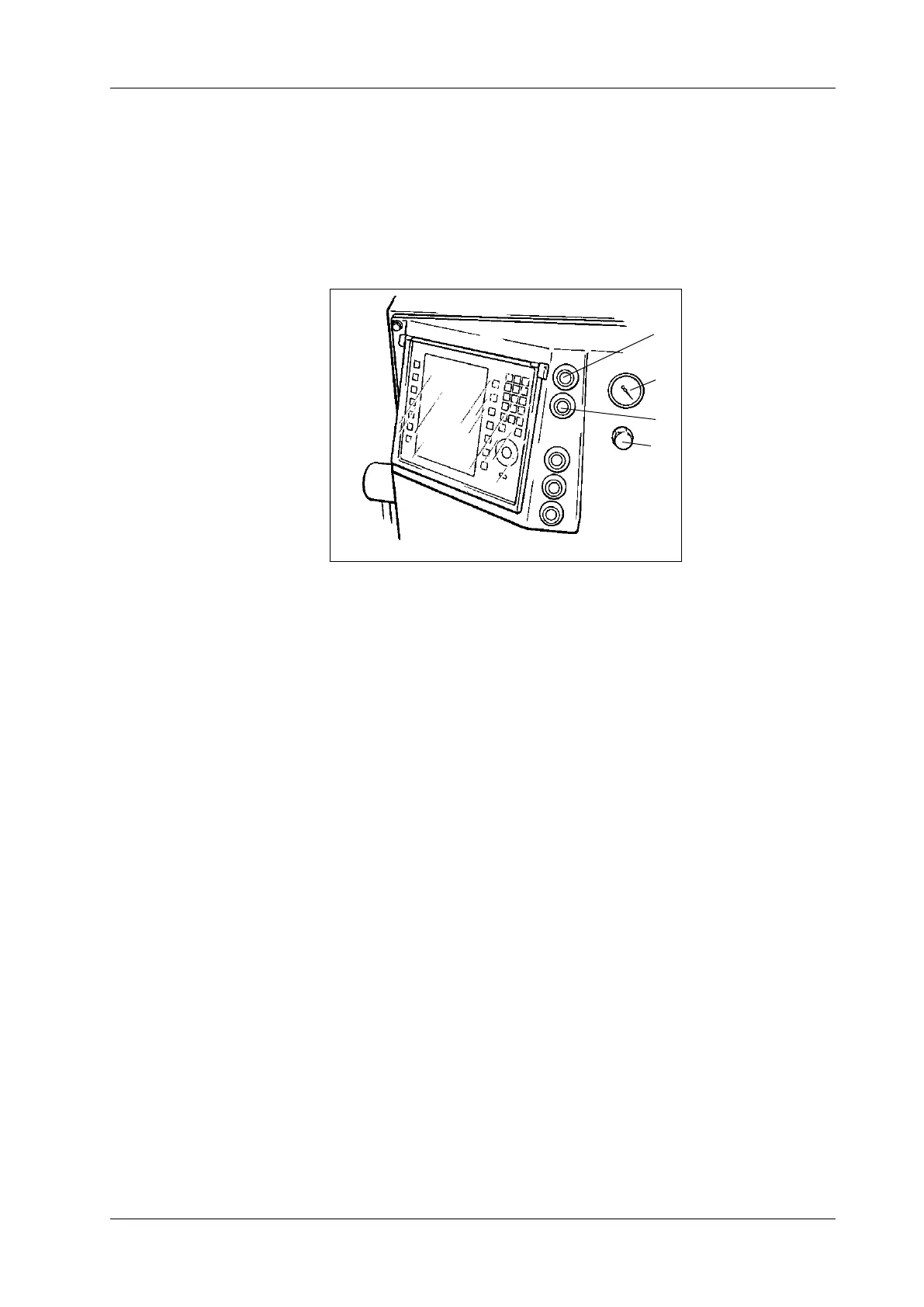
The following controls are arranged on the control panel on the front of
the machine next to the portioning computer:
• ON switch (1)
• OFF switch (2)
• Vacuum display (3)
• Vacuum control valve (4)
1 ON switch
2 OFF switch
3 Vacuum display
4 Vacuum control valve
Fig. 2-7
Machine control panel
1
2
3
4
ON key
This key switches on the drive of the machine.
OFF key
This key switches off the drive of the machine.
Vacuum display
The vacuum set by the vacuum control valve can be read off in per cent
(0 - 100 %) at the vacuum display.
Vacuum control valve
The desired vacuum for evacuating the product can be set using the va-
cuum control valve. Turning clockwise (+) increases the vacuum, turning
anti-clockwise (-) reduces the vacuum.



 To Next Page