HP10E / HP12E / HP15E / HP20E - Dairy design6. Graphical control
6-46 © VEMAG 2013
Working with the automatic separation valve
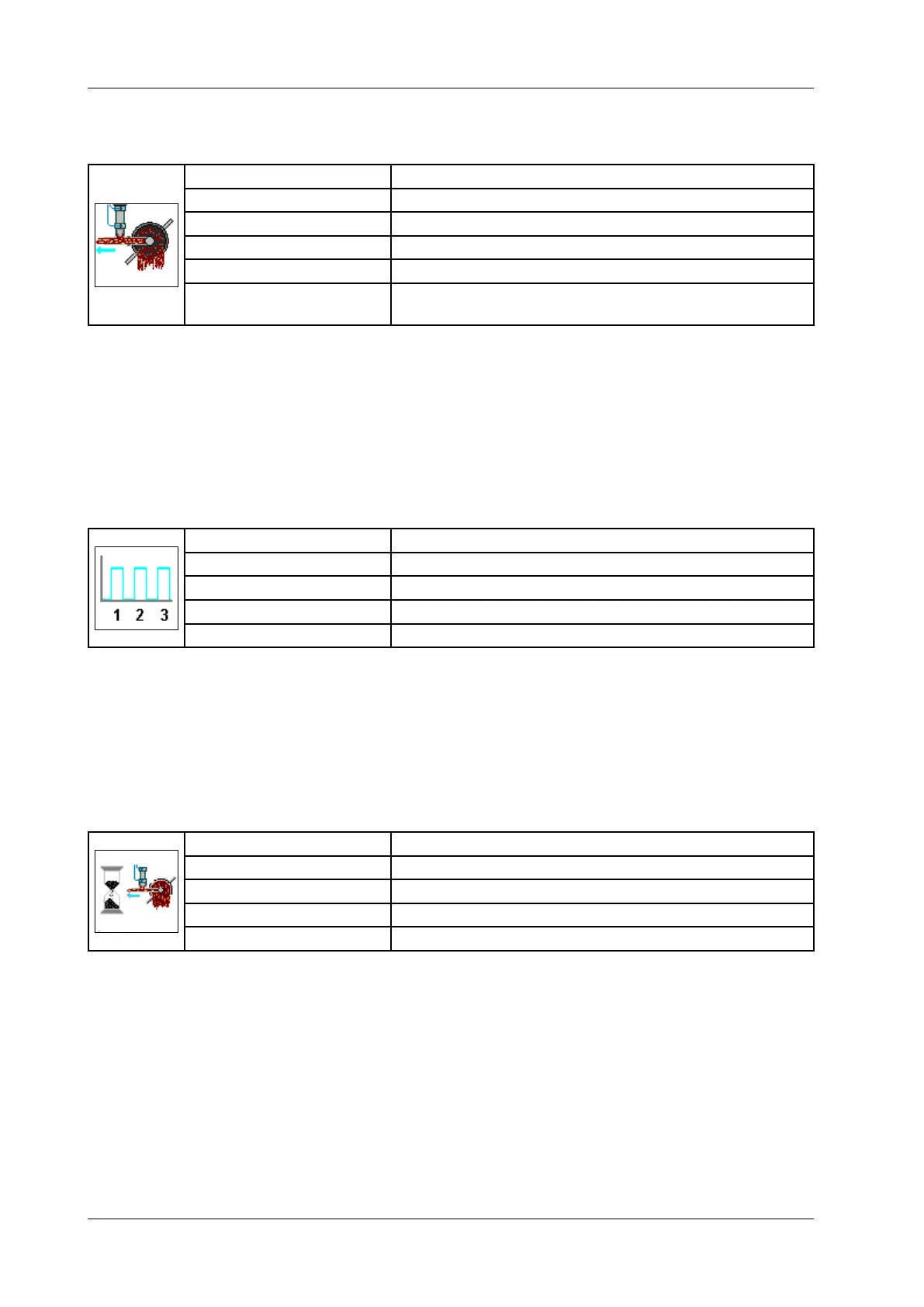
6.6.4.38 Separation valve
Display: Separation valve
Selection: Off/In portion/Portion end/Line end/Line start/Group end
Unit: Milliseconds [ms]
Resolution: 1 ms
Setting range: 0 – 9,999 ms
Application: When a “Portion end” signal is given, portion with the auto-
matic separation valve.
• Enter the time for which the separation valve is to open.
• Press Enter.
Select "In portion" if the separation valve is to open during the portion.
Select "Portion end" if the separation valve is to open at the end of the
portion. Select "Line end" if the separation valve is to open at the end
of a line (end of a casing).
6.6.4.39 Separation interval
Display: Separation interval
Unit: Number
Resolution: 1
Setting range: 0 – 99
Application: Portioning with automatic separation valve
• Enter the number of intervals within a portion in which the separation
valve is to open.
• Press Enter.
This parameter is only active if you have selected "In portion" for the
parameter "Separation valve".
6.6.4.40 Valve offset
Display: Valve offset
Unit: Milliseconds [ms]
Resolution: 1 ms
Setting range: -3,000 – +3,000 ms
Application: Portioning with automatic separation valve
• Enter the offset at which the separation valve is to open at the end of
a portion.
• Press Enter.
This parameter is only active if you have selected “Portion end” or “Group
end” for the parameter “Separation valve”. Negative entries are limited by
portion time and positive entries by the pause.



 To Next Page